Branded and legally binding contracts with smart fields, automatic formatting, and a client-friendly signing experience.

Create contracts that pull in the right booking details, keep supporting information organized, and reduce the manual formatting work that slows planners down.
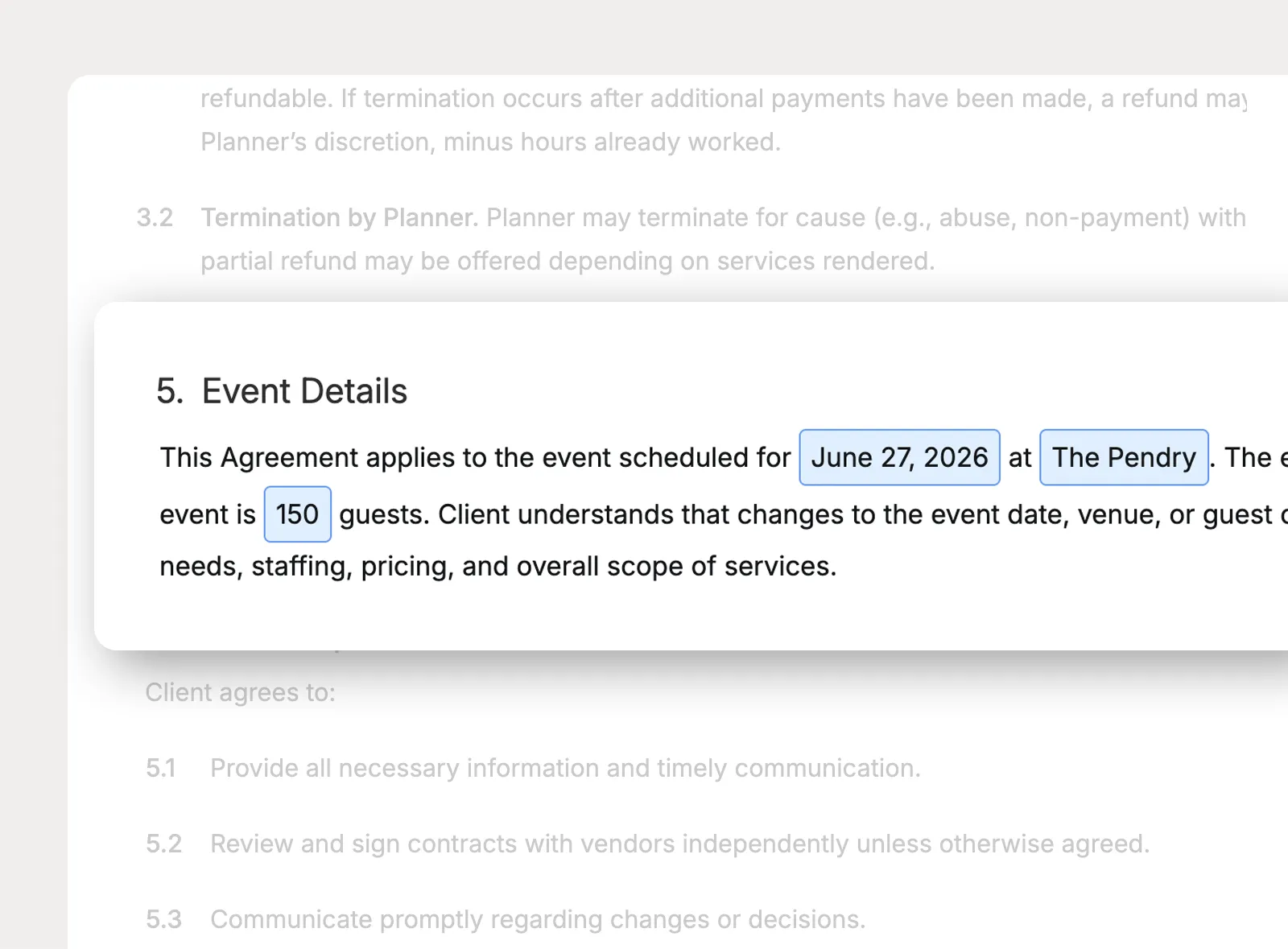
Insert smart fields for project details, advance payment details, and company information so contract language can reflect the client and event without retyping the same details each time.
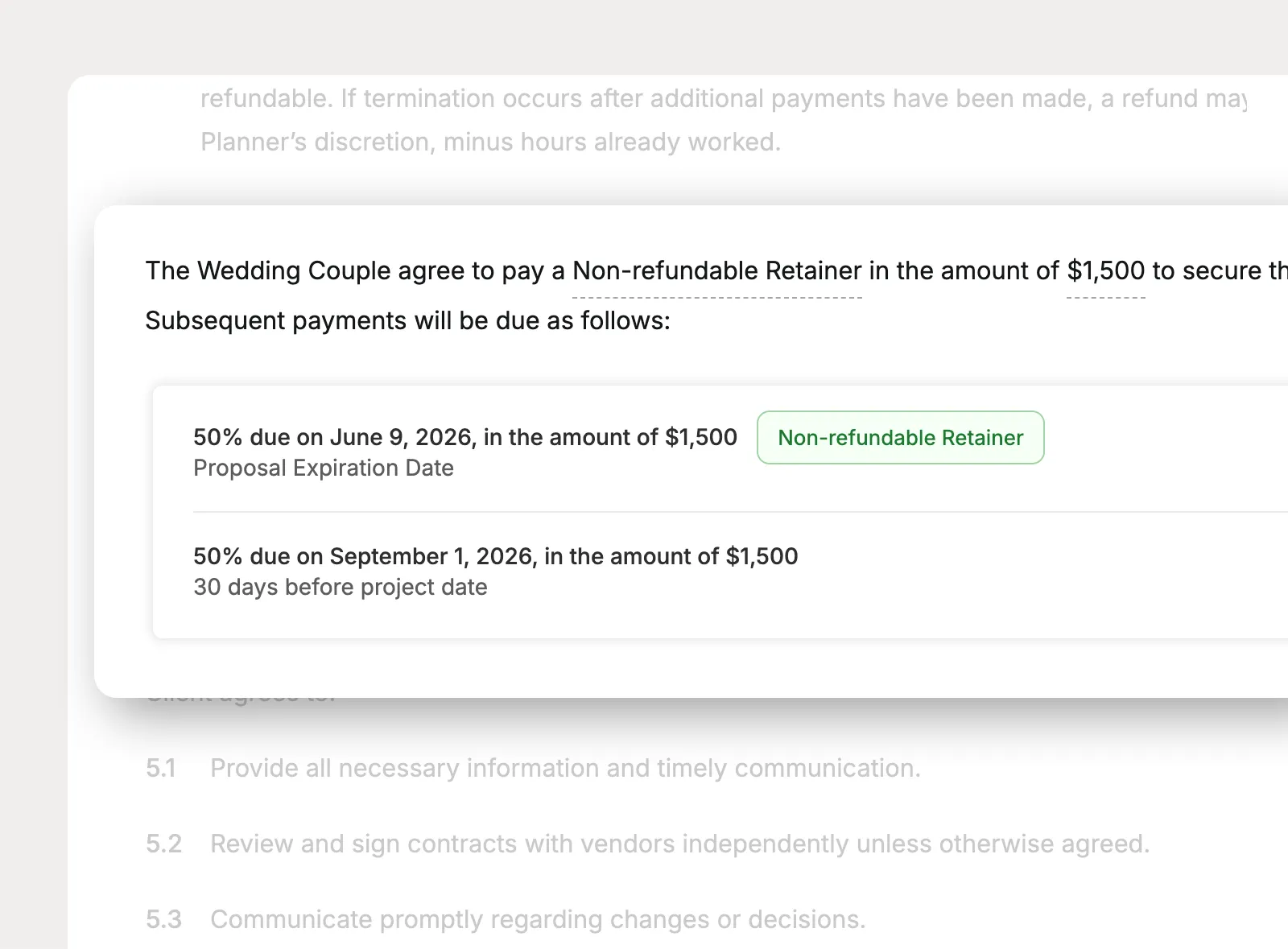
Pull invoice payment schedule details into the contract so clients can review the payment timing and amounts alongside the rest of the agreement.
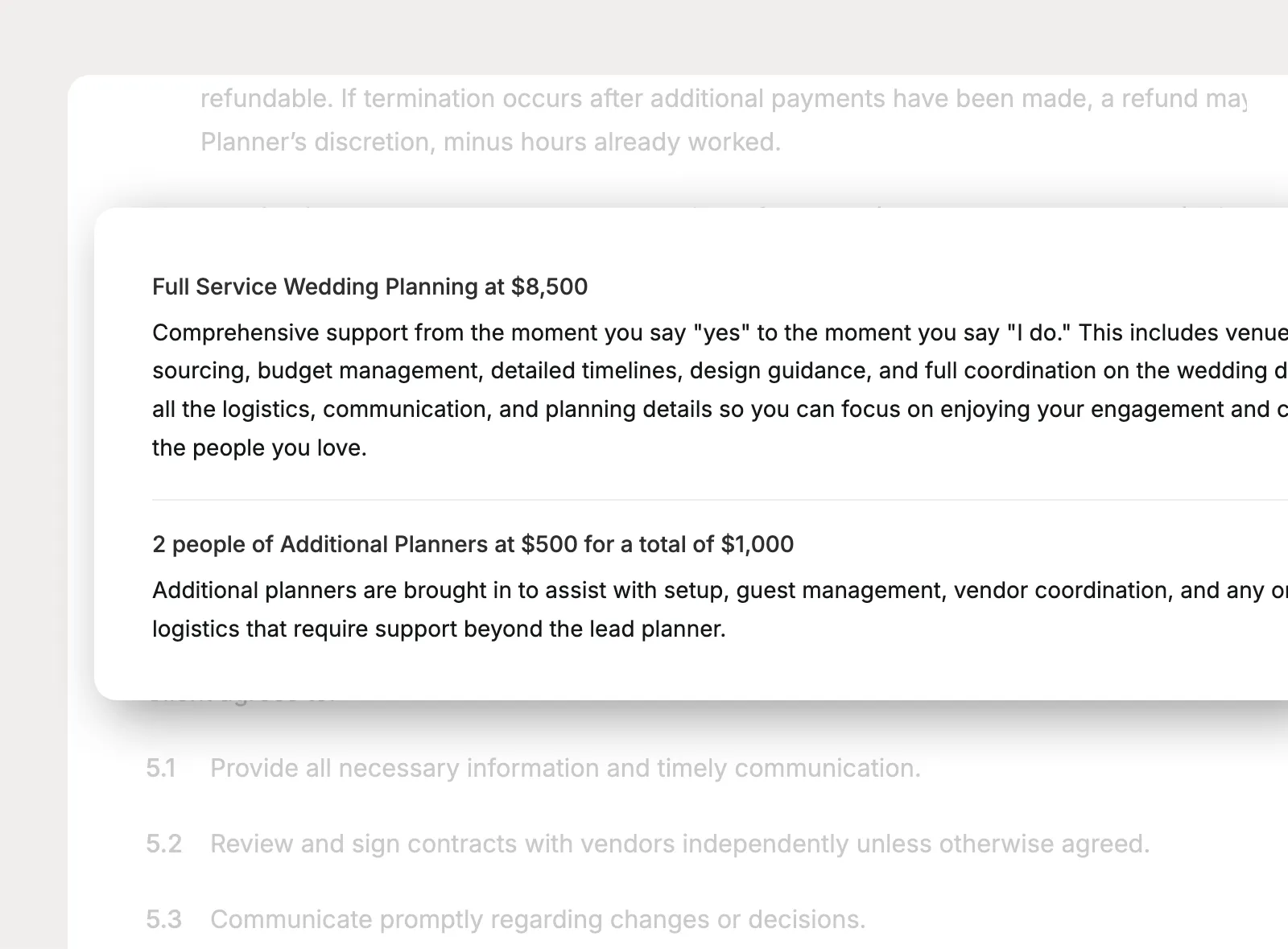
Include a services summary from the invoice so the contract can reference the services being booked without rebuilding the same list in separate places.
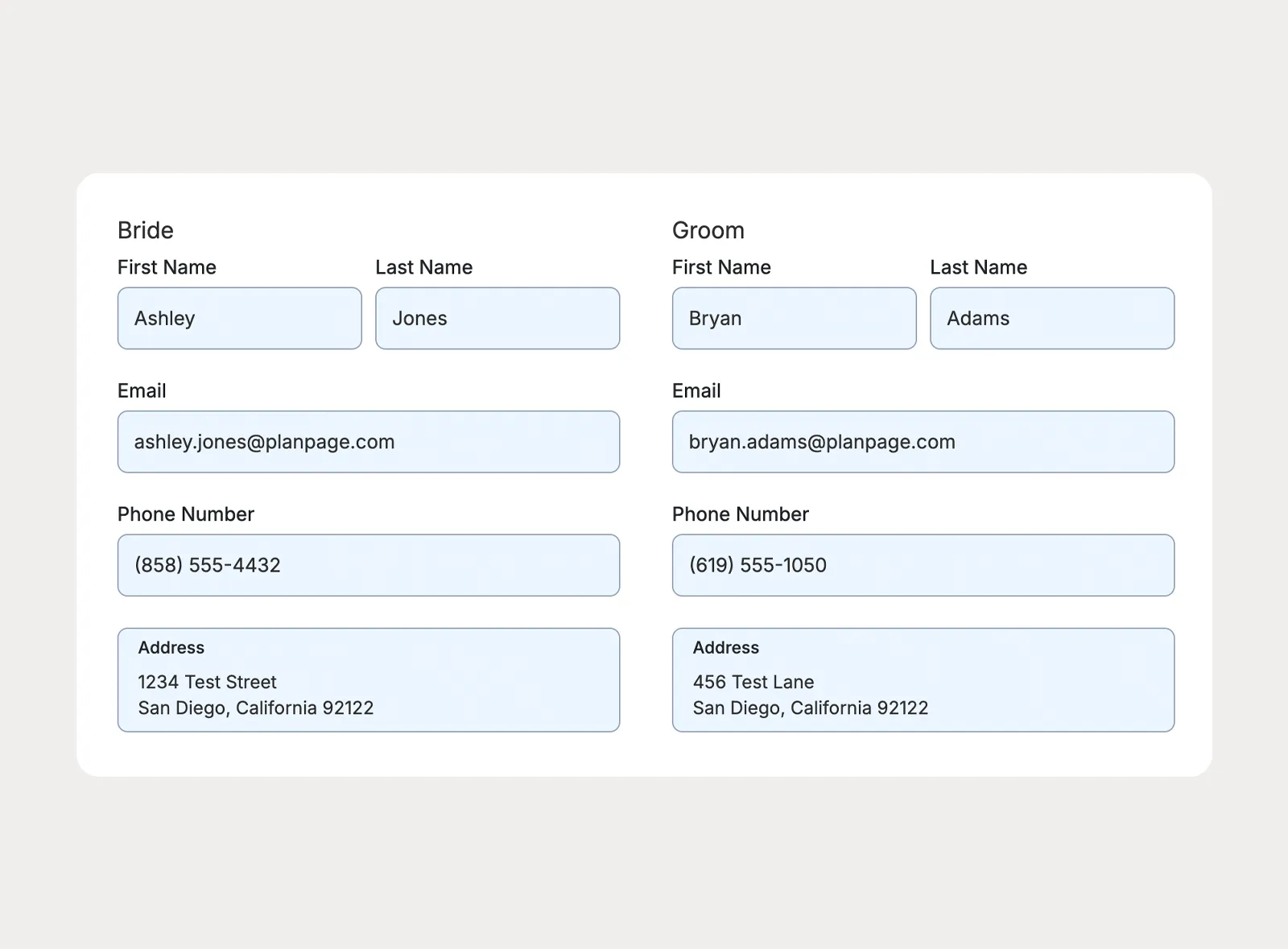
Add a client details block to collect information like names, email addresses, phone numbers, and mailing addresses before signing. Submitted details update the related Planpage contact records.
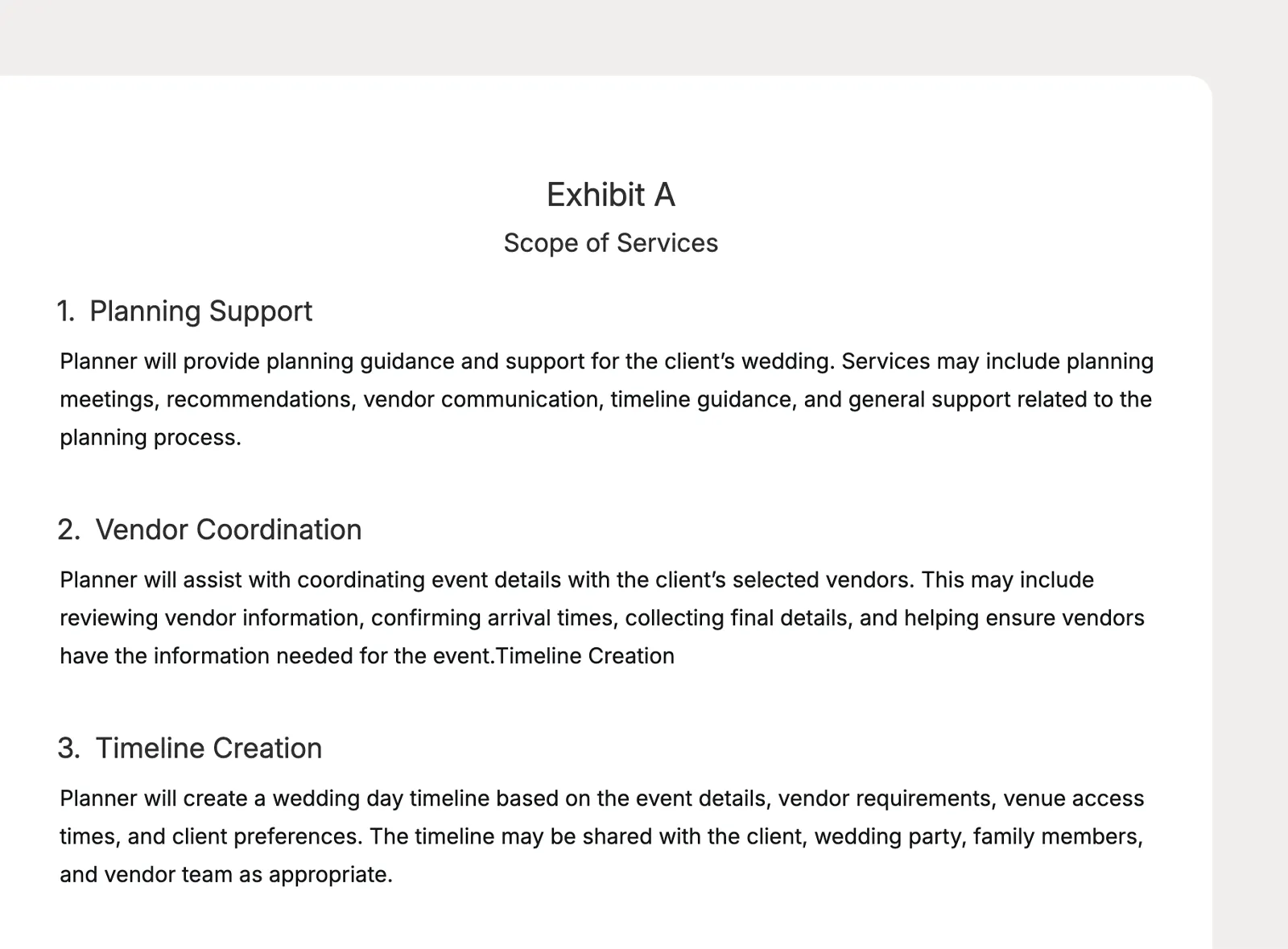
Supplement your contract with supporting documents that are clearly labeled and easy to reference from the contract builder.
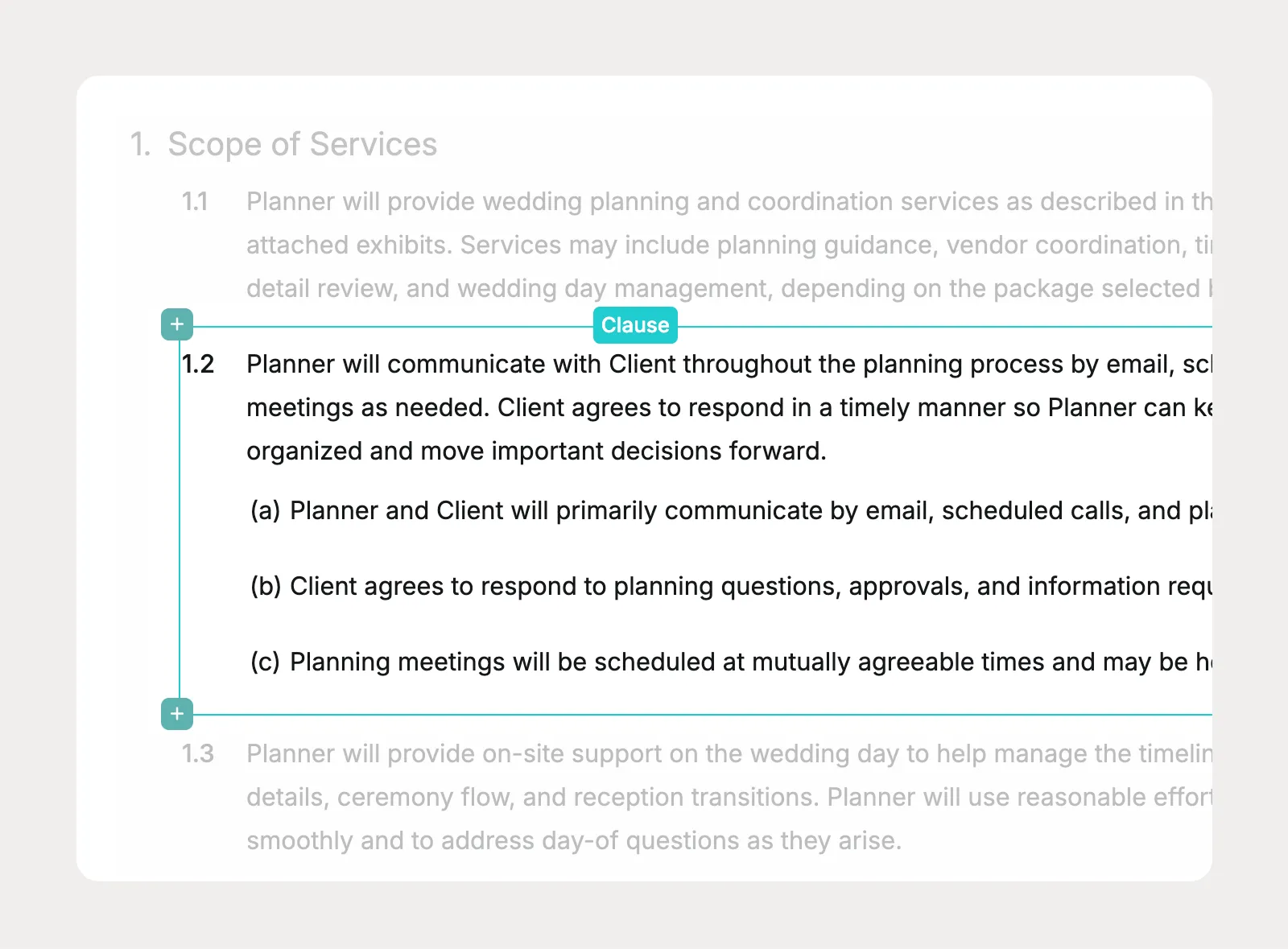
Let Planpage handle section numbering, lettering, and indentation so long contract documents stay organized without manual formatting cleanup.
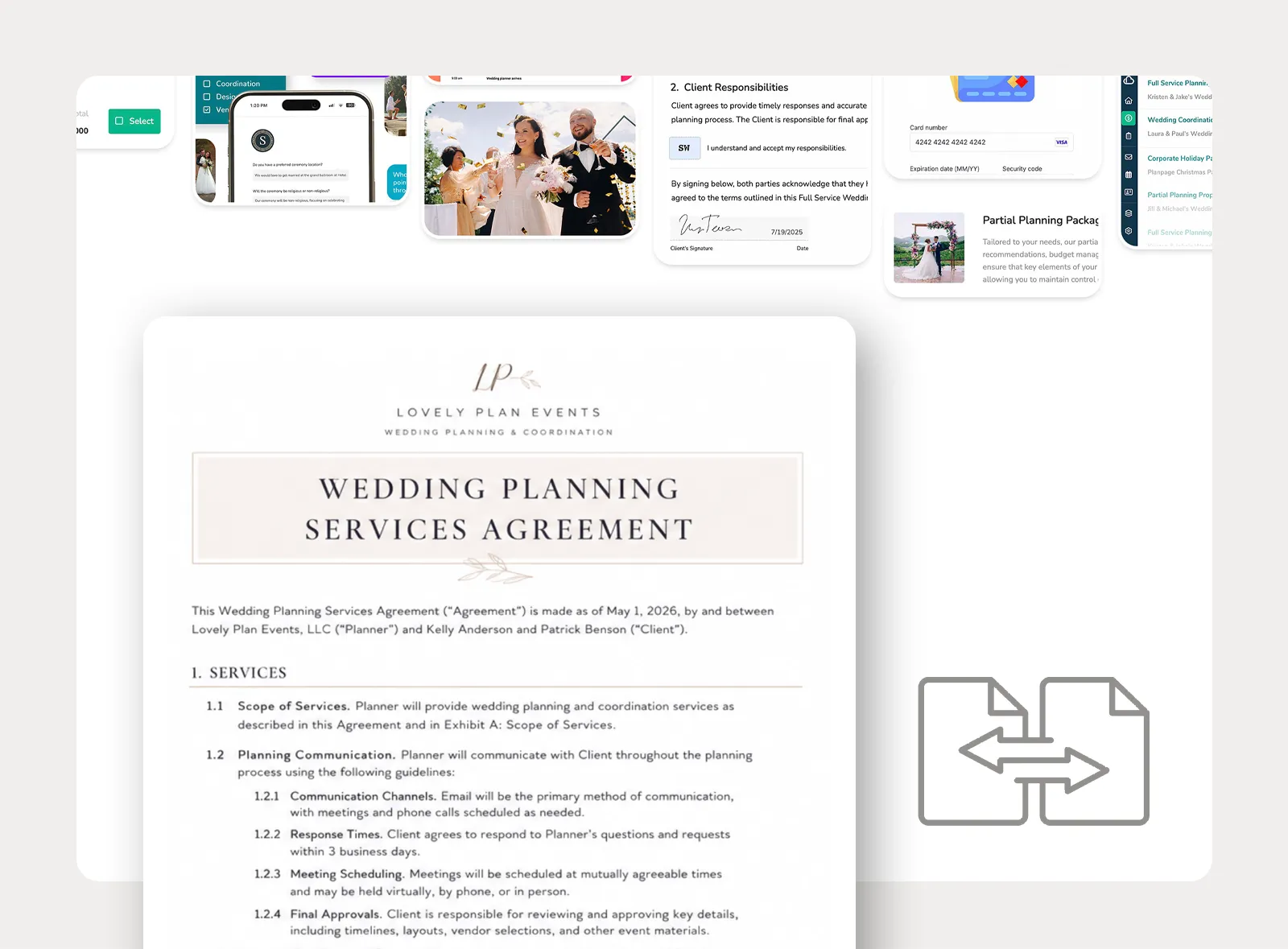
Submit your existing contracts to Planpage and our team can rebuild them as reusable contract templates in your account, making onboarding easier for busy planners.
Send contracts for electronic signature, support the signers involved in the agreement, and make key clauses easy to acknowledge before the contract is complete.
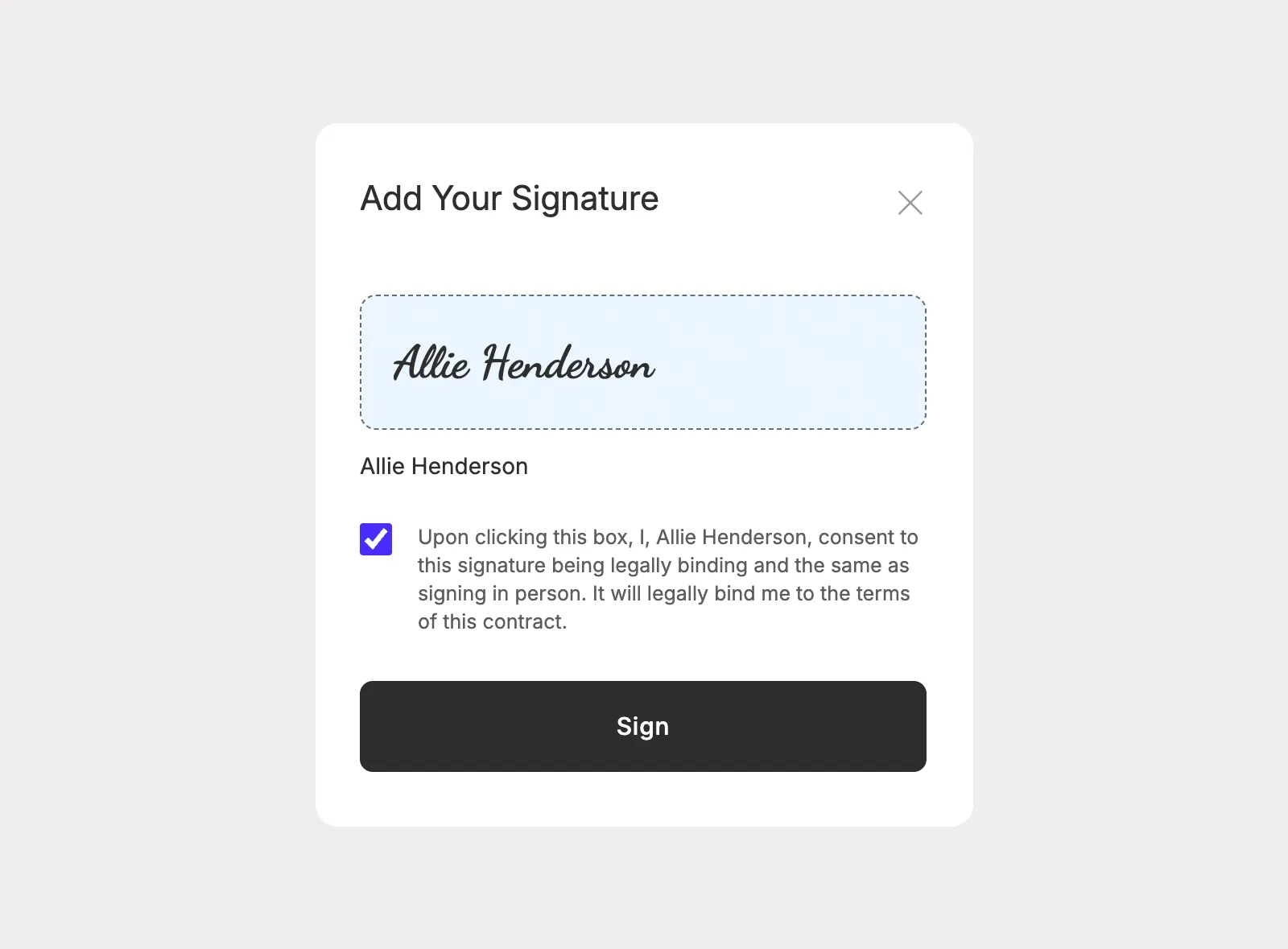
Collect electronic signatures from clients and company signers, including multiple clients or staff members when the agreement needs more than one signature.
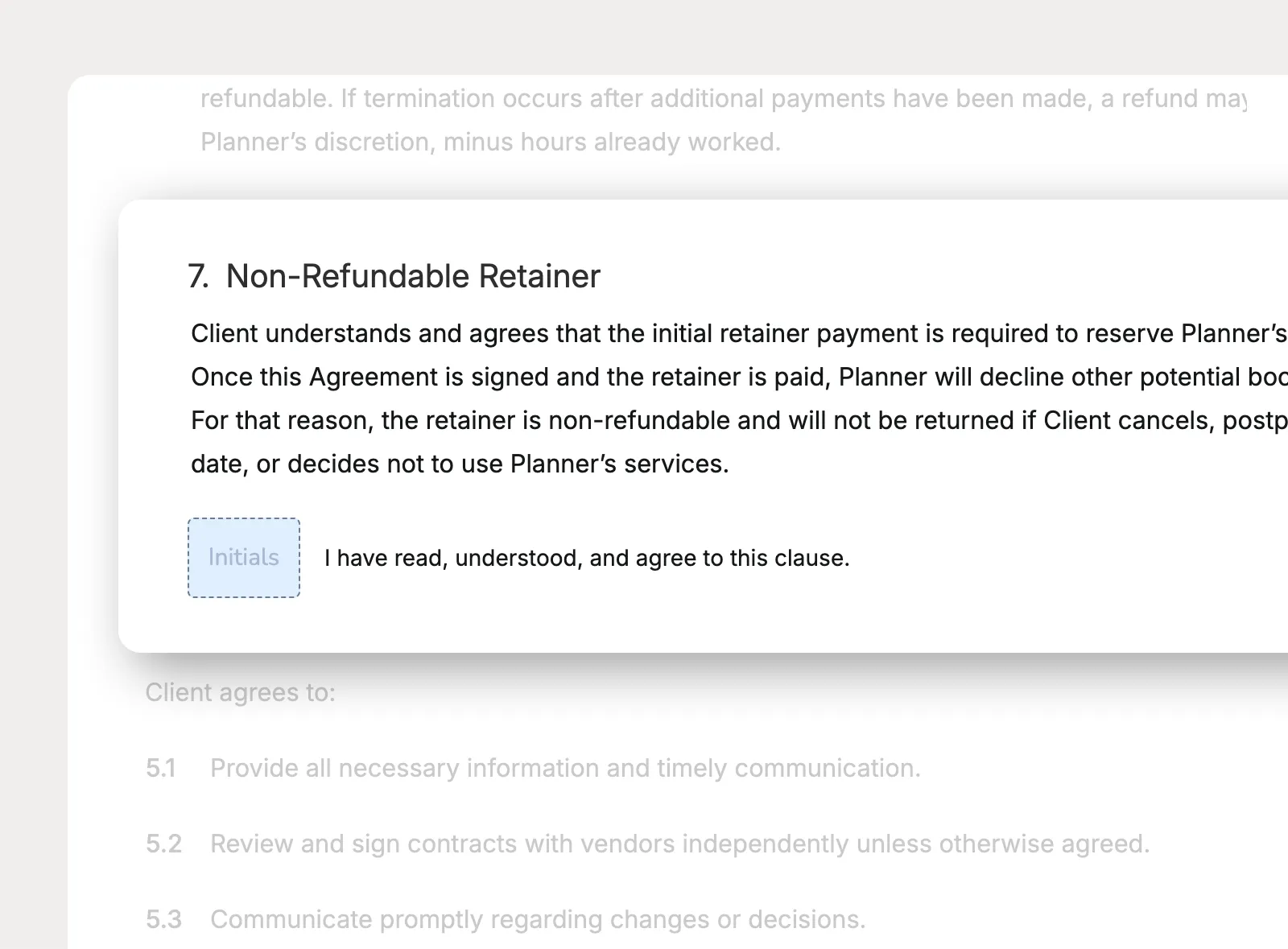
Select clauses or subclauses that need extra acknowledgement, add acceptance language, and require every client signer to initial those places before signing.
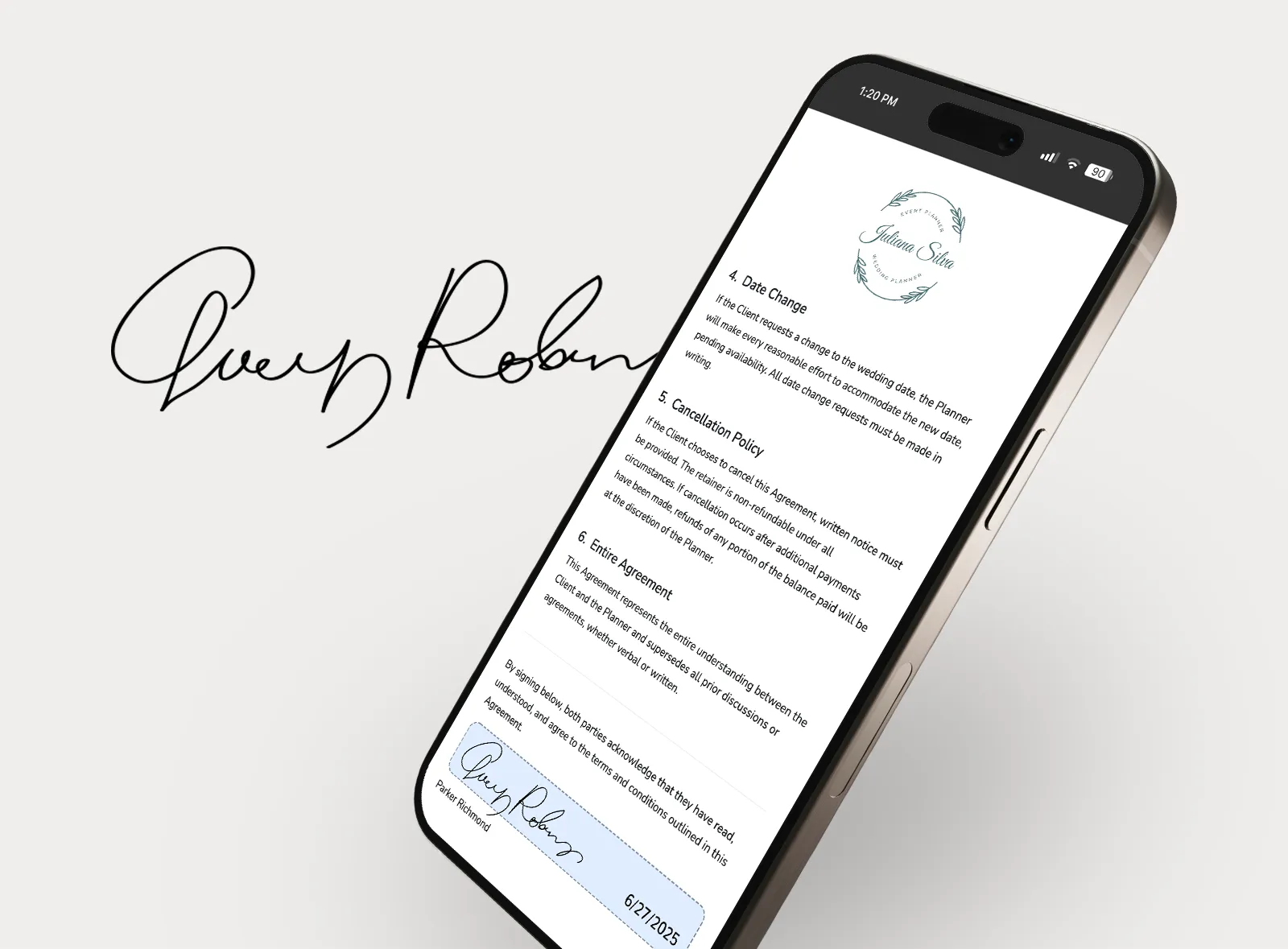
Give clients a contract signing experience that works from a phone, tablet, or computer, so they can review and sign without waiting until they are at a desk.
Planpage keeps me organized and gives my business a more polished and professional feel.

I love having everything in one place, and it provides a fantastic experience for my clients.

Planpage has a clean design, it's easy to use, and the customer service has been outstanding.