Create polished questionnaires that help clients share the details your team needs without the back-and-forth.

Create organized questionnaires for sales discovery, planning details, and the client questions that come up throughout the process. Structure them like polished documents instead of overwhelming clients with one long wall of questions.
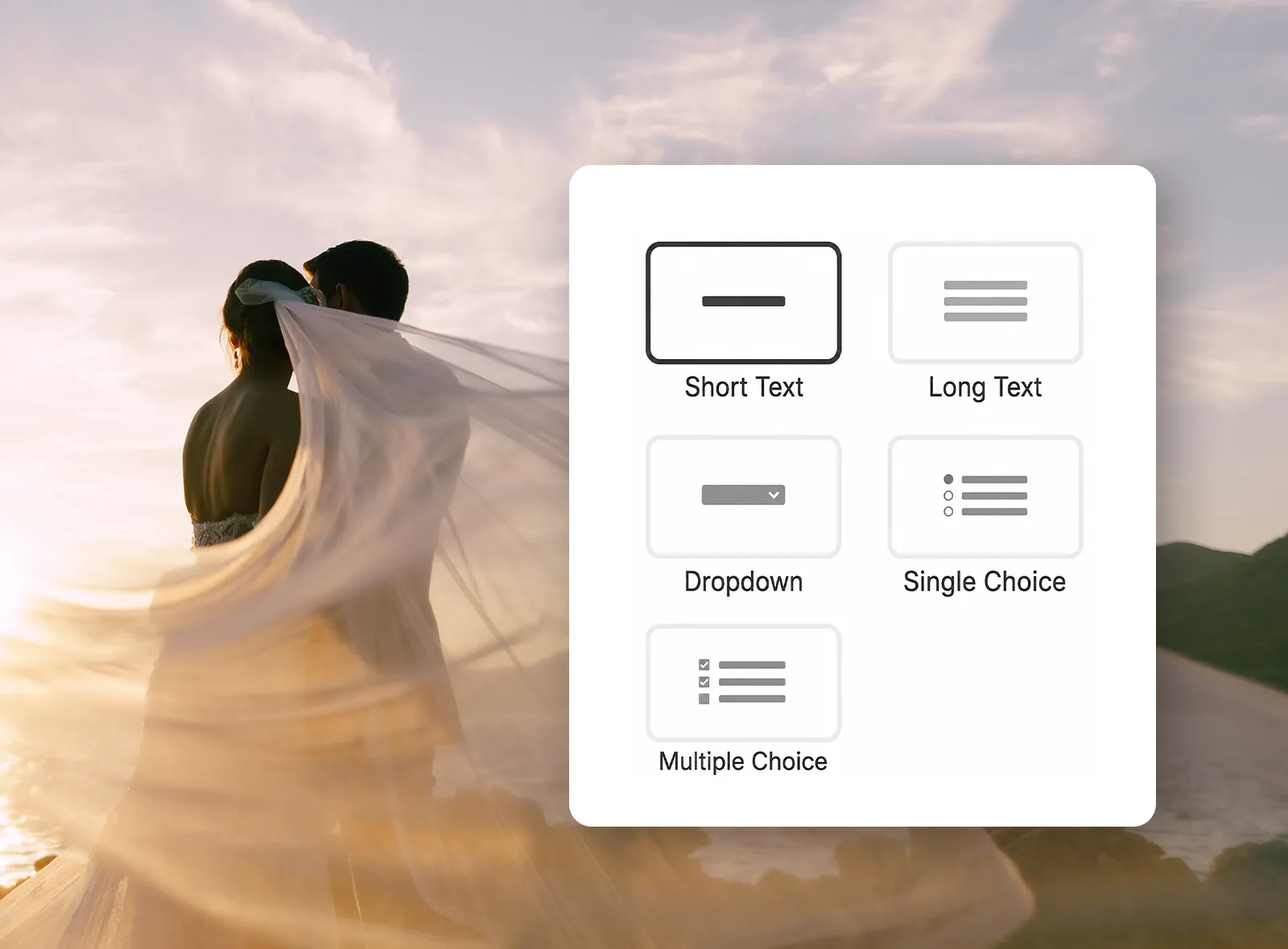
Ask for the answer format that fits each question, from short notes and longer explanations to dropdowns, single-choice lists, and multiple-choice selections.
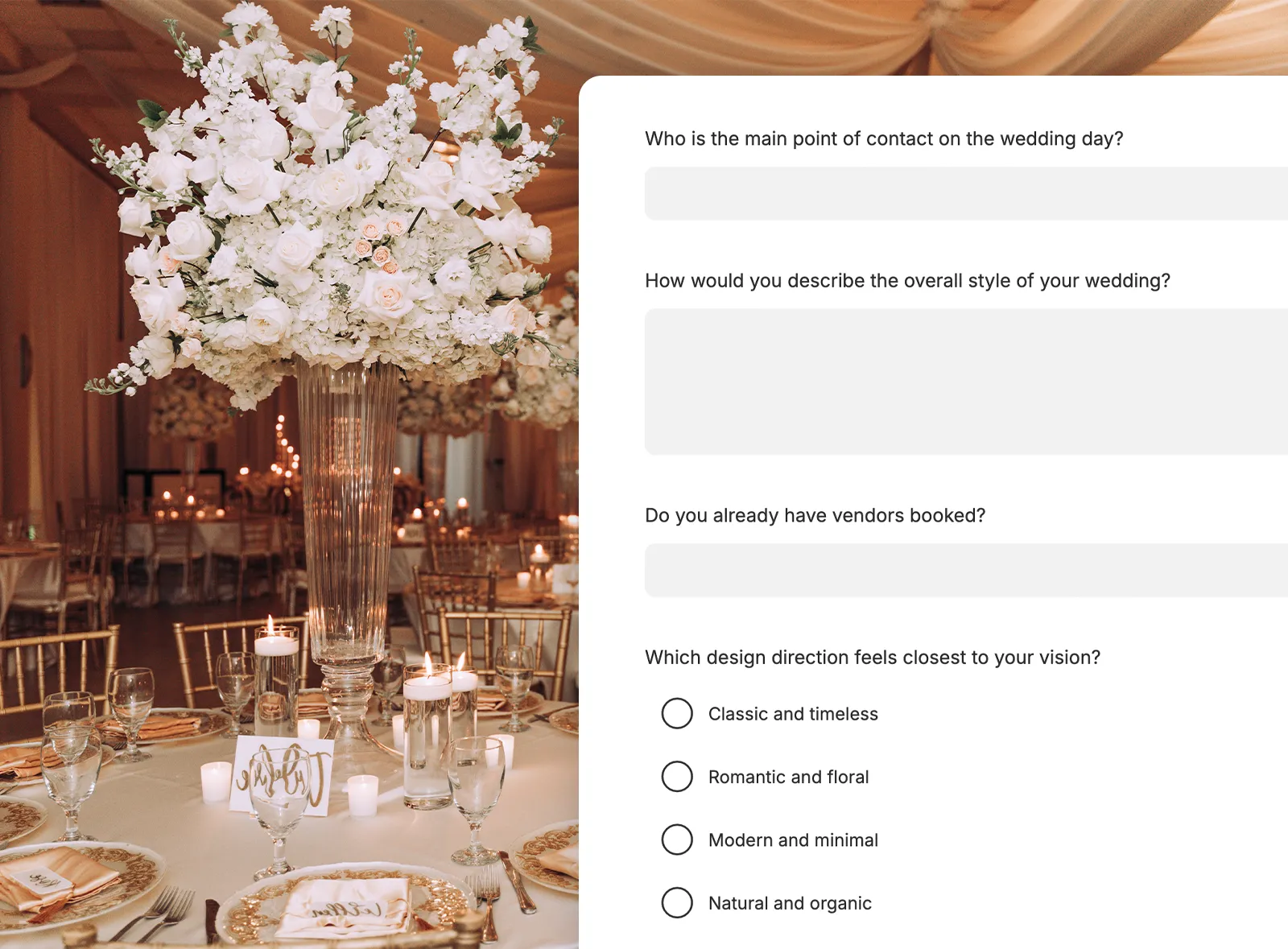
Break questionnaires into pages and sections, add explanatory content, reorder questions, and mark the details clients need to answer before submitting.
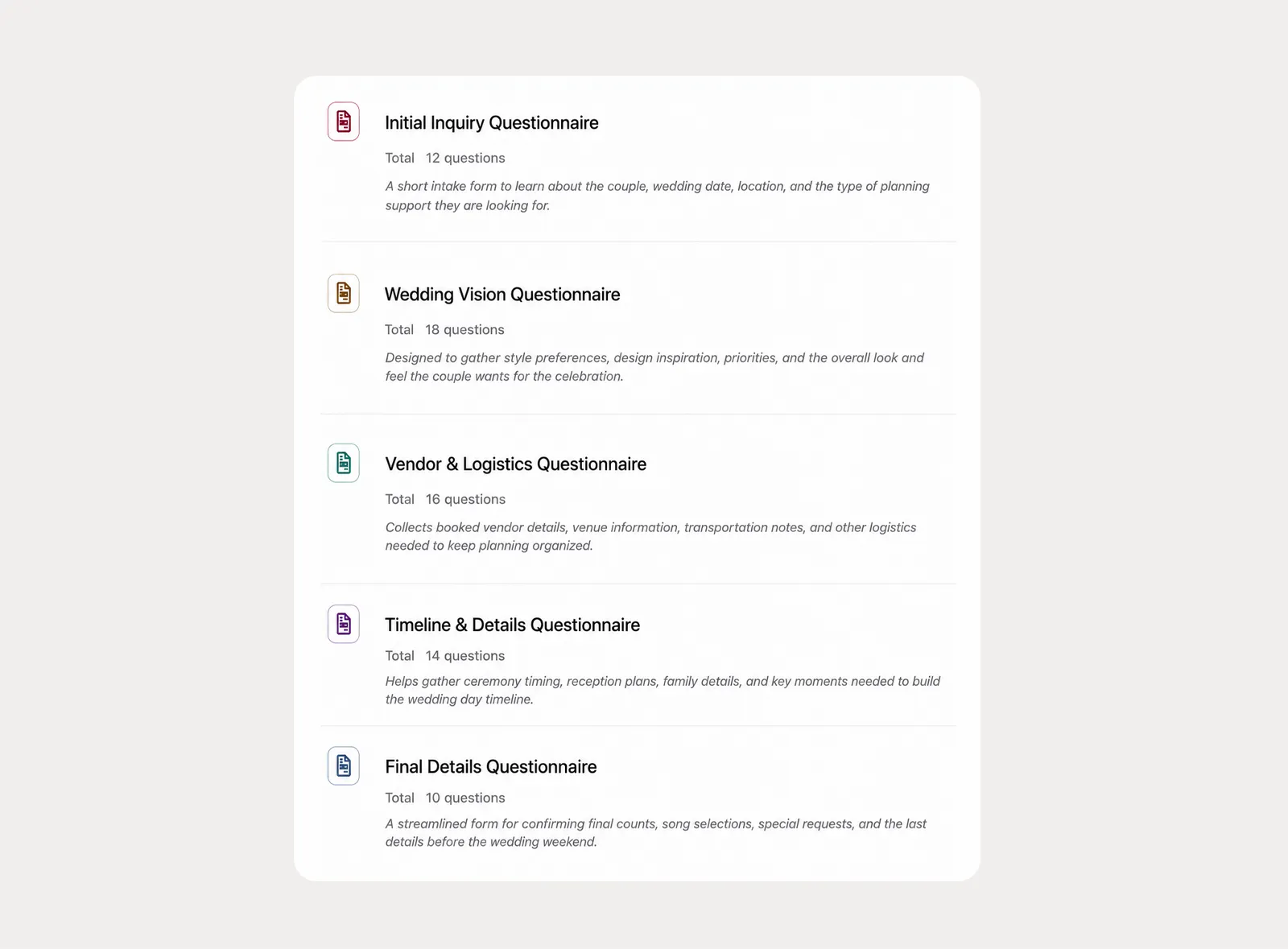
Create company-level questionnaire templates for the discovery and planning questions your team asks often, then apply and customize them for each client.
Give clients room to complete questionnaires over time, then keep planners informed as answers come in and lock responses when the information needs to stay stable.
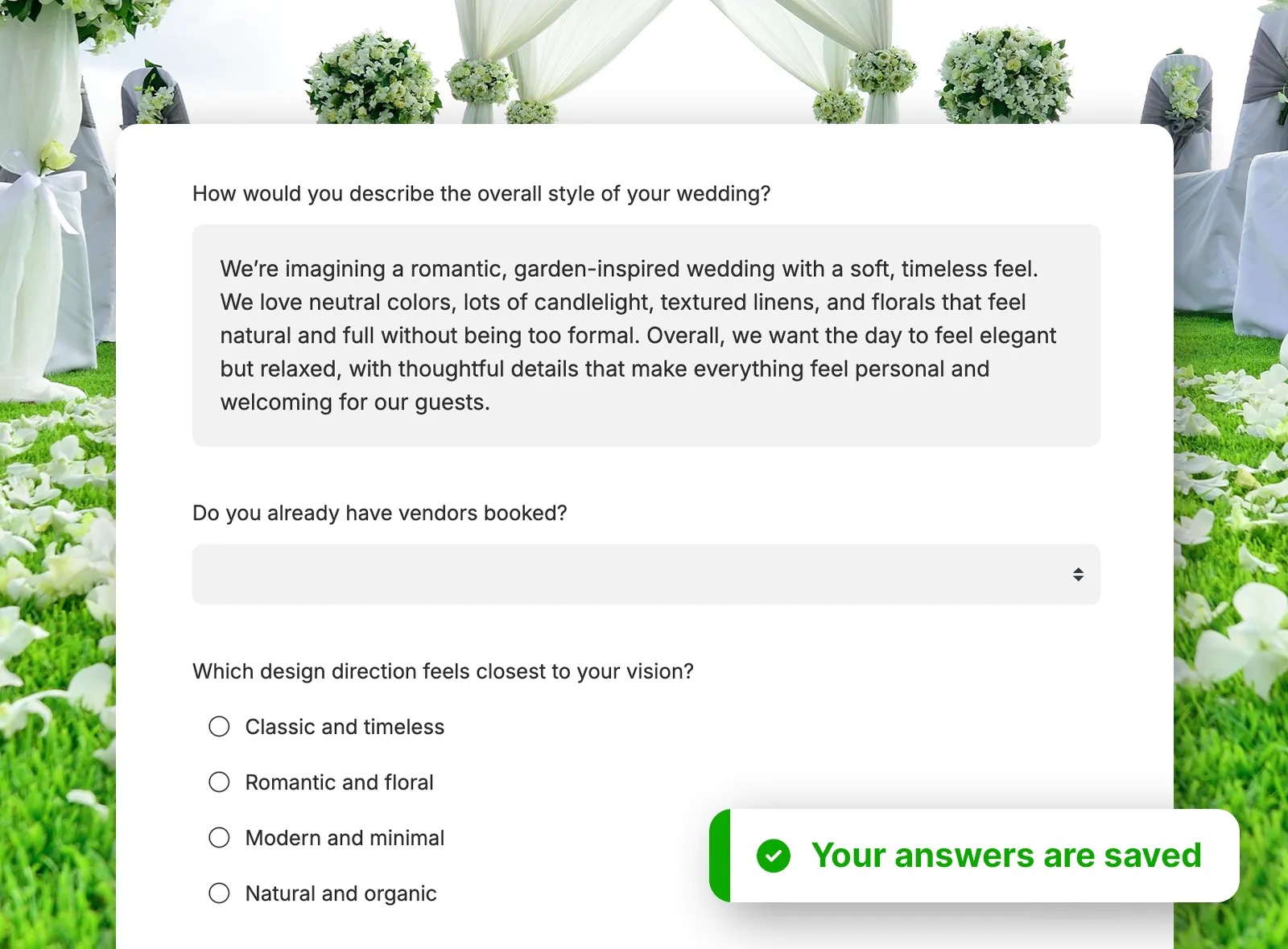
Clients can start a questionnaire, leave, and come back later without losing their answers, so longer planning questionnaires do not have to be completed in one sitting.
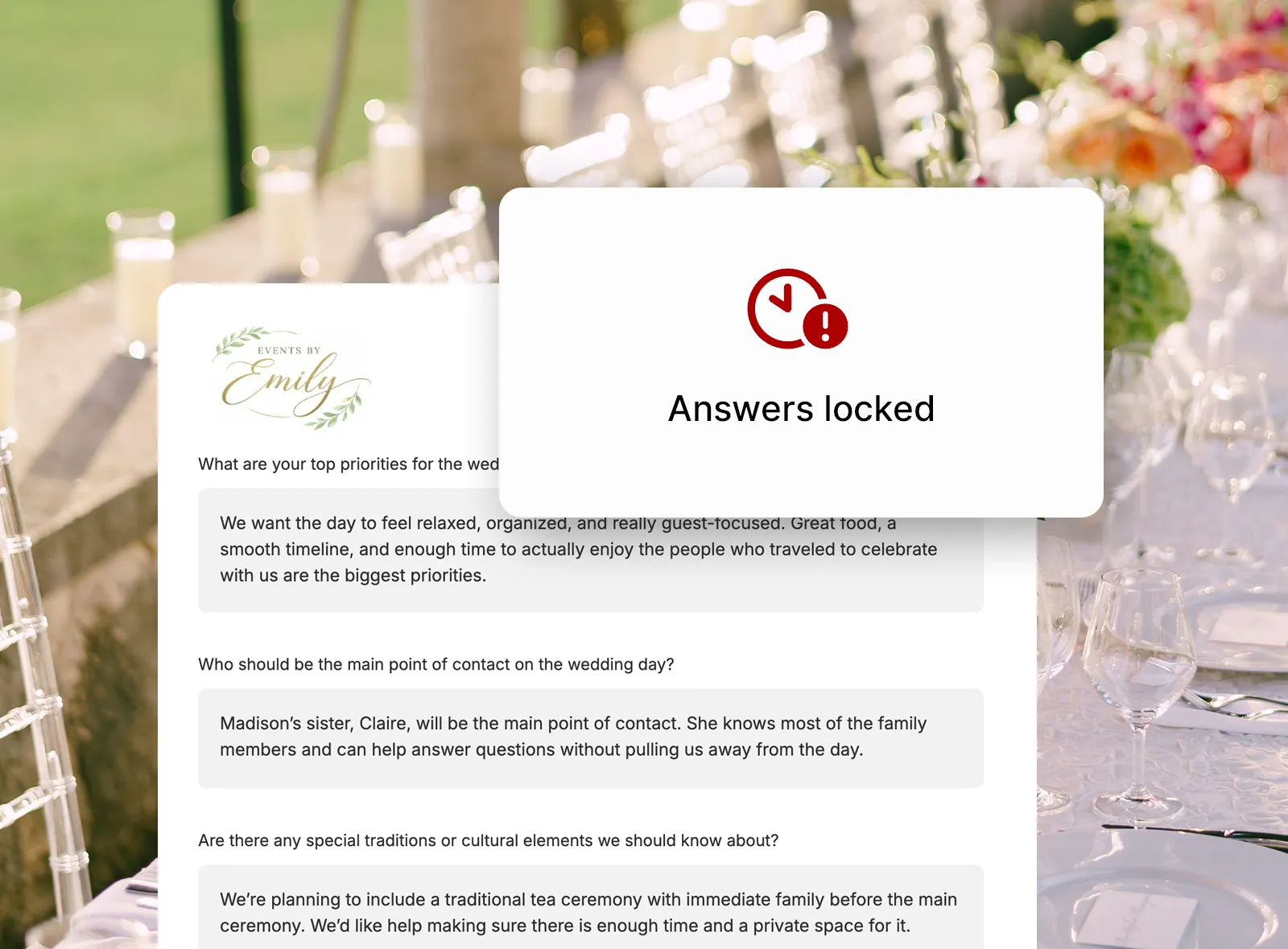
Set a lock date for the whole questionnaire so clients can keep answers updated until the deadline. After the lock date, they can still view the questionnaire but cannot change responses.
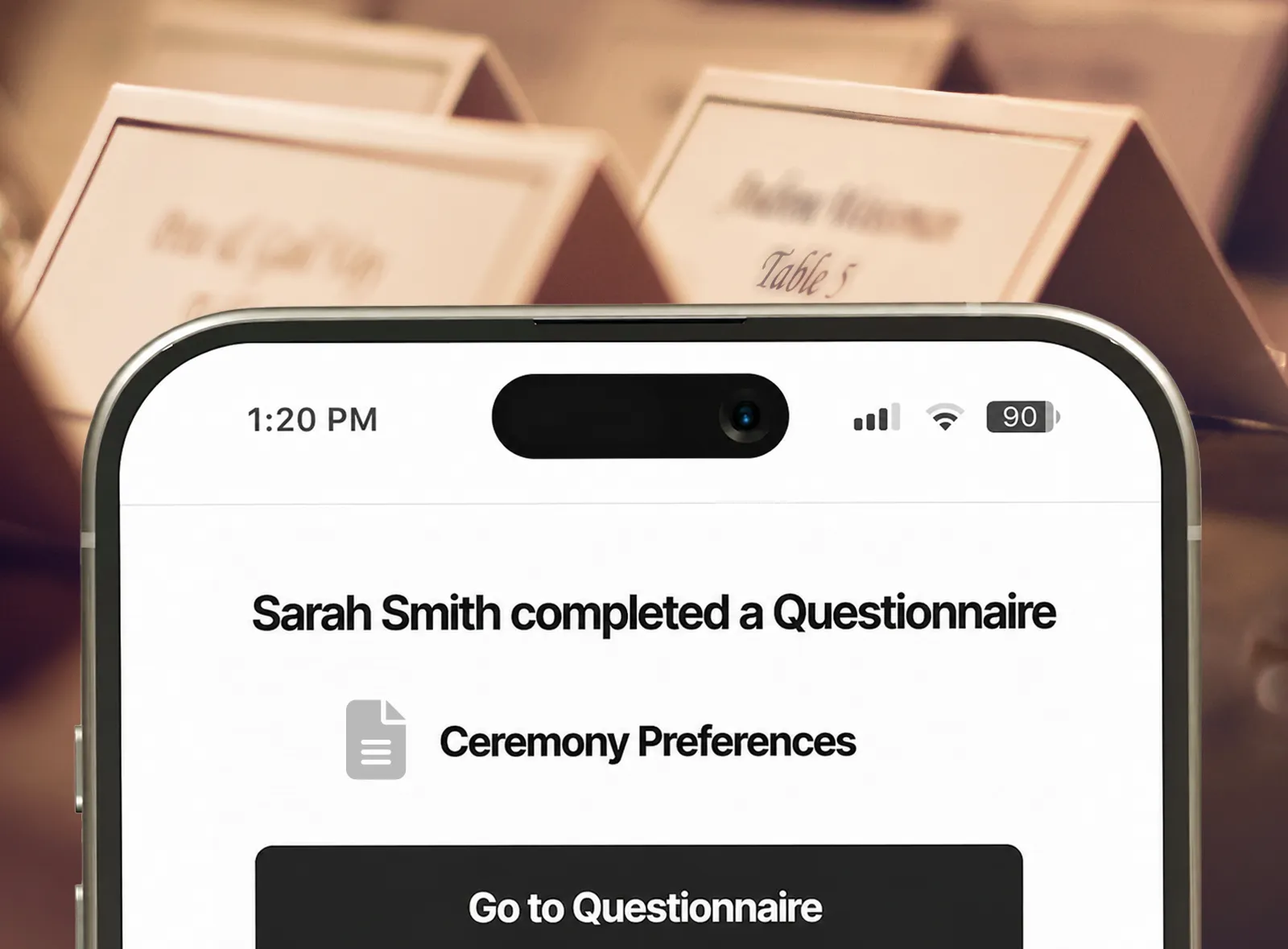
Receive email and in-app notifications when a questionnaire is first viewed, when it moves in progress after an answer is added, and when it is completed.
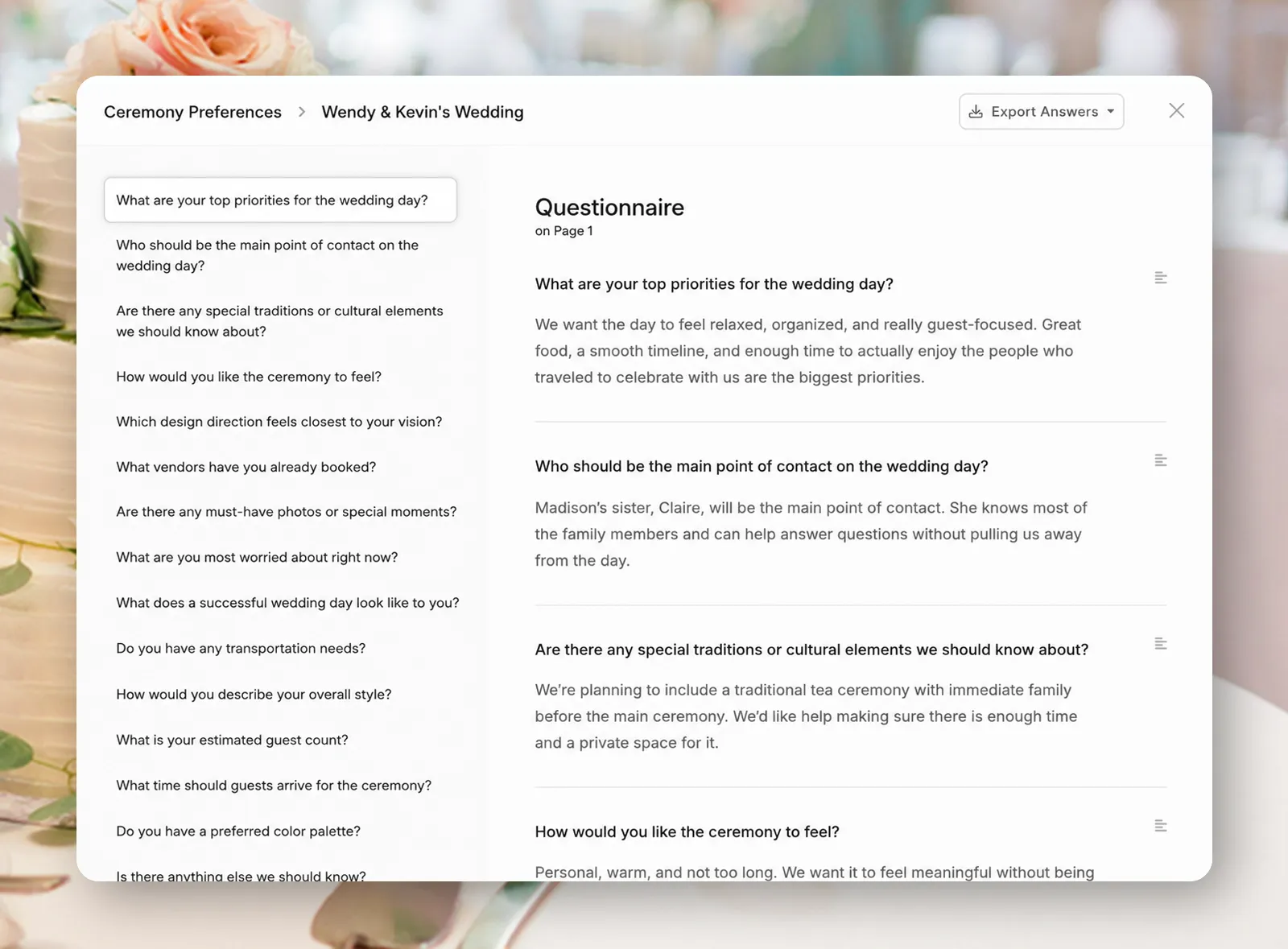
Open a clear answer view that shows each question with its response, then export the completed questions and answers as a PDF when you need a portable copy.
There's so much value with Planpage, and the customer support is fantastic.

Planpage enables our team to operate efficiently and give clients a more polished experience.

I've tried all of the platforms, and have not found anything I love as much as Planpage!