Stay on top of every new inquiry, follow-up, and booking step so leads never slip through the cracks.

When a new inquiry comes in, Planpage helps you keep the momentum going. Capture the details, notify your team, and give each potential client personal attention.
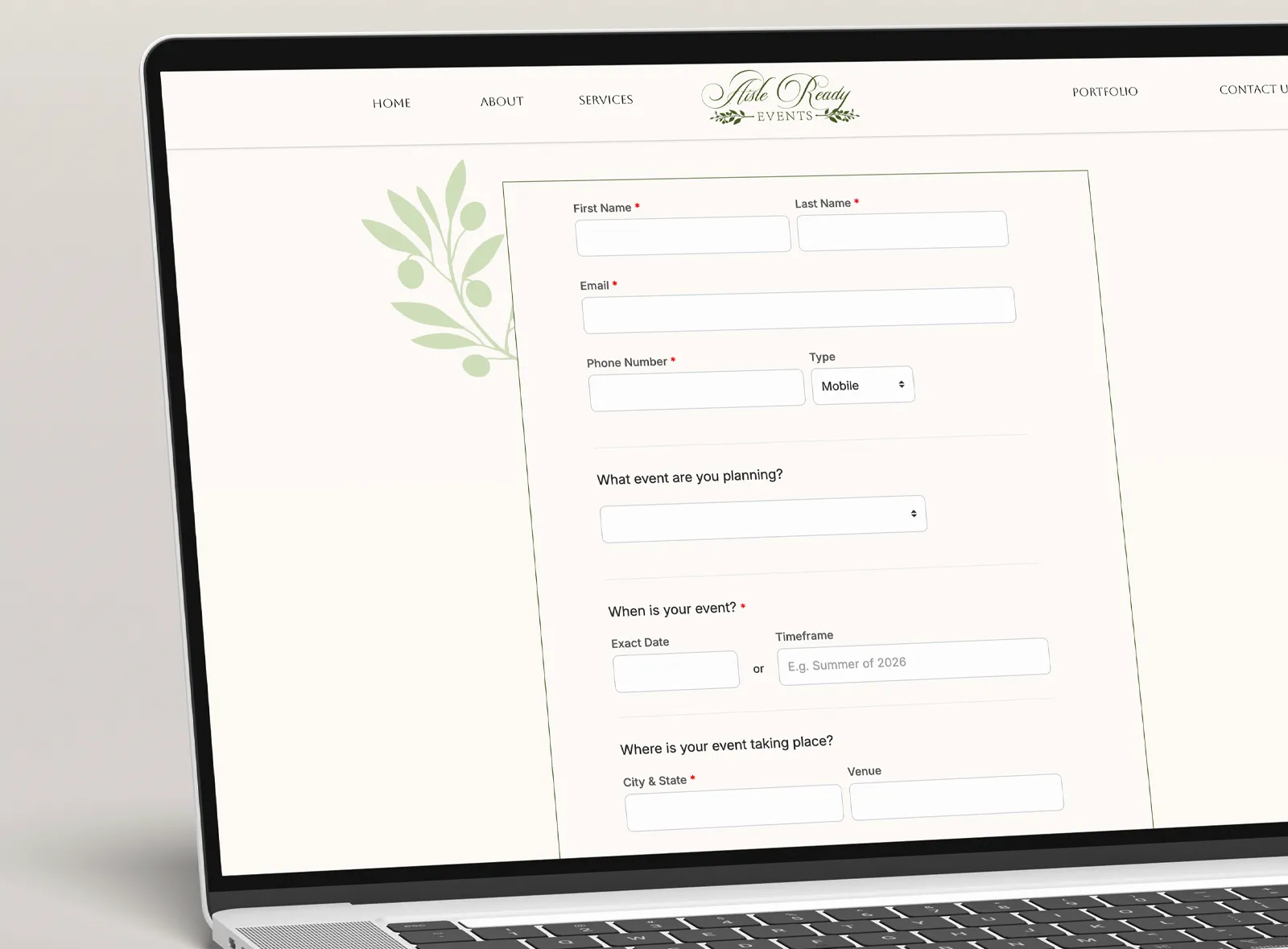
Capture inquiries from your website and send the details straight into Planpage, so your team can follow up and keep every lead organized.
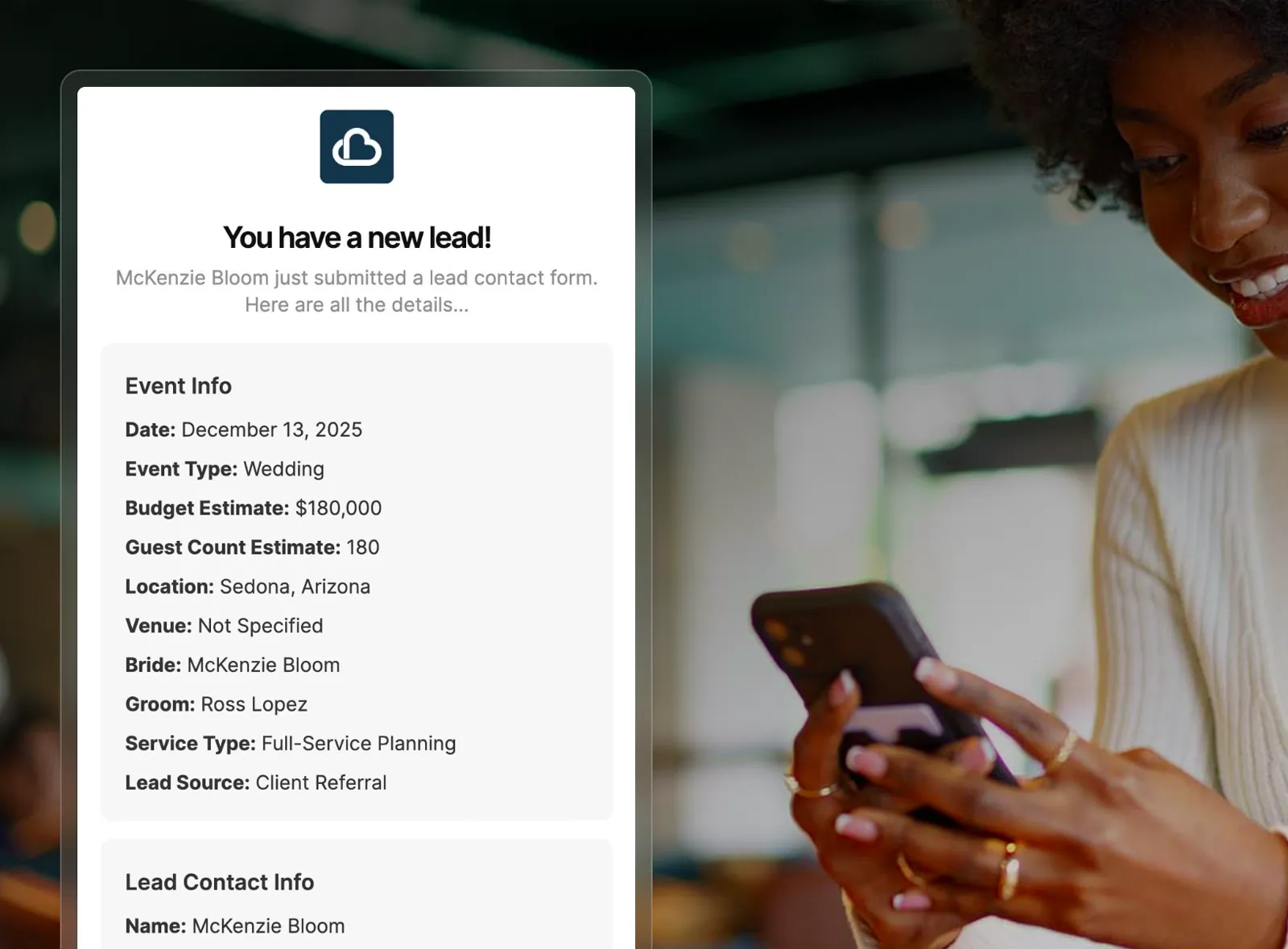
When someone submits the lead form, planners receive an email notification with the inquiry details so a new opportunity does not sit unnoticed on the website.
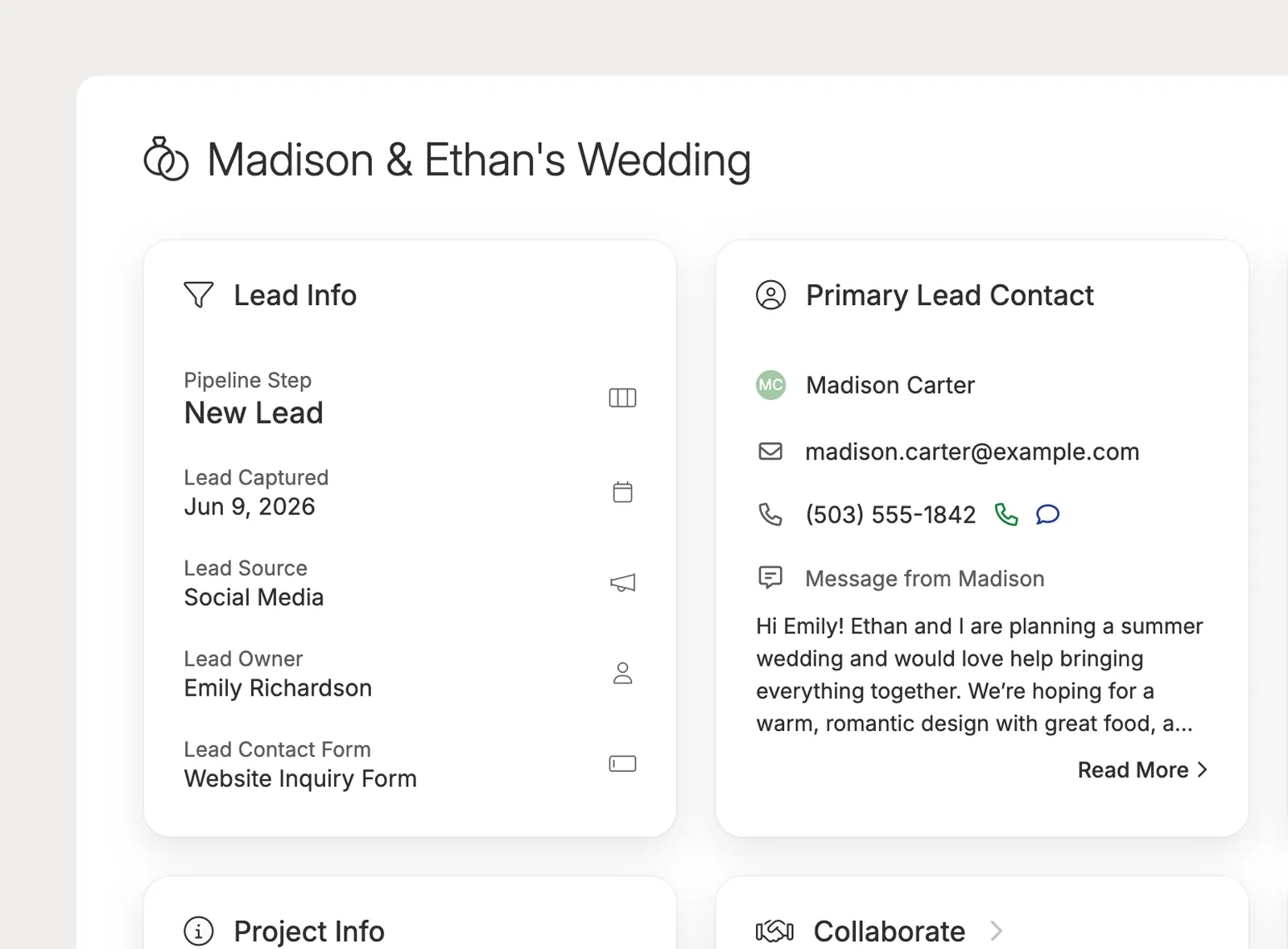
Planpage creates the lead record and contact records from submitted inquiries, so planners can start from organized details instead of retyping names, emails, and event information.
Keep each inquiry moving with simple pipeline steps, organized lead details, and notes that help your team follow up with confidence.
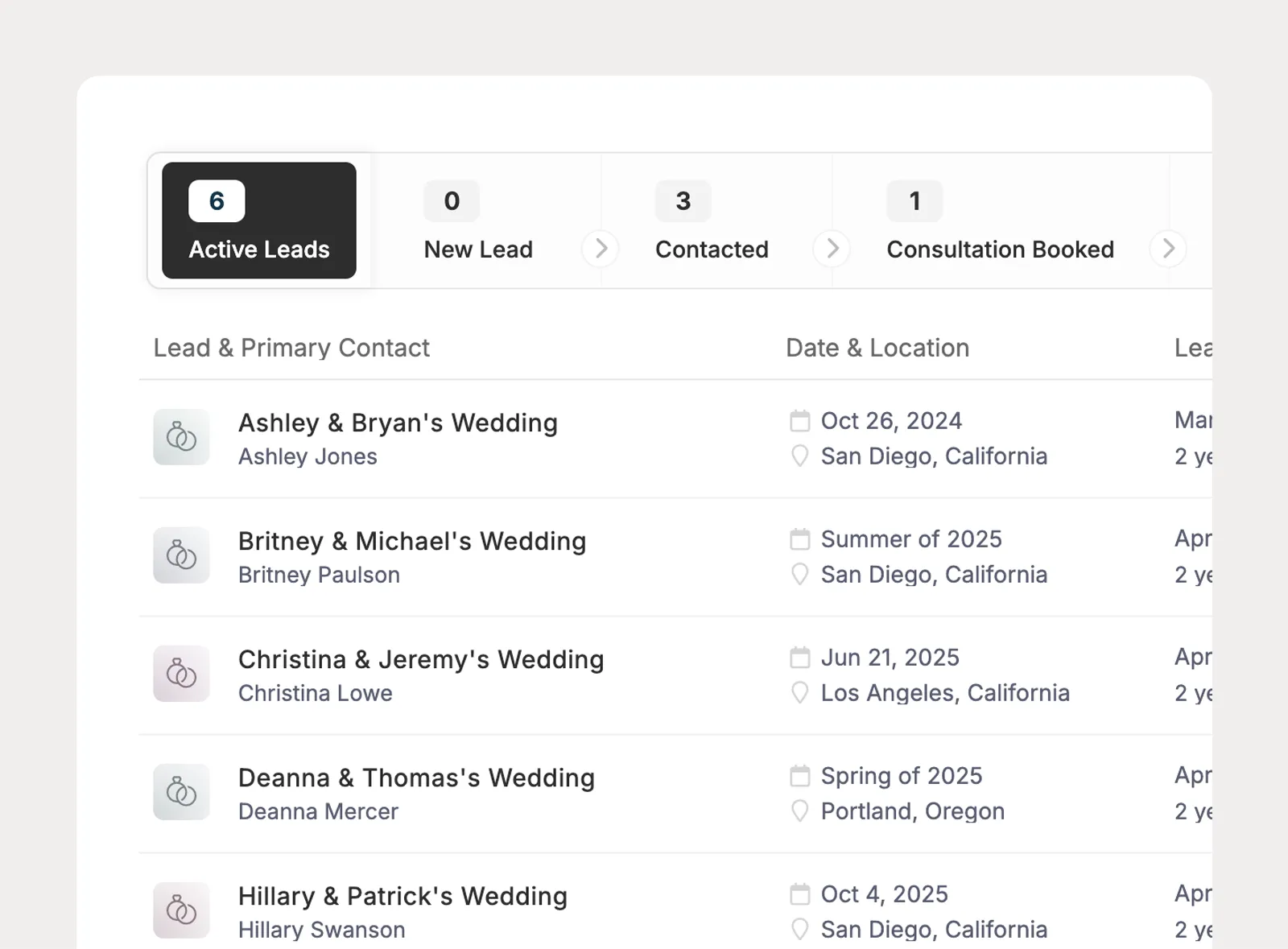
Use Planpage's built-in New, Won, and Lost steps, then add, edit, delete, and reorder the steps between them so the pipeline matches your booking workflow.
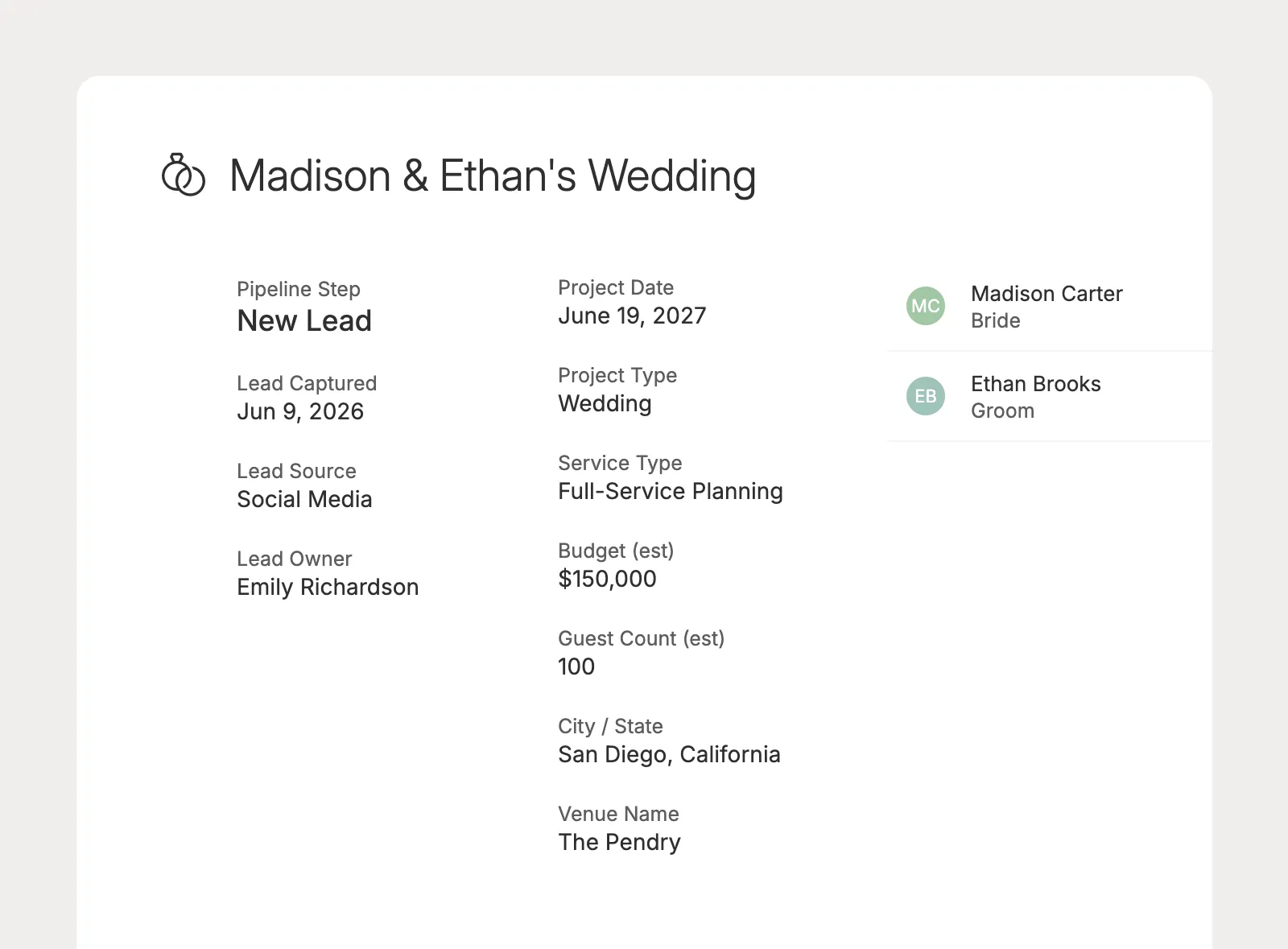
Track the information planners use to qualify and prioritize opportunities, including lead source, event type, event date, estimated budget, and estimated guest count.
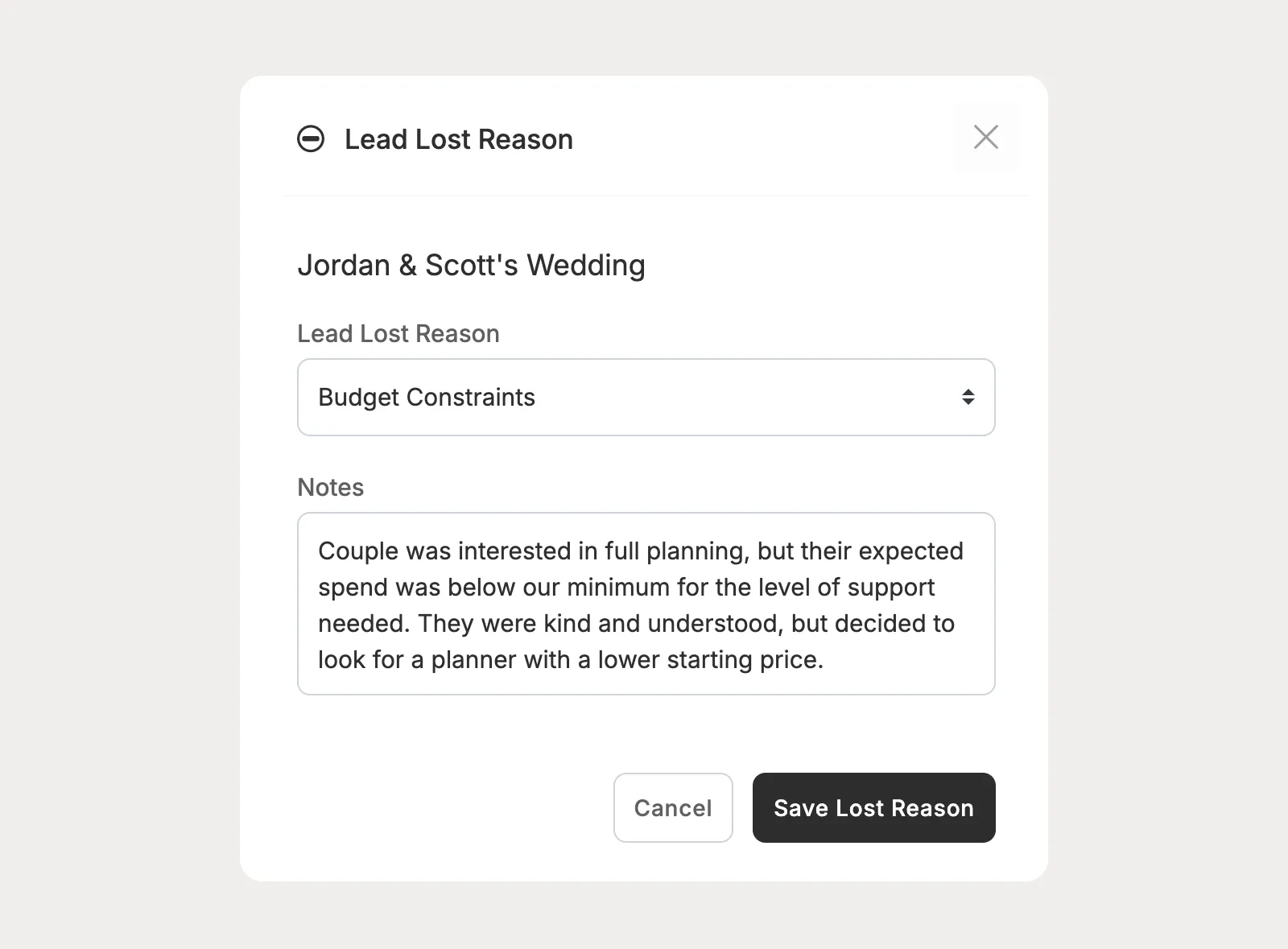
Track why a lead did not move forward, add helpful notes, and keep the context your team needs to understand patterns over time.
Give each lead a clear path forward with proposals, contracts, invoices, payments, and communication all connected in one place.
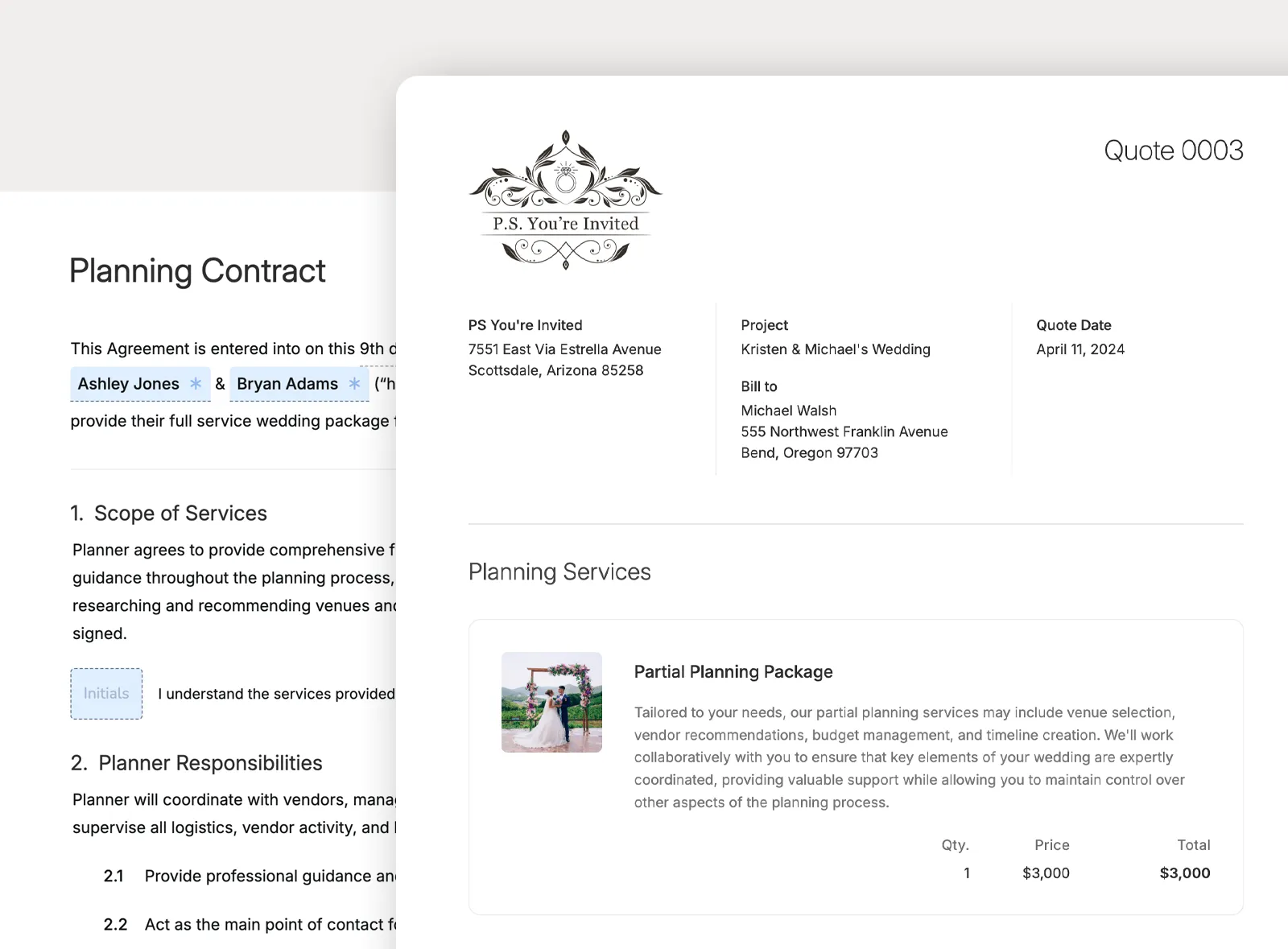
Create the records that support the booking process directly from the lead, so proposals, quotes, contracts, and invoices stay connected to the opportunity they belong to.
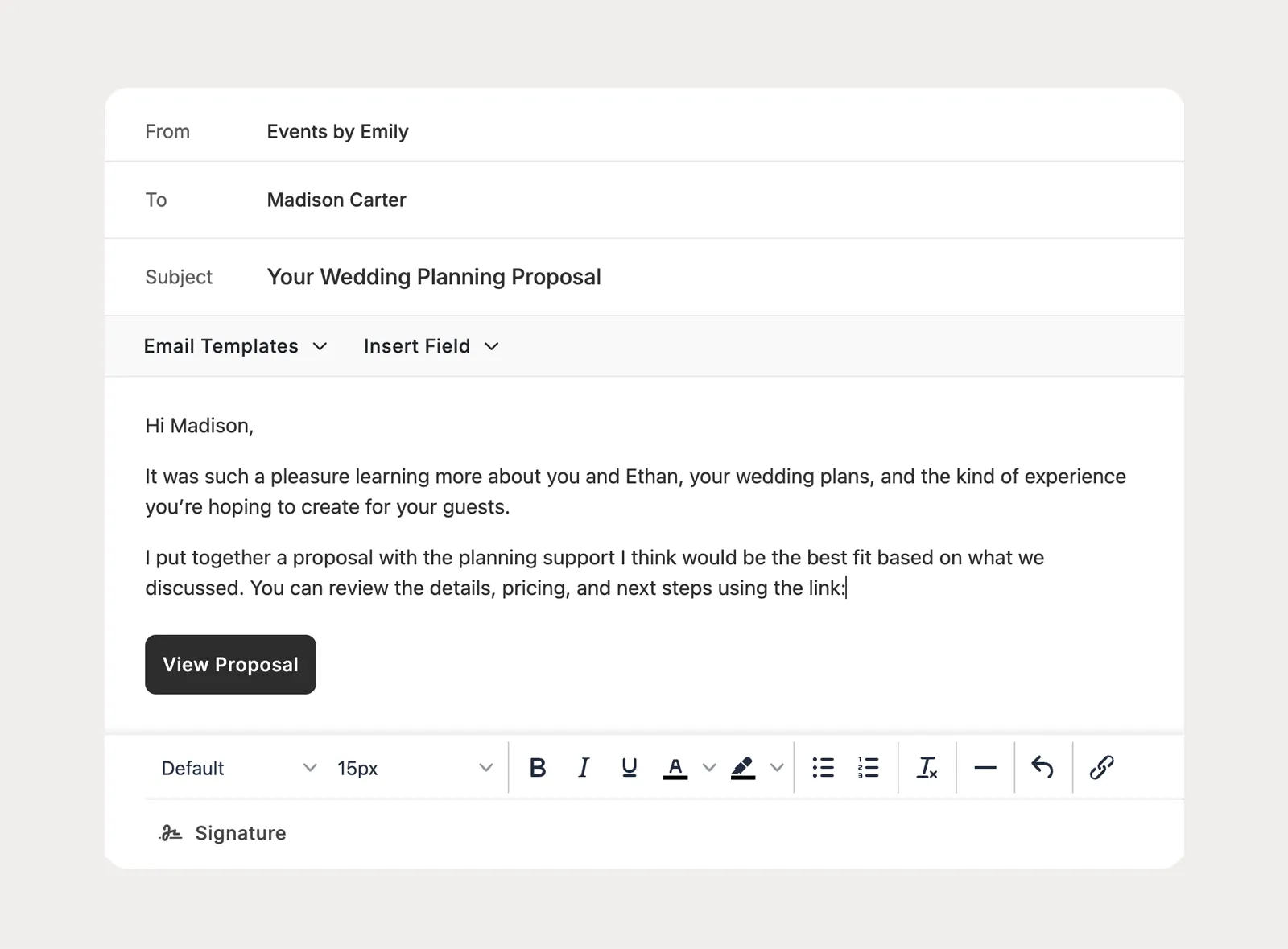
Send booking materials by email while the opportunity is still a lead, without needing to enable the client portal before the client is ready to book.
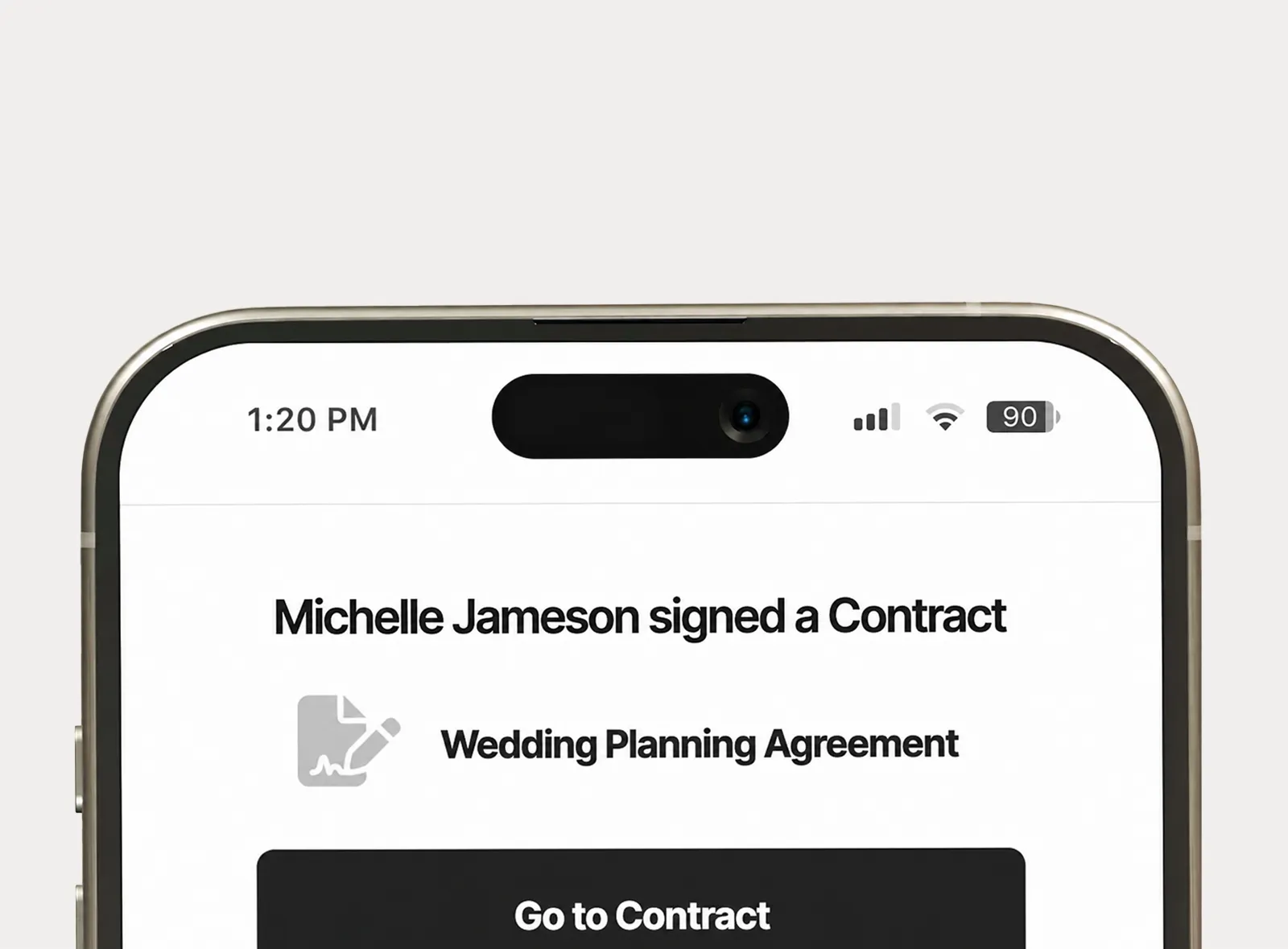
Receive email and in-app notifications for key sales activity, like a proposal being viewed, a quote being approved, or a contract being signed.
When the inquiry becomes a booked event, keep the sales history in Leads and continue the work in Projects without moving the client into a separate planning system.
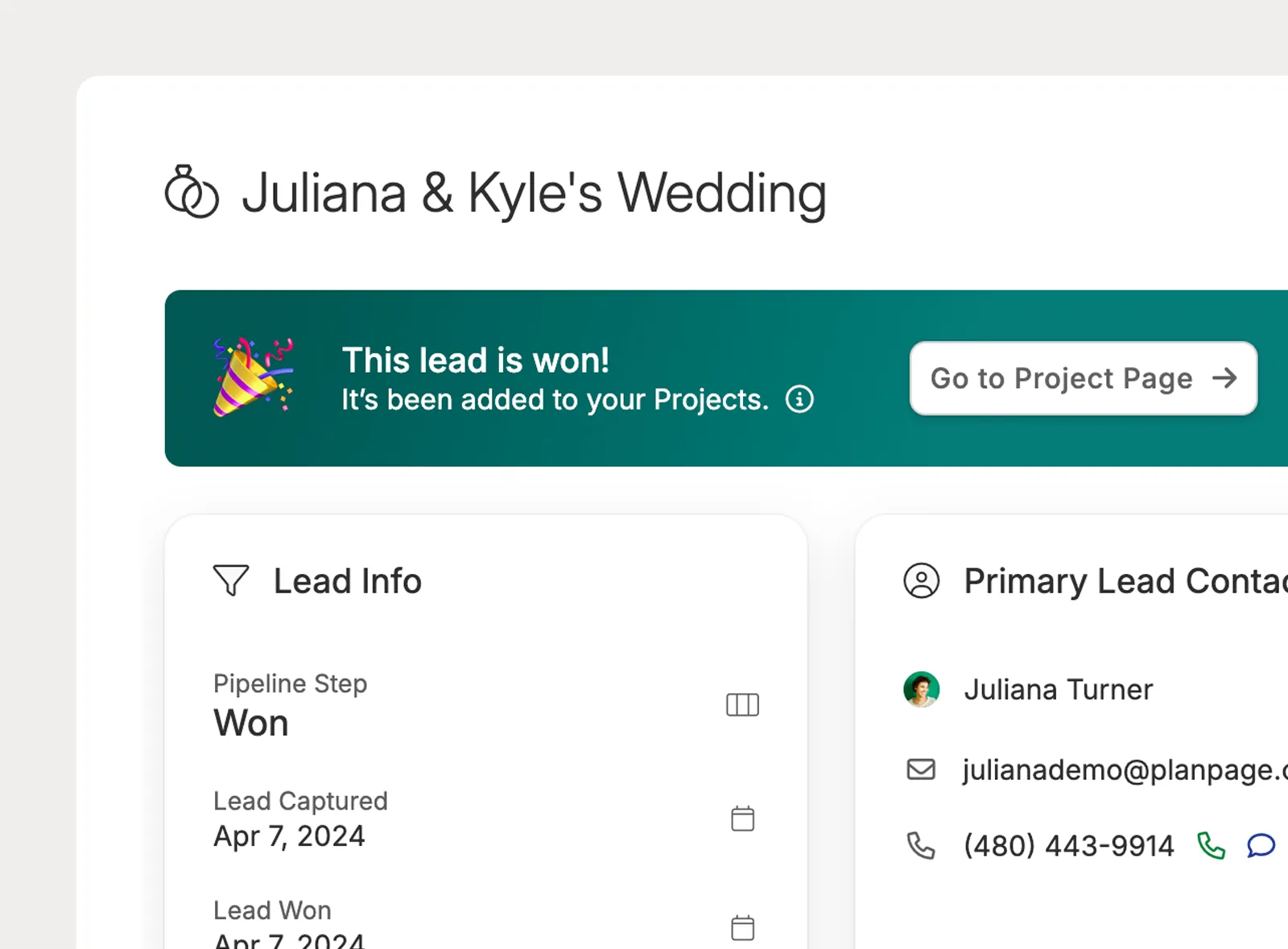
When a planner updates a lead to Won, Planpage treats that opportunity as a project so the planning workflow can continue from the same client and event context.
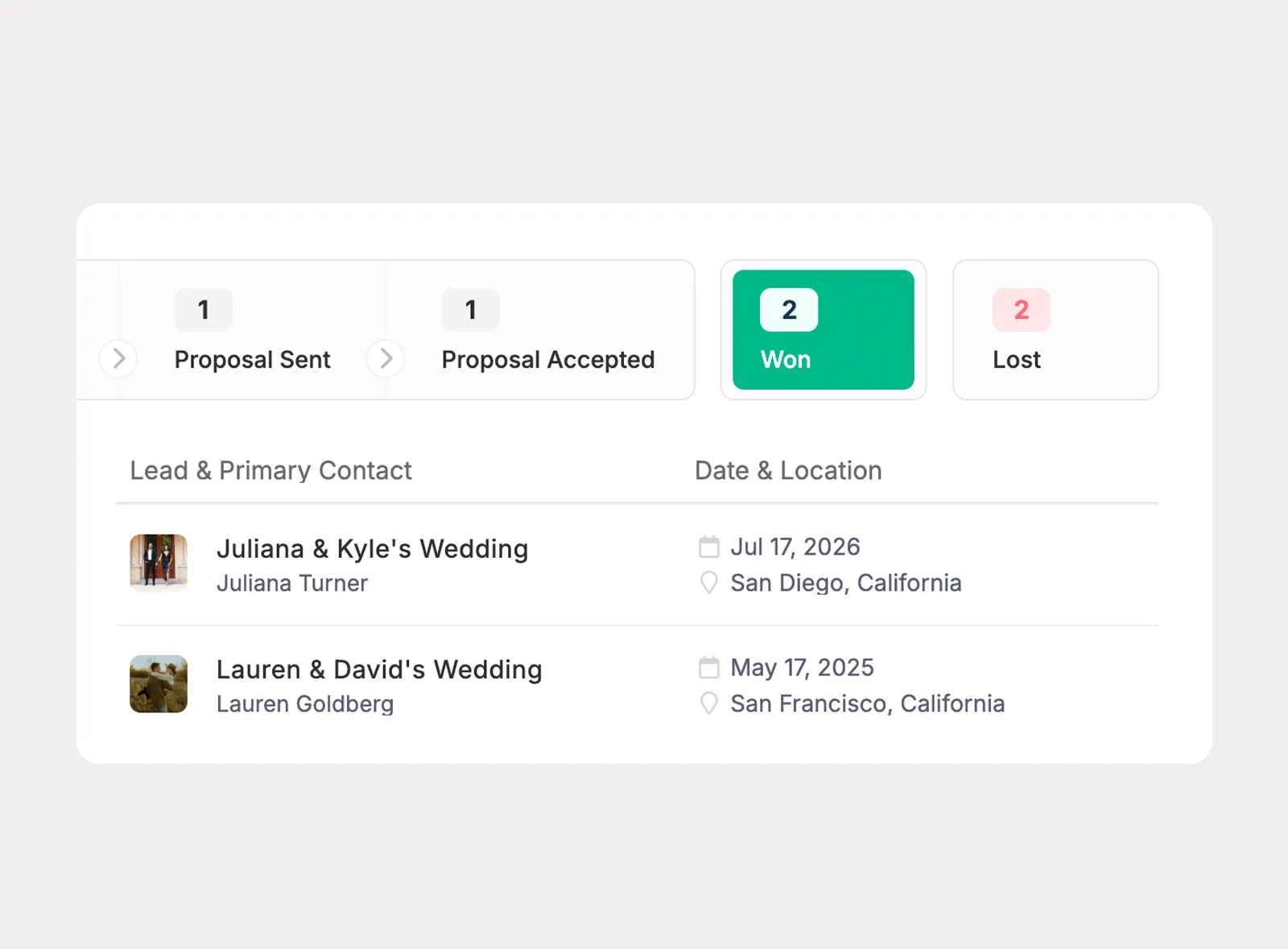
Won leads still appear in the Leads area, giving planners a place to revisit the opportunity, pipeline history, and booking context after the event has moved into planning.
There's so much value with Planpage, and the customer support is fantastic.

Planpage has a clean design, it's easy to use, and the customer service has been outstanding.

Planpage keeps me organized and gives my business a more polished and professional feel.