Create a smoother booking experience with one proposal clients can open, approve, sign, and pay from anywhere.

Create a polished proposal that presents your services and keeps the booking steps together. Instead of sending separate files and links, planners can share one client-ready document with the pieces needed to move forward.

Use proposal pages to introduce your services, explain your approach, and include the booking actions clients need to complete in one connected document.
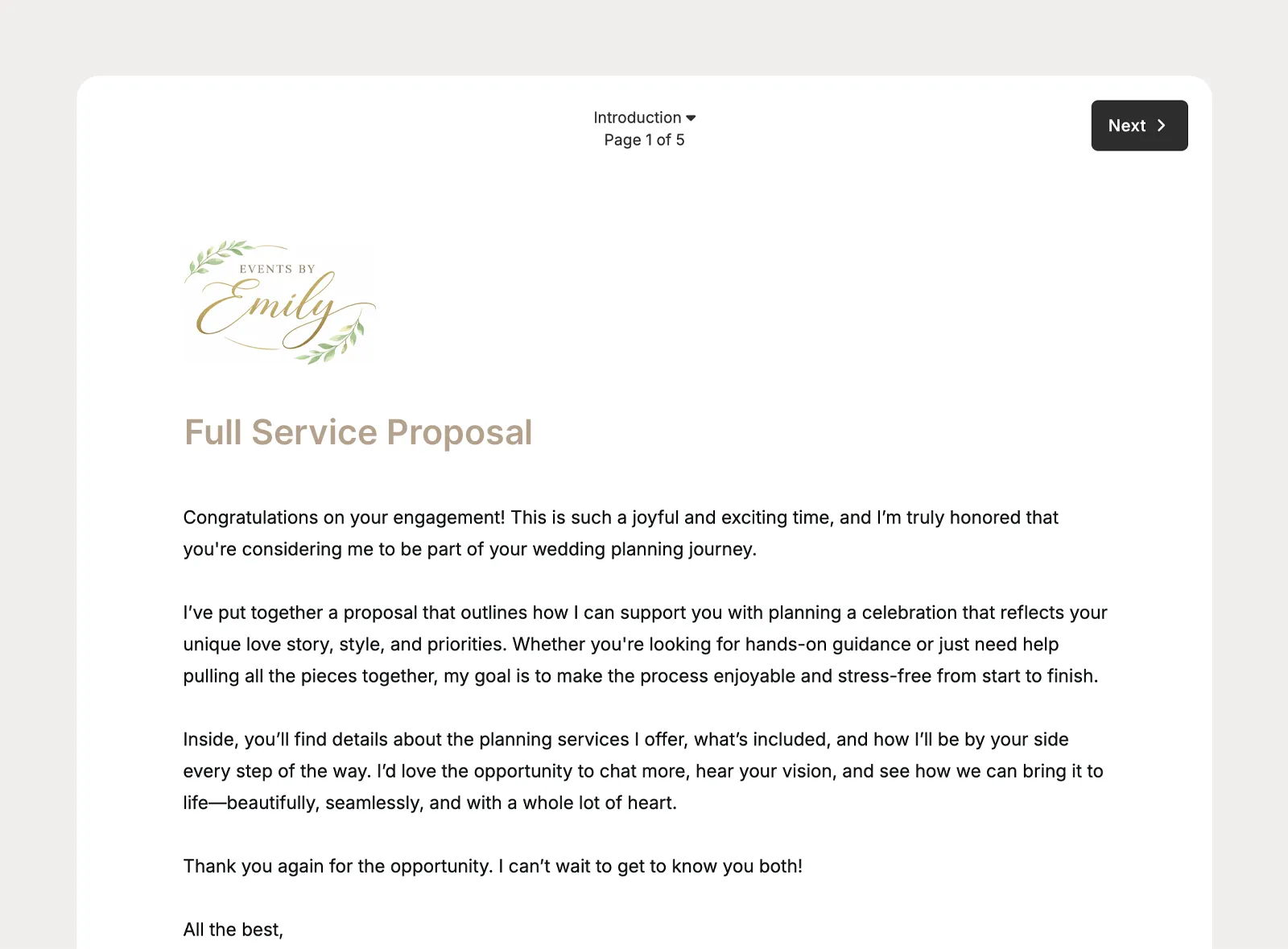
Build proposals that feel like part of your brand with document content that can include text, images, embedded YouTube videos, planner colors, and your logo.
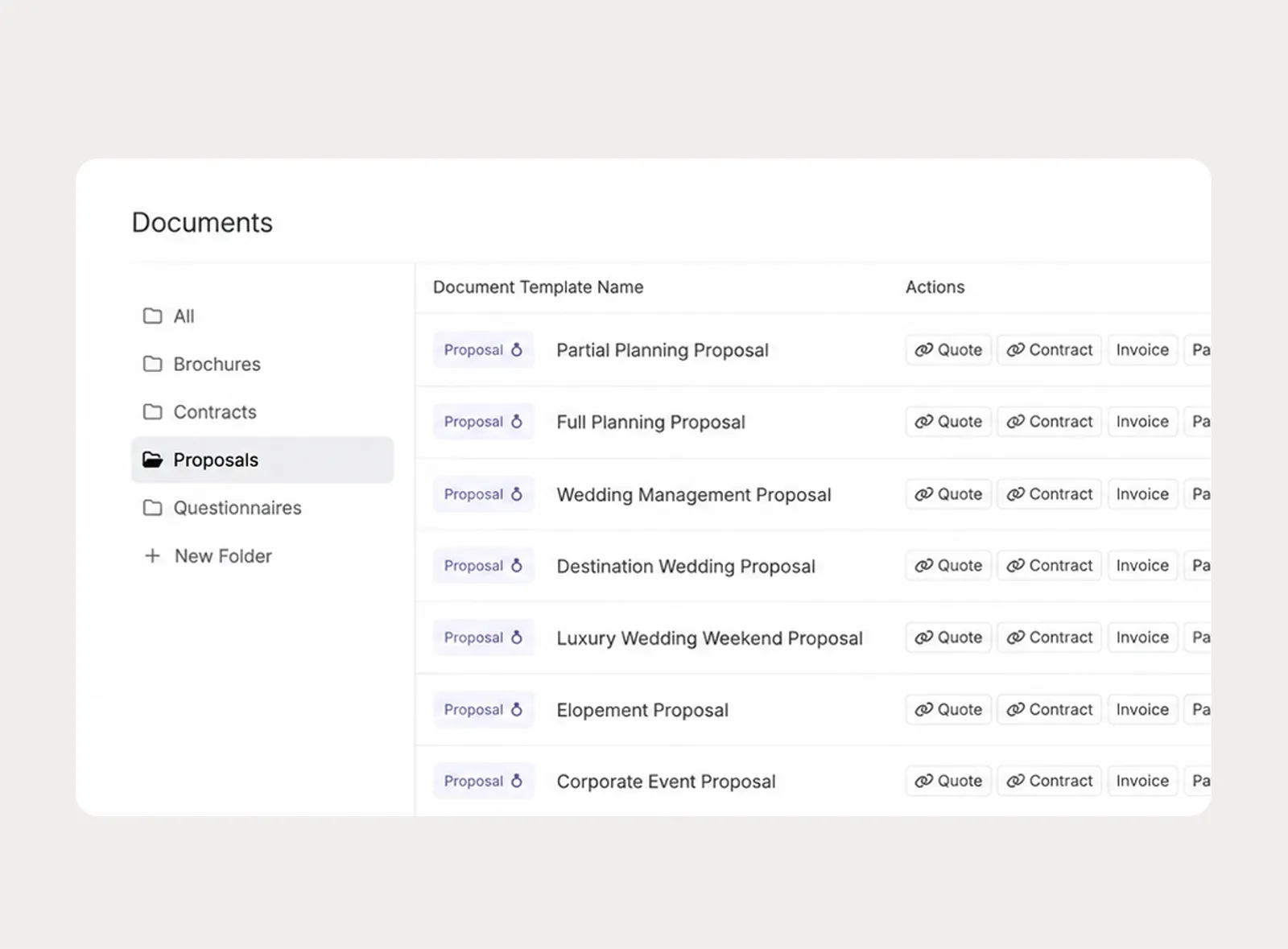
Create company-level proposal templates for the booking experiences your team sends most often, then apply a template and customize the proposal for the specific client.
Keep the decision-making pieces inside the proposal so clients can review the offer, approve the quote, sign the contract, and pay the invoice without bouncing between separate messages.
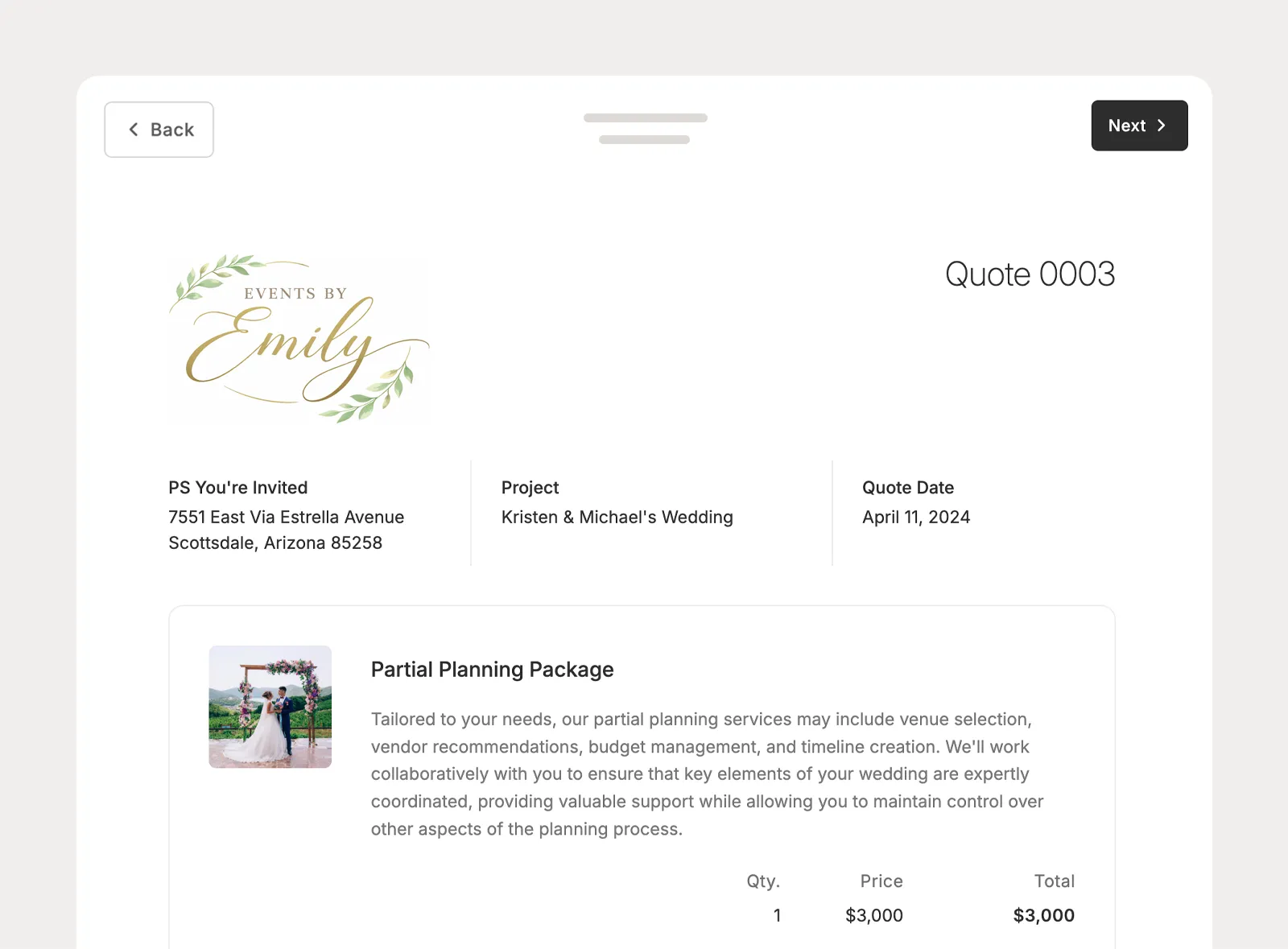
Add a quote to the proposal so clients can review pricing and approve it directly in the document, including selectable items when the quote includes optional choices.
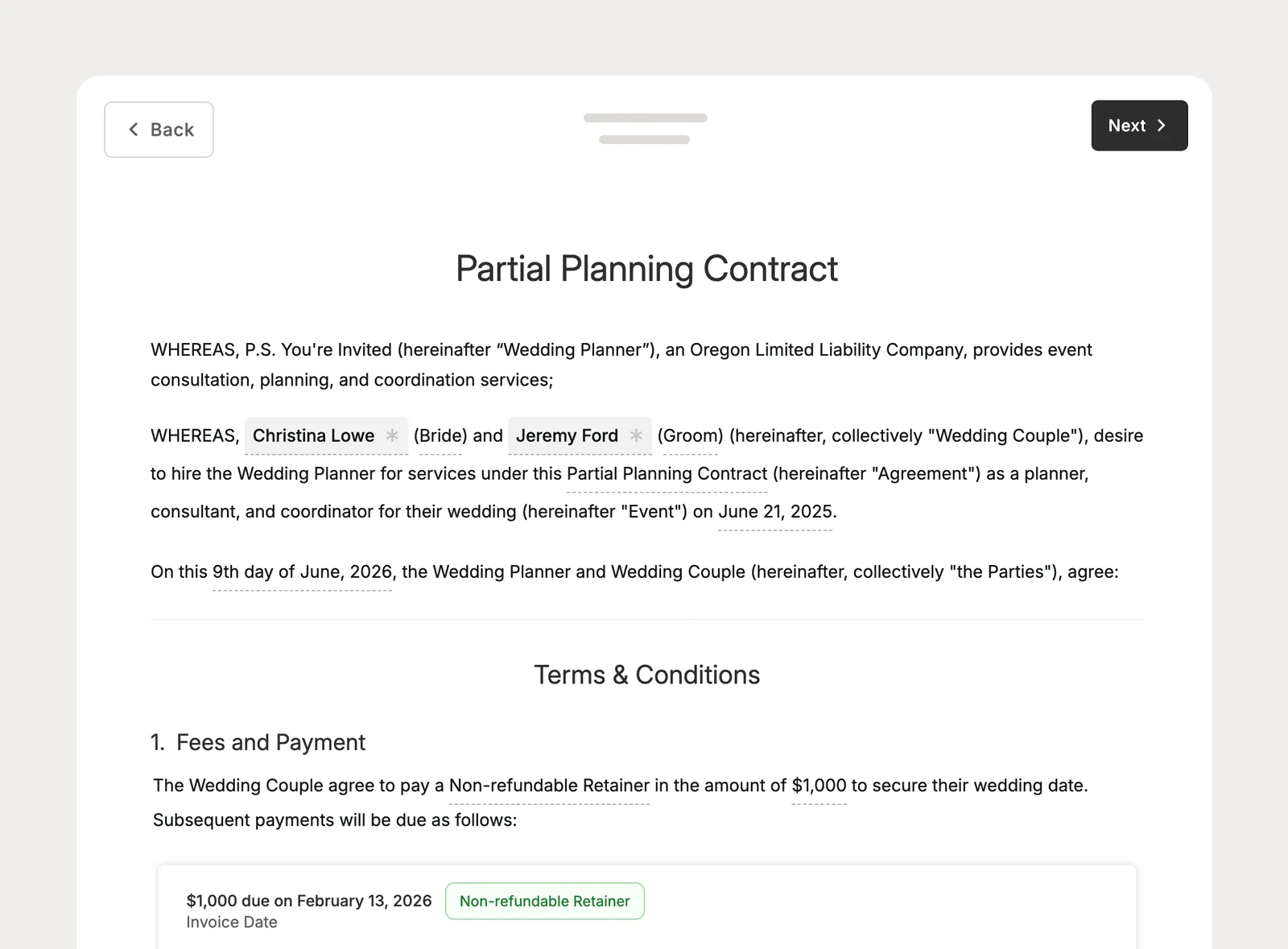
Attach the contract clients need to sign so the agreement stays part of the same proposal experience instead of being sent as a separate step.
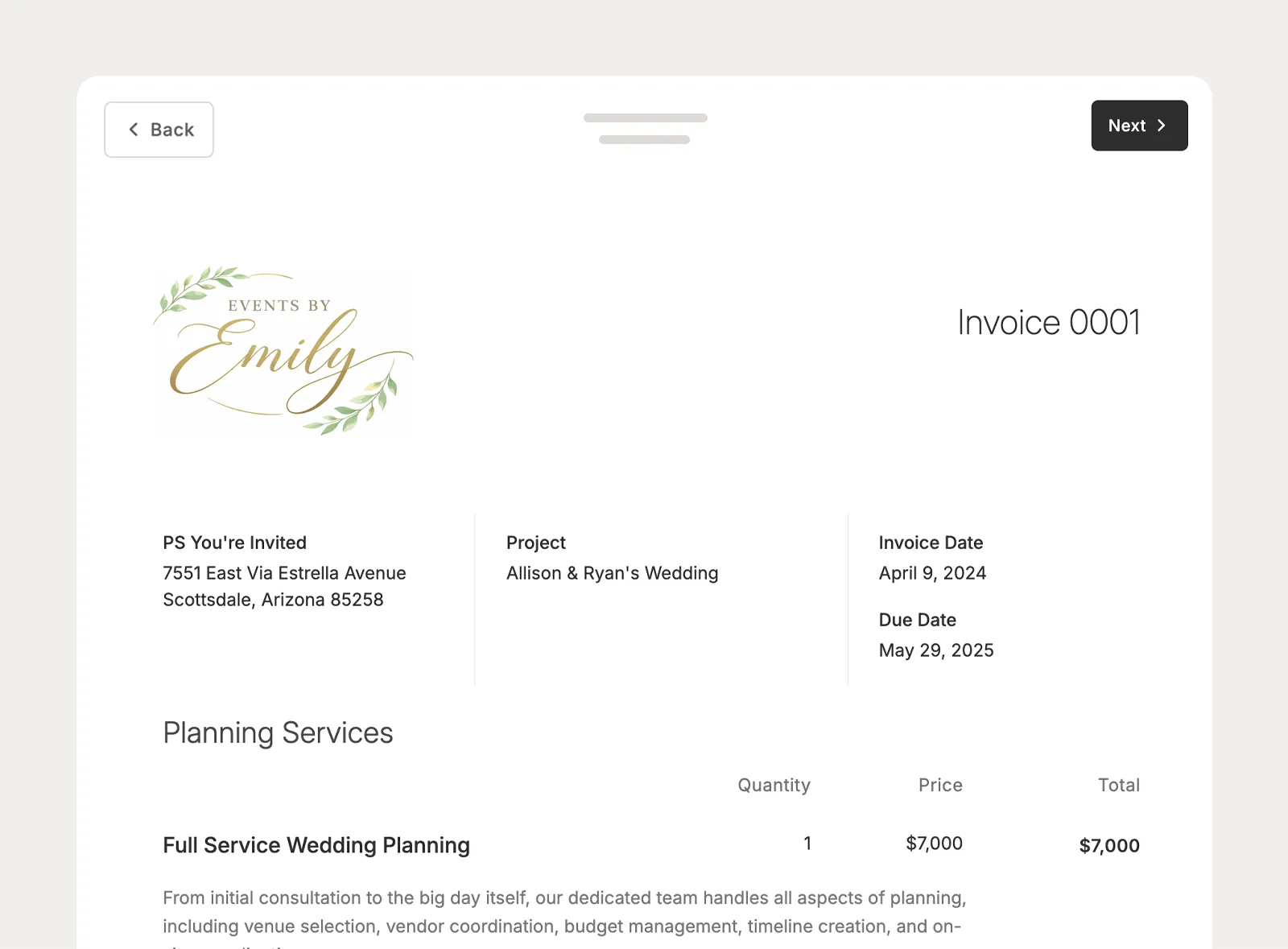
Add an invoice to the proposal so clients can make the required payment from the same document they used to review the offer and complete the booking steps.
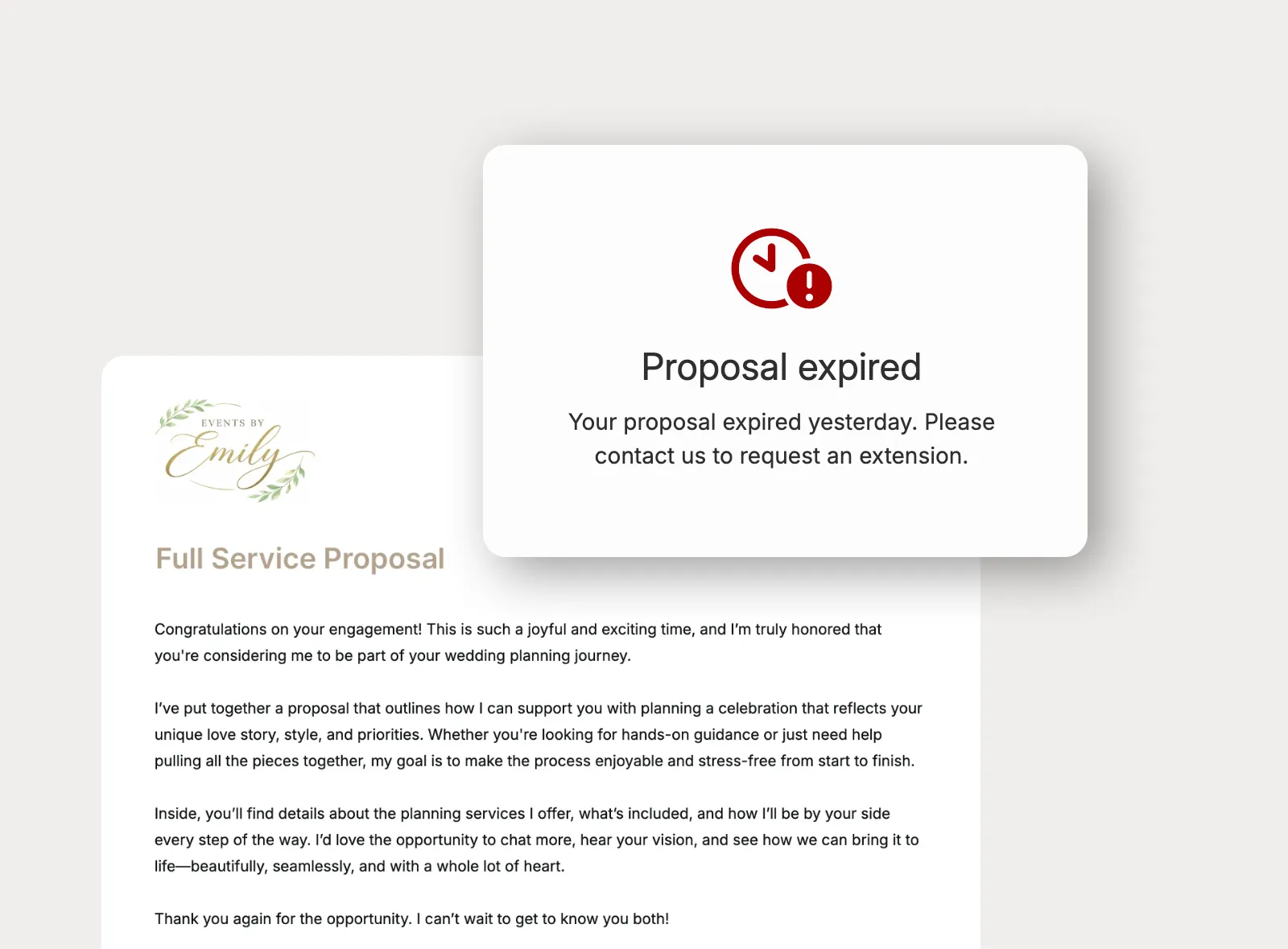
Protect your booking window with proposal expiration dates. When a proposal expires, unfinished actions are locked, and planners can extend the date or manually expire the document when plans change.
Send proposals in the way leads and clients expect to receive them: a live link by email, an easy experience on any device, and portal visibility later when portal access is enabled.
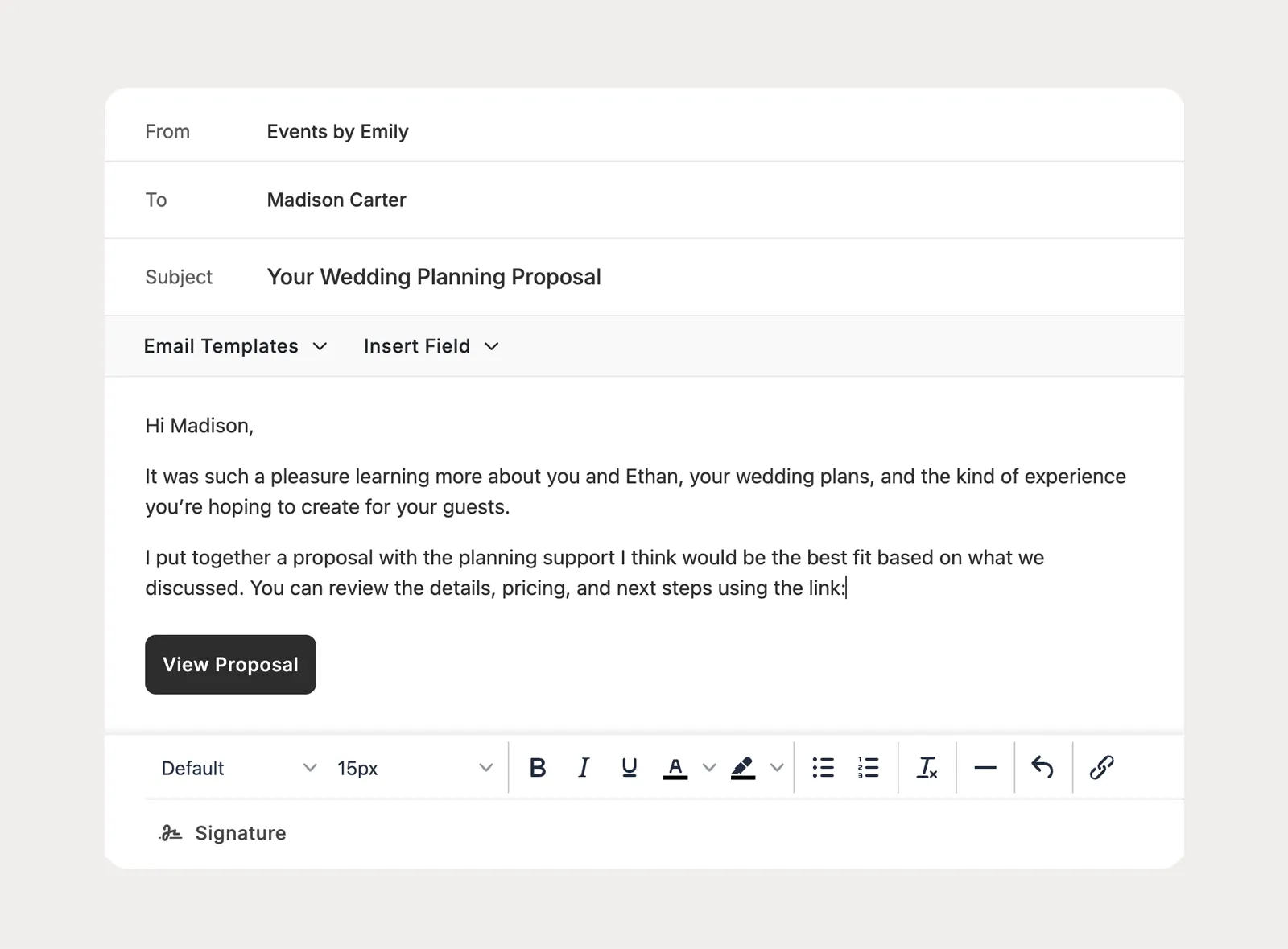
Share proposals with clients through an email link, so they can open the booking document without needing client portal access before they are ready to book.
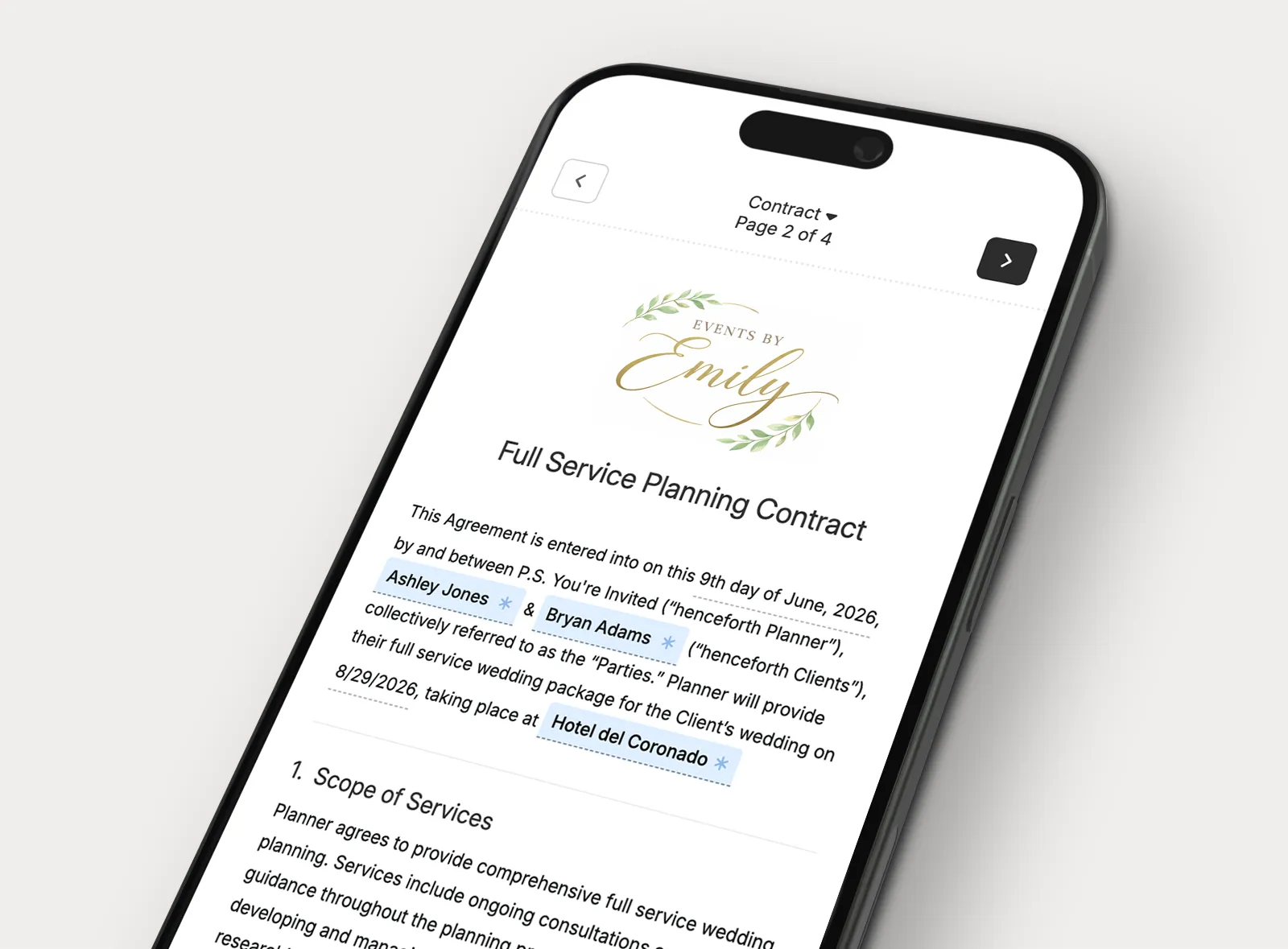
Give clients a proposal experience that works wherever they are, so they can review the offer and complete the included booking steps from a phone, tablet, or computer.
See what has been created, sent, viewed, approved, signed, and paid so your team can understand where each proposal stands without searching through separate emails.
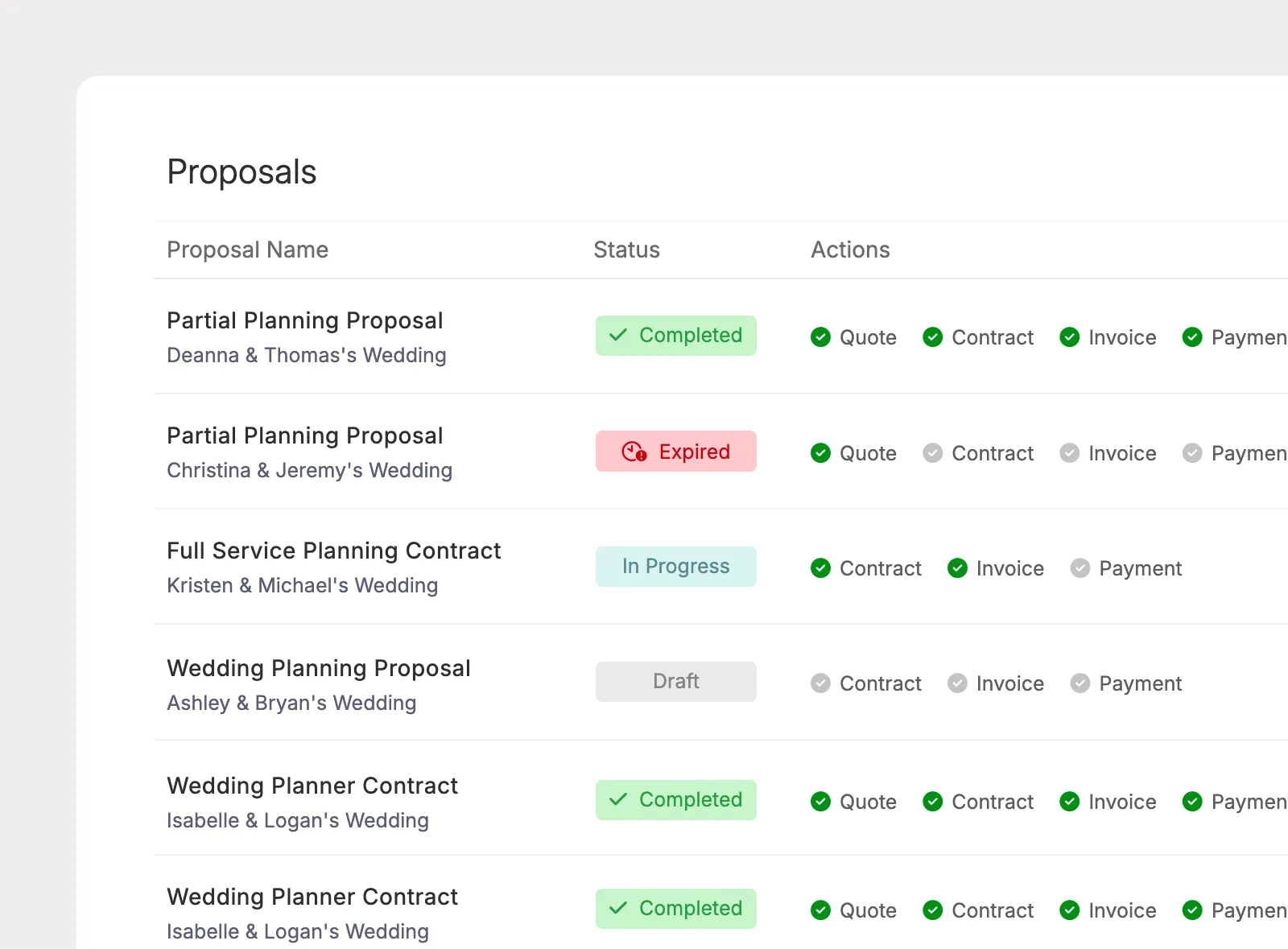
Use the Proposals page to review the proposals your team has created and quickly understand which booking documents are out with clients.
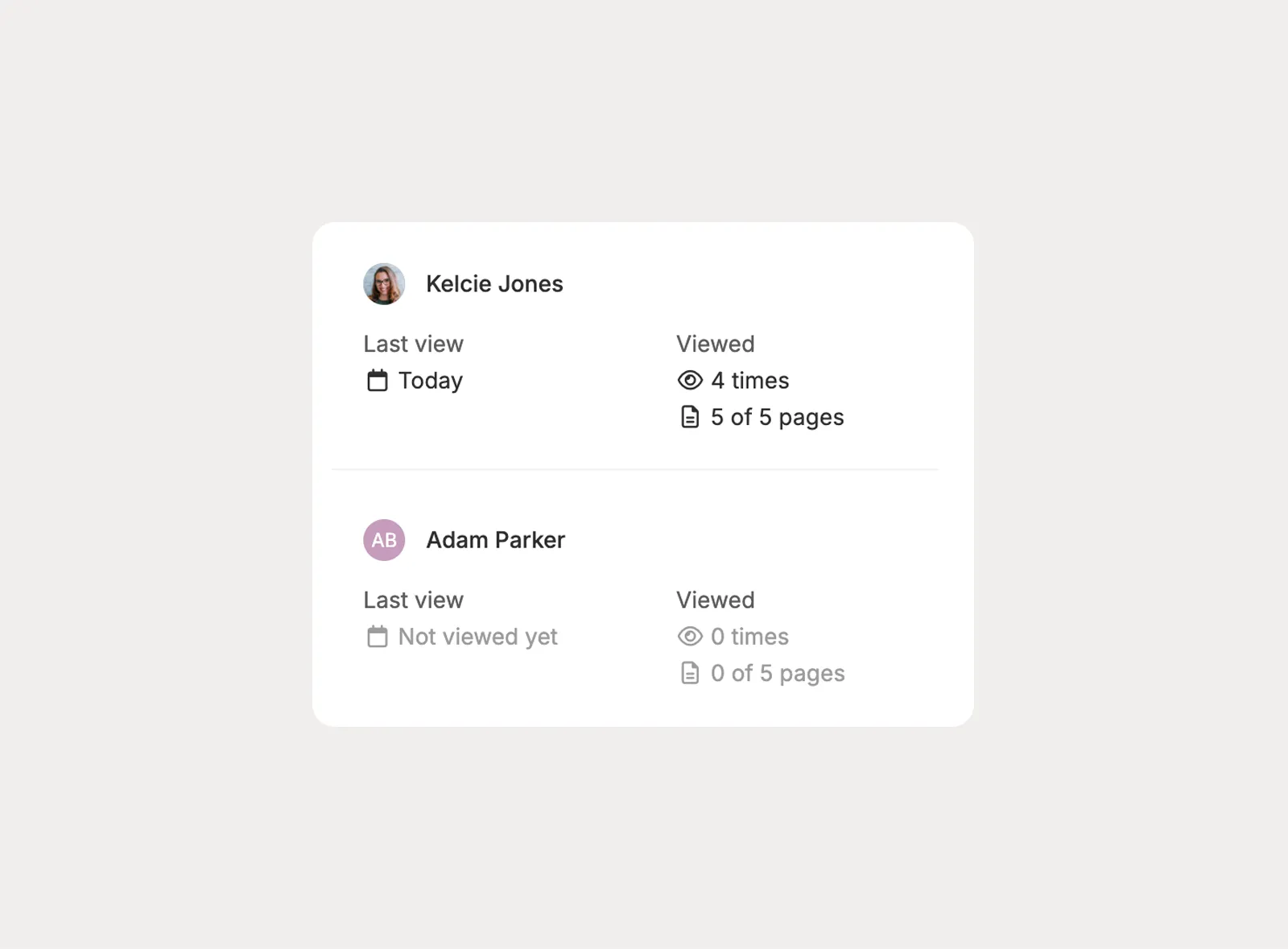
See when each recipient was sent the proposal, when they first viewed it, and how many times they have opened it, with activity tracked separately by person.
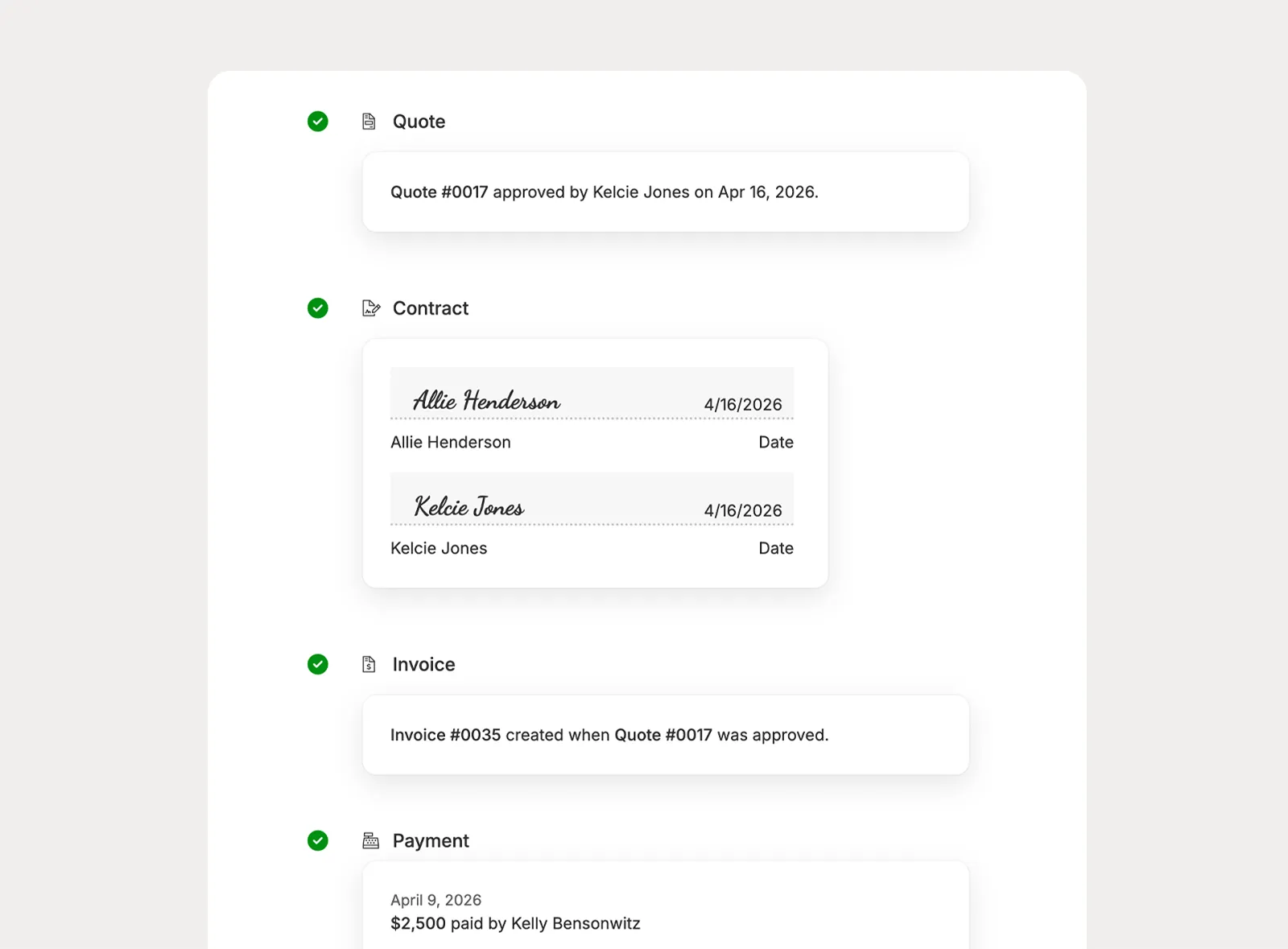
Proposal summaries show the pieces included in each proposal, with status visibility for quote approval, contract signing, invoice payment, and payment progress.
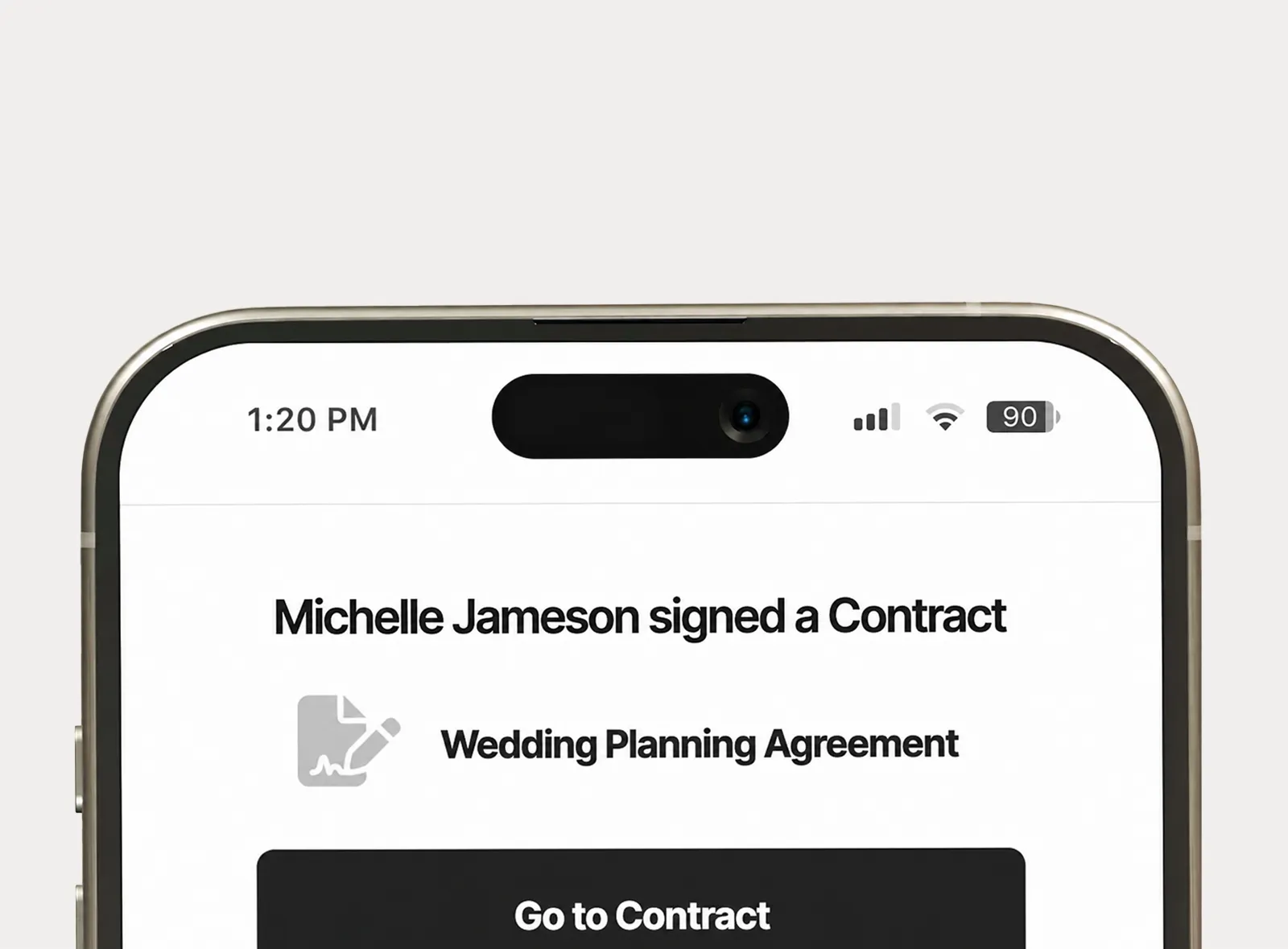
Receive email and in-app notifications when important proposal activity happens, like a first view, quote approval, contract signing, invoice payment, or proposal expiration.
Planpage keeps me organized and gives my business a more polished and professional feel.

I've tried all of the platforms, and have not found anything I love as much as Planpage!

Planpage has a clean design, it's easy to use, and the customer service has been outstanding.