Go beyond simple checklists with task statuses, reusable workflows, and views that match how planners actually work.

Real planning work has stages between not started and done. Planpage gives planners a task system that works like project management, with statuses, list views, and board views for the way work actually moves.
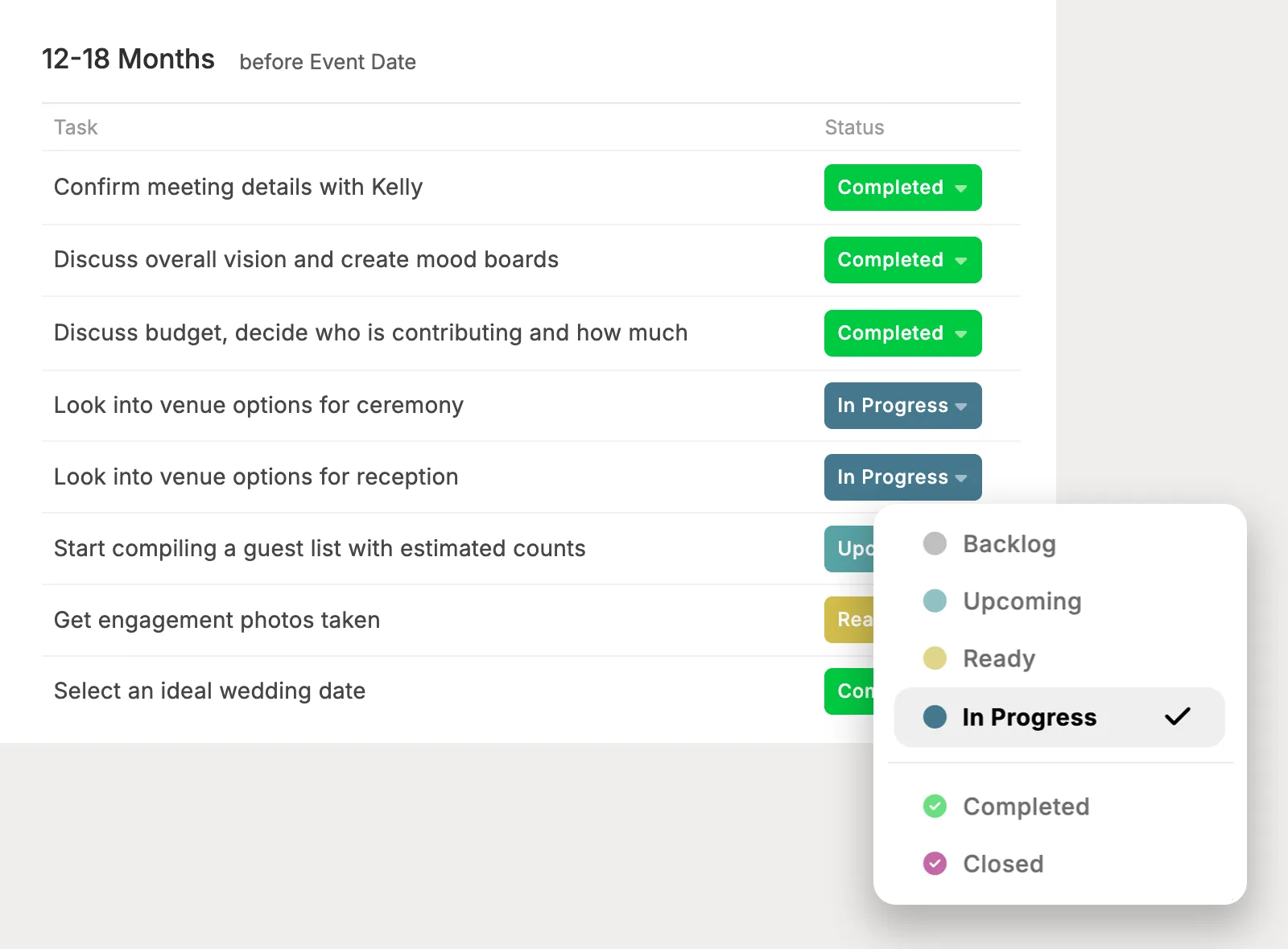
Use task statuses to understand where each item stands, from work that is waiting to tasks that are in progress, completed, or fully closed. See what needs attention without reducing every task to a checkbox.
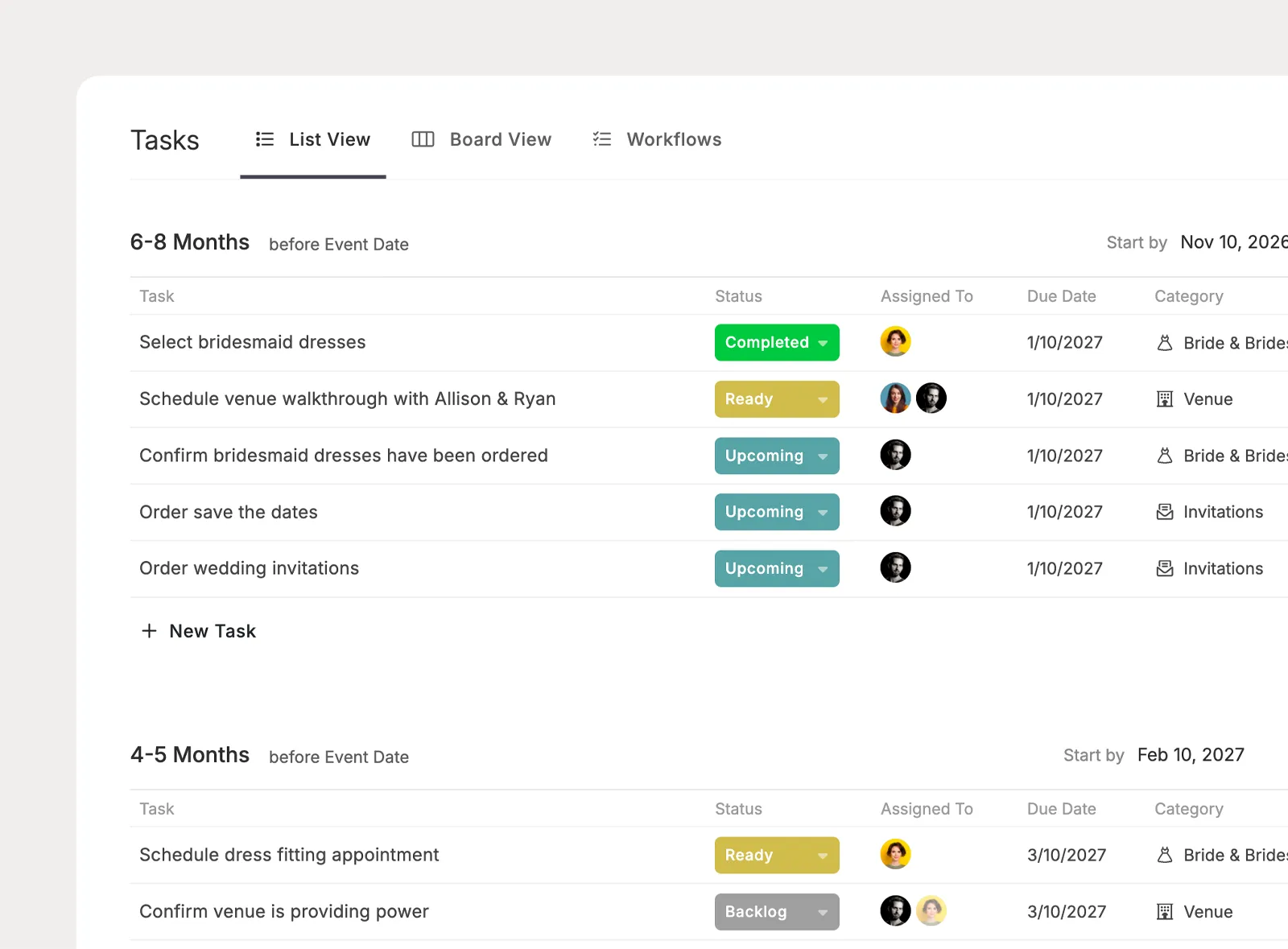
Review task names, statuses, assignees, categories, task groups, and dates in a structured list. Filter the view to focus on the work that matters right now.
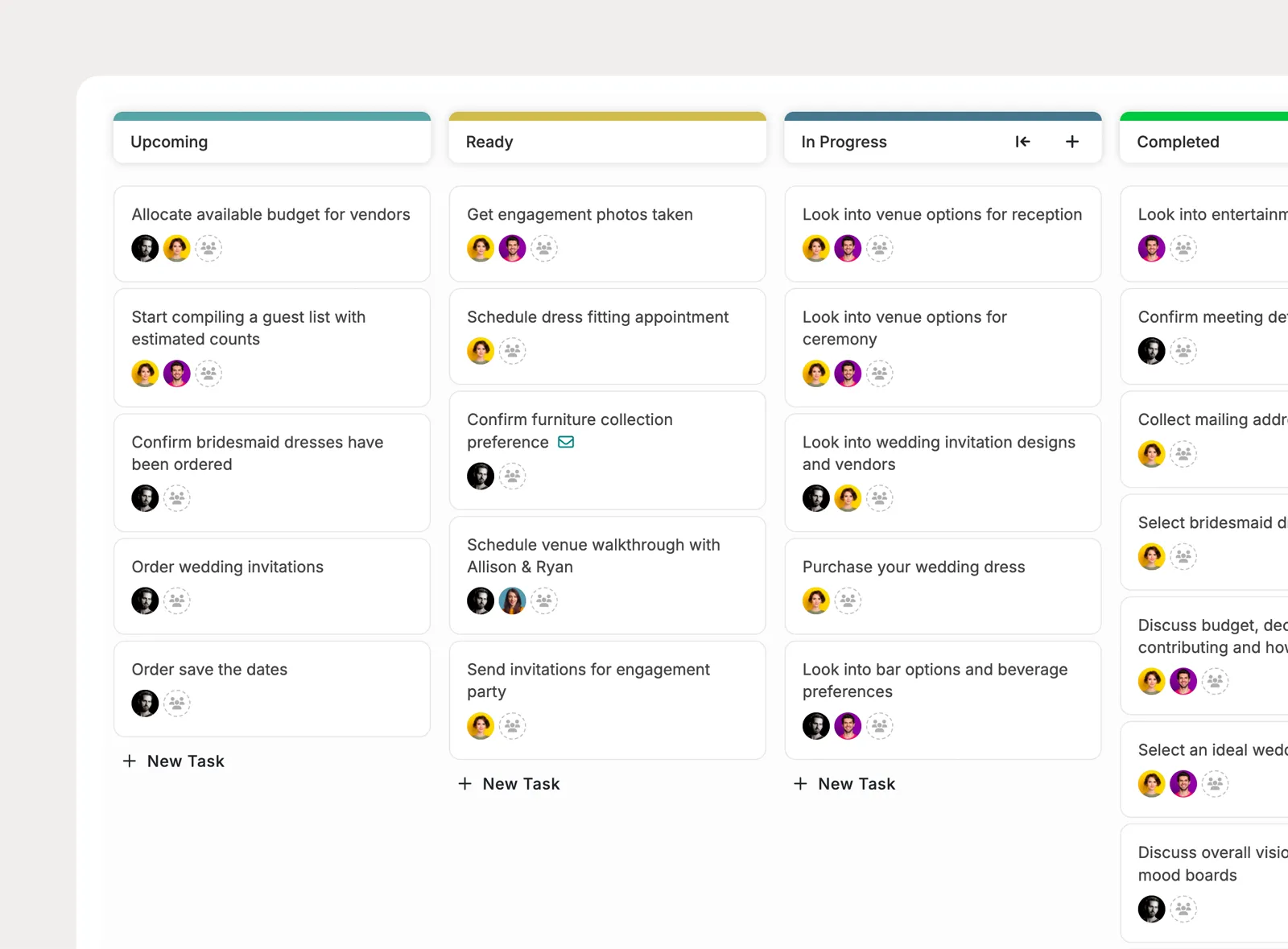
Use the board view to see tasks by status and drag them into the right stage as planning moves forward. Reorder tasks within a status to reflect priority or what should happen next.
Create repeatable task workflows for the services, phases, and planning moments your team handles most often. Apply the pieces that matter for each project, then adjust the details as the event takes shape.
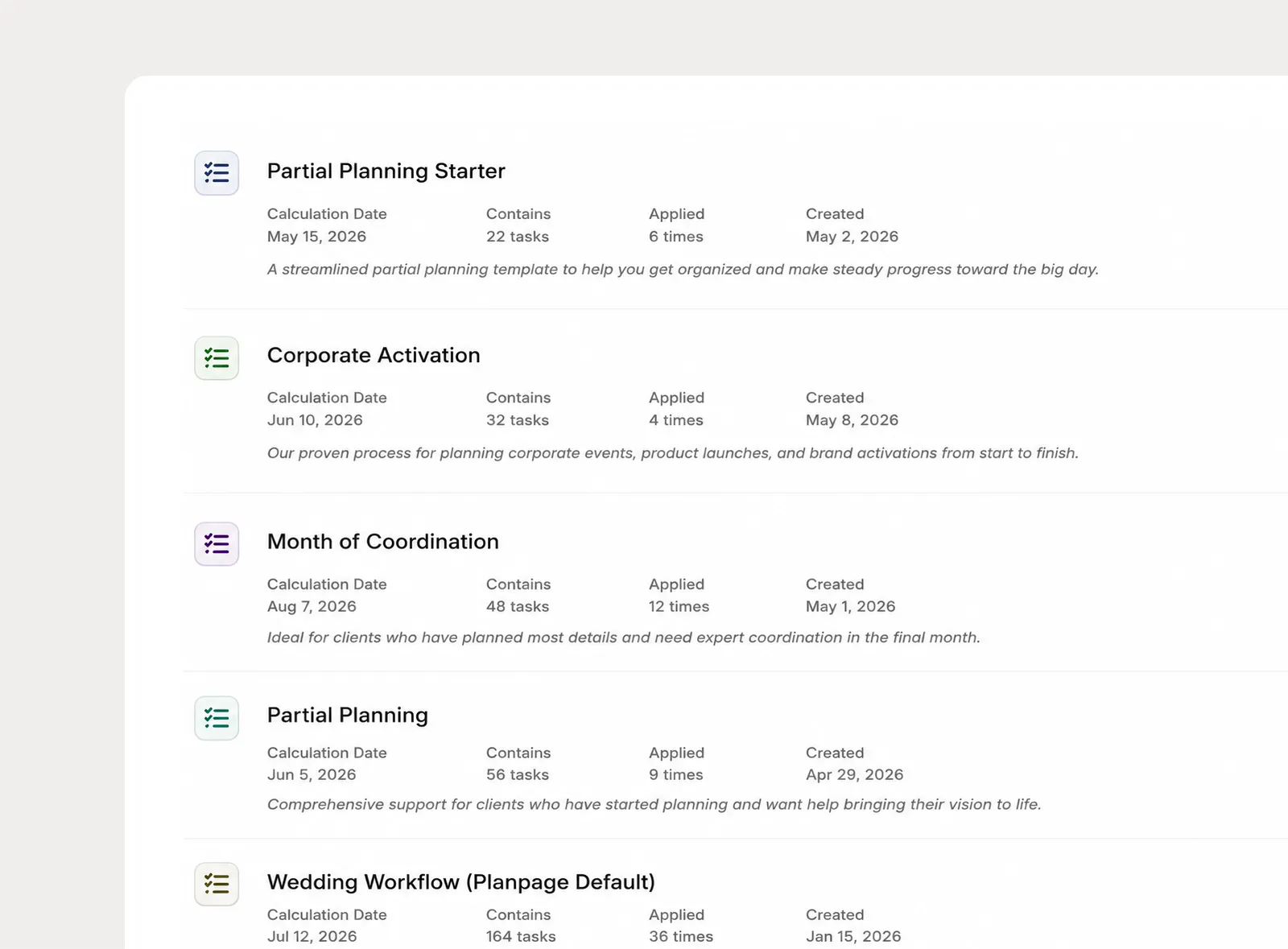
Save collections of tasks at the company level, then apply them to projects whenever that process is needed. Build workflows for full-service planning, month-of coordination, vendor selection, or any other service your team offers.
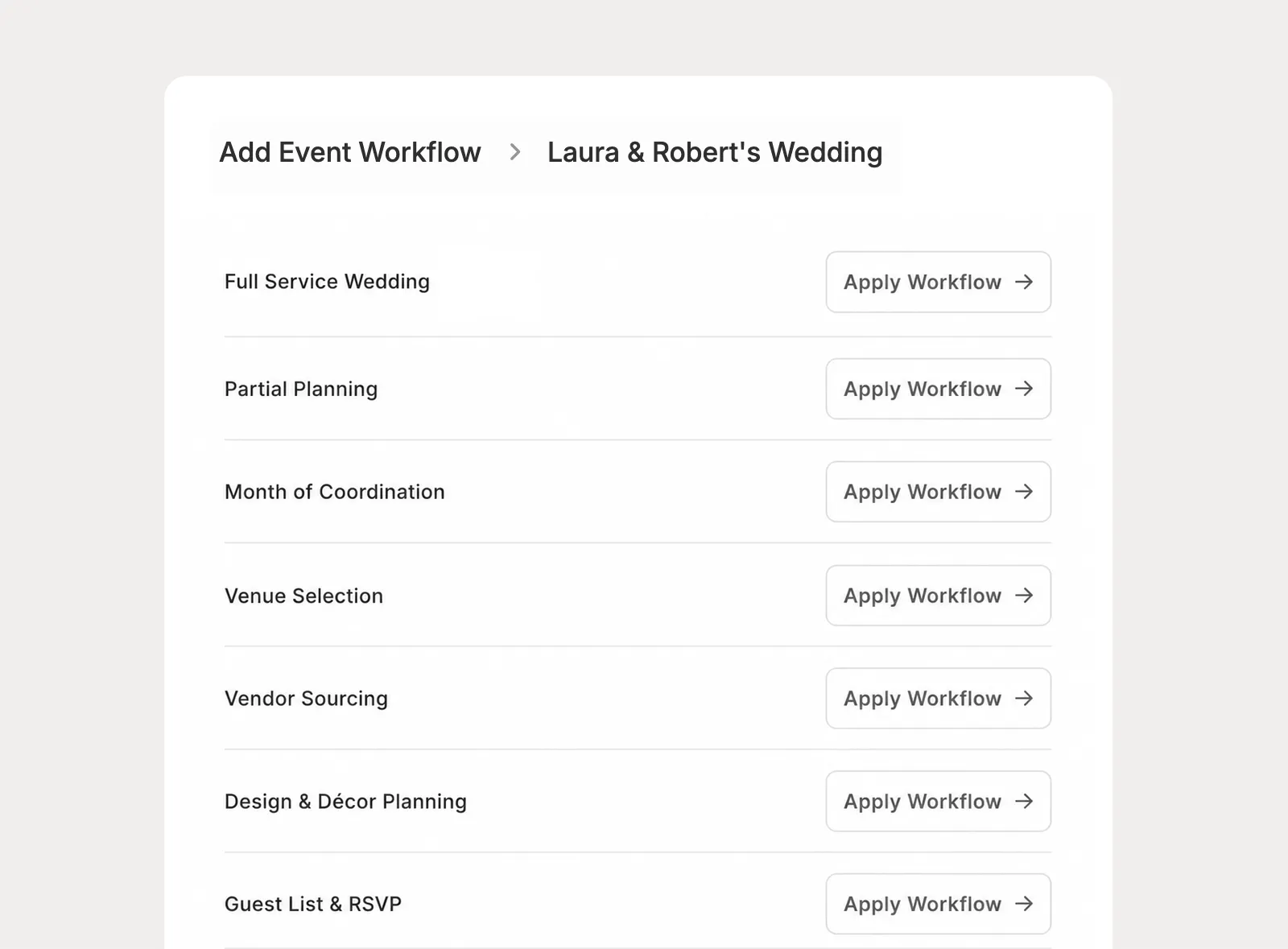
Keep workflows focused and modular instead of relying on one oversized checklist. Add the planning pieces that match the project, then edit those tasks as needed.
Keep internal team work and client homework in one project task list, then decide what each client can see or change in the portal.
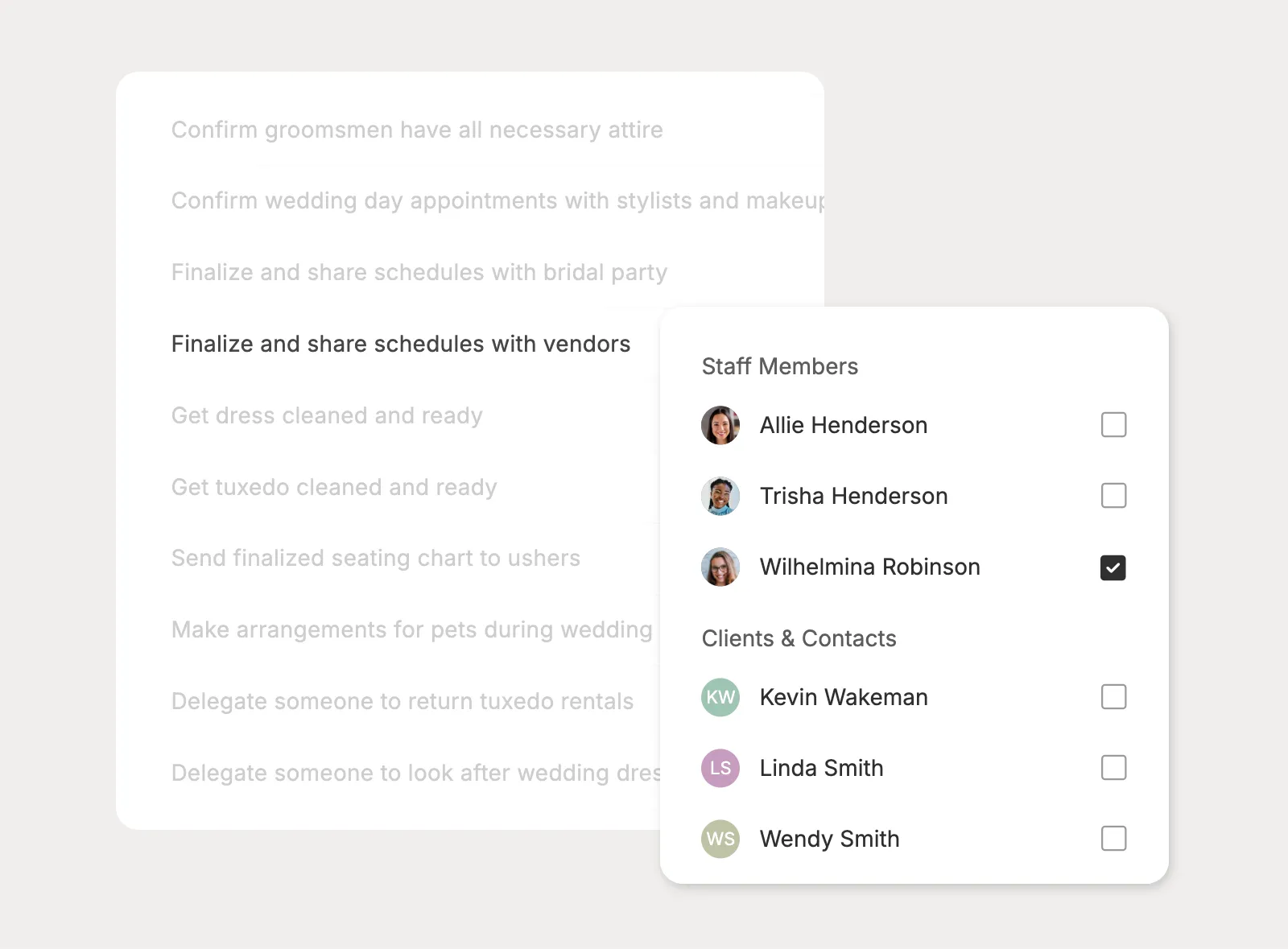
Give each task the right owners, whether it belongs to one team member, multiple staff members, a client, or a mix of people helping with the project.
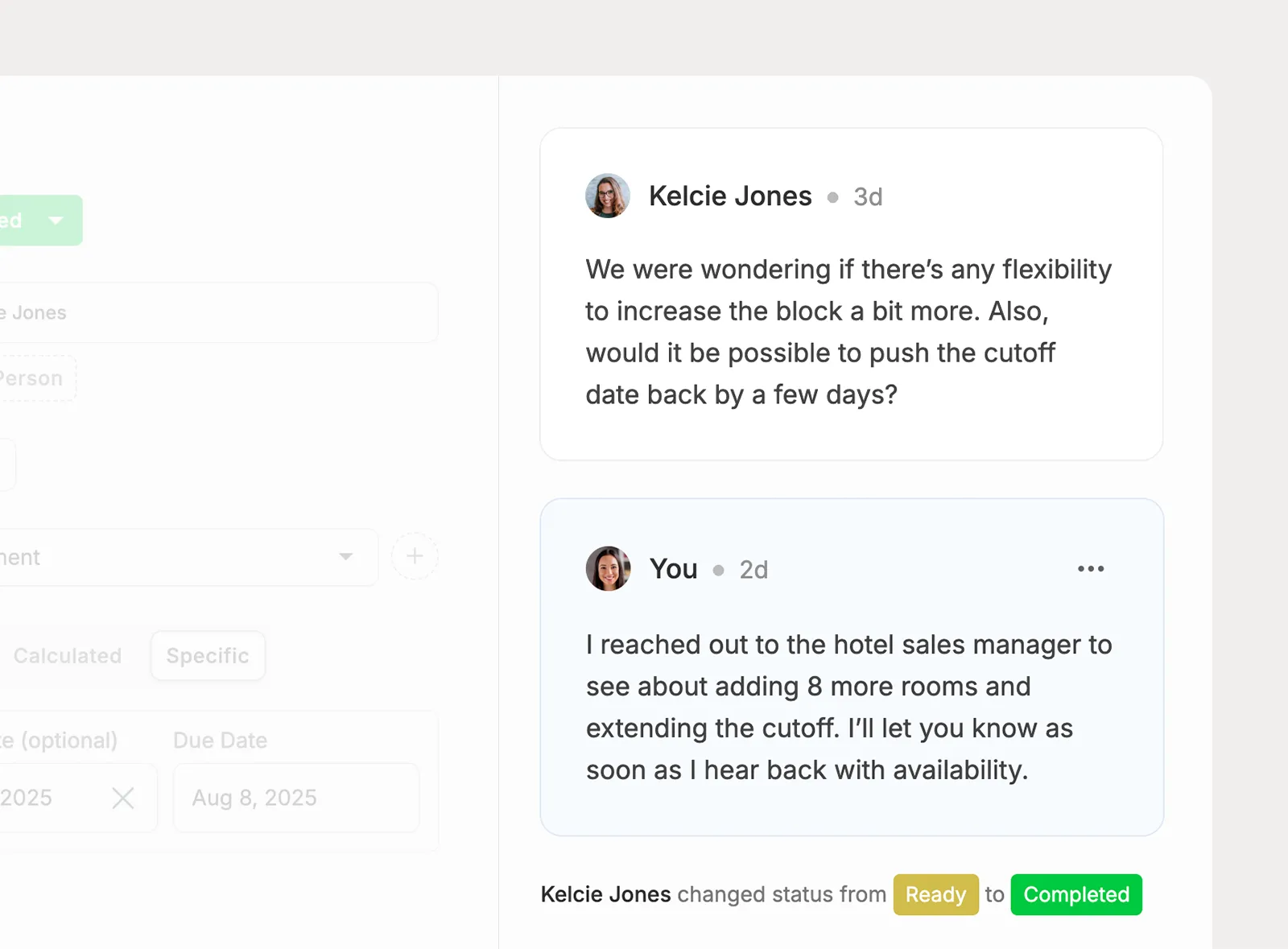
Discuss task details in the comment feed and see the activity history behind each task. When someone updates a task, the record shows how it got there.
I've tried all of the platforms, and have not found anything I love as much as Planpage!

There's so much value with Planpage, and the customer support is fantastic.

Planpage enables our team to operate efficiently and give clients a more polished experience.