Turn scattered notes into organized planning context for your team and clients. Now everything lives in one place.

Keep call notes, preferences, venue details, and reminders inside the lead or project they belong to.
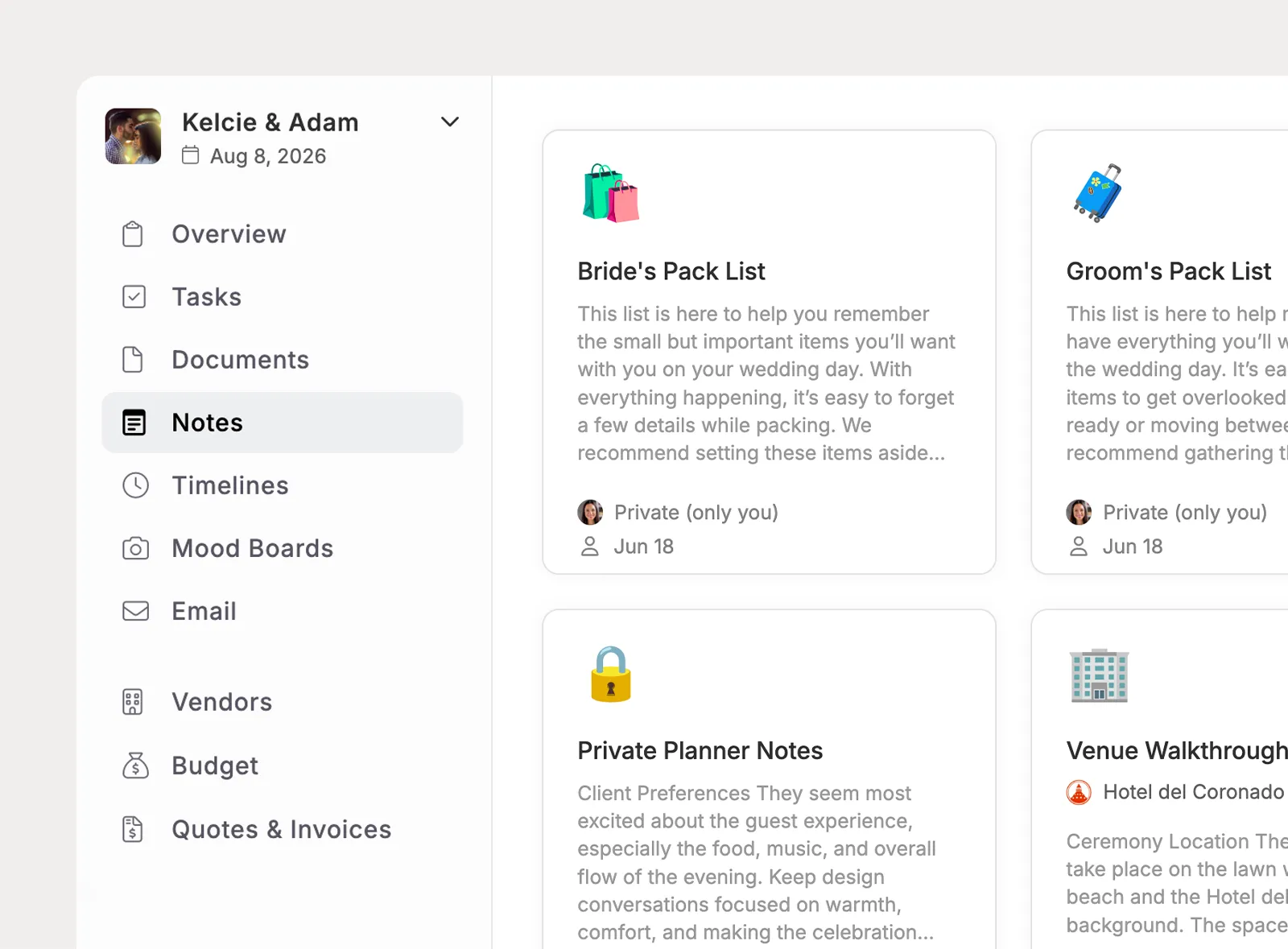
Use the Notes tab in each lead or project to capture sales calls, client meetings, walkthroughs, vendor conversations, and planning decisions.
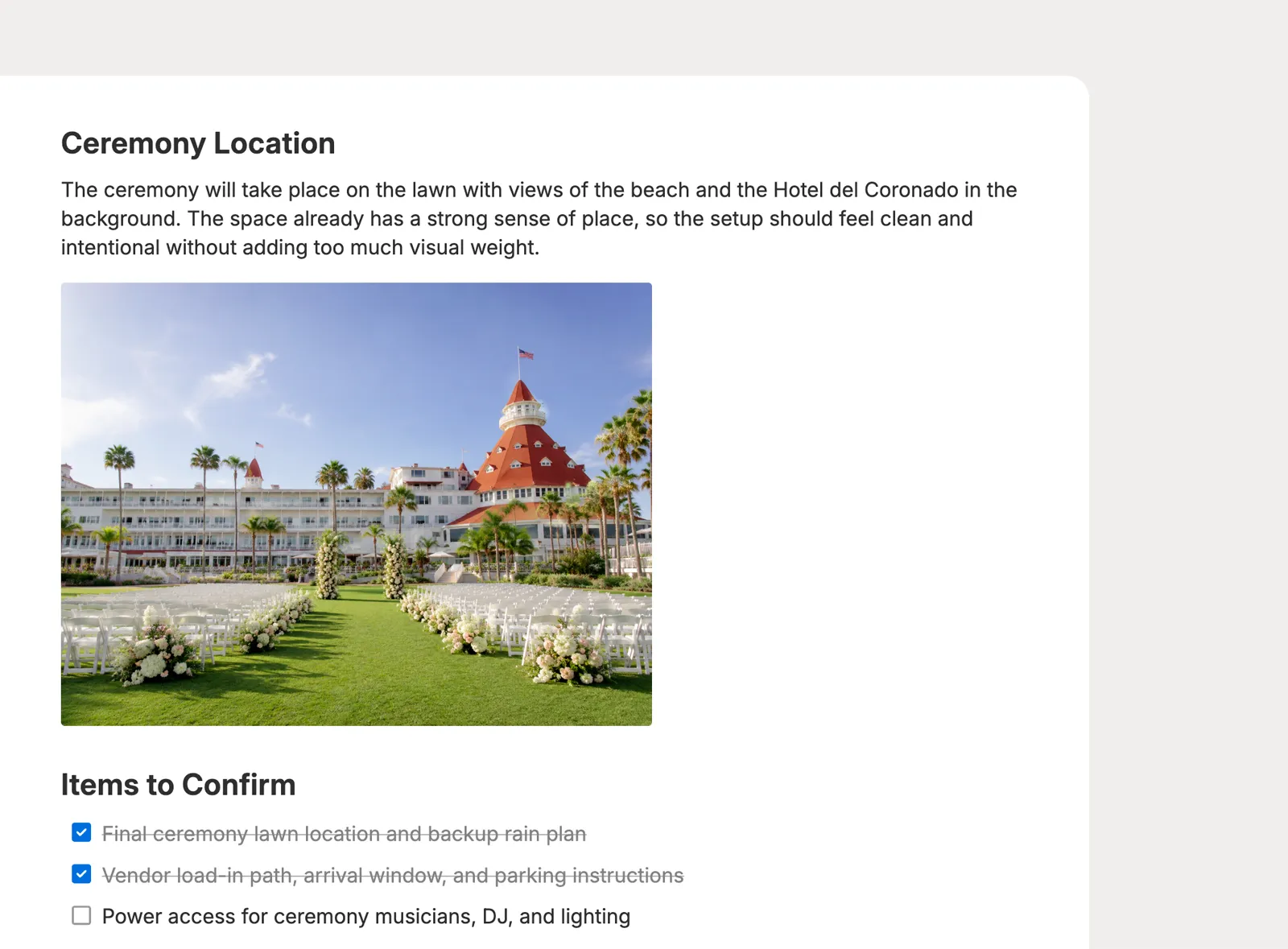
Add text, images, lists, and checklists so notes can hold design ideas, venue details, client prep, and event-day reminders.
Choose the right note type, then filter by type when you need a focused view.
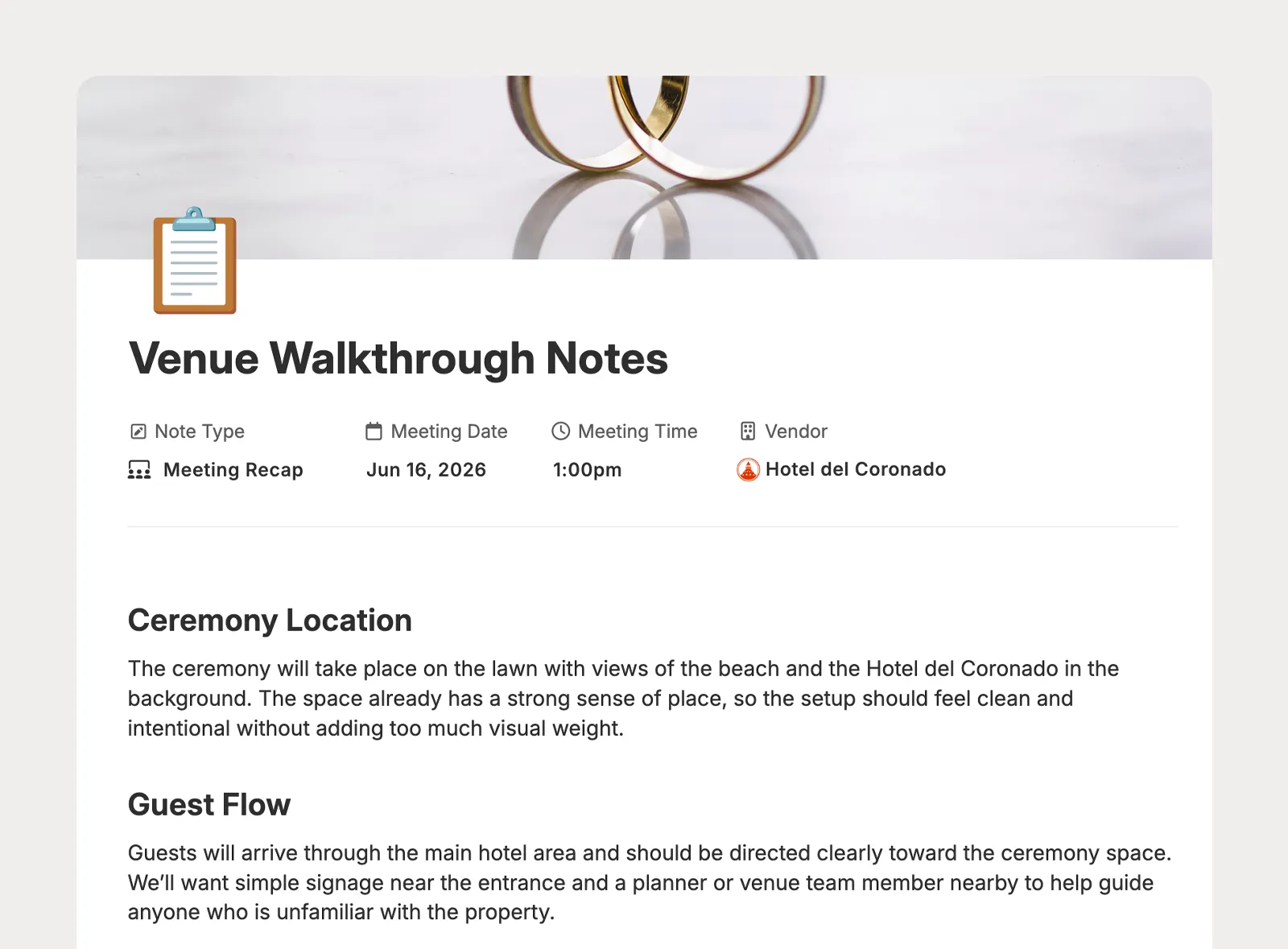
Recap client check-ins, walkthroughs, design reviews, vendor meetings, and planning conversations with date and time context.
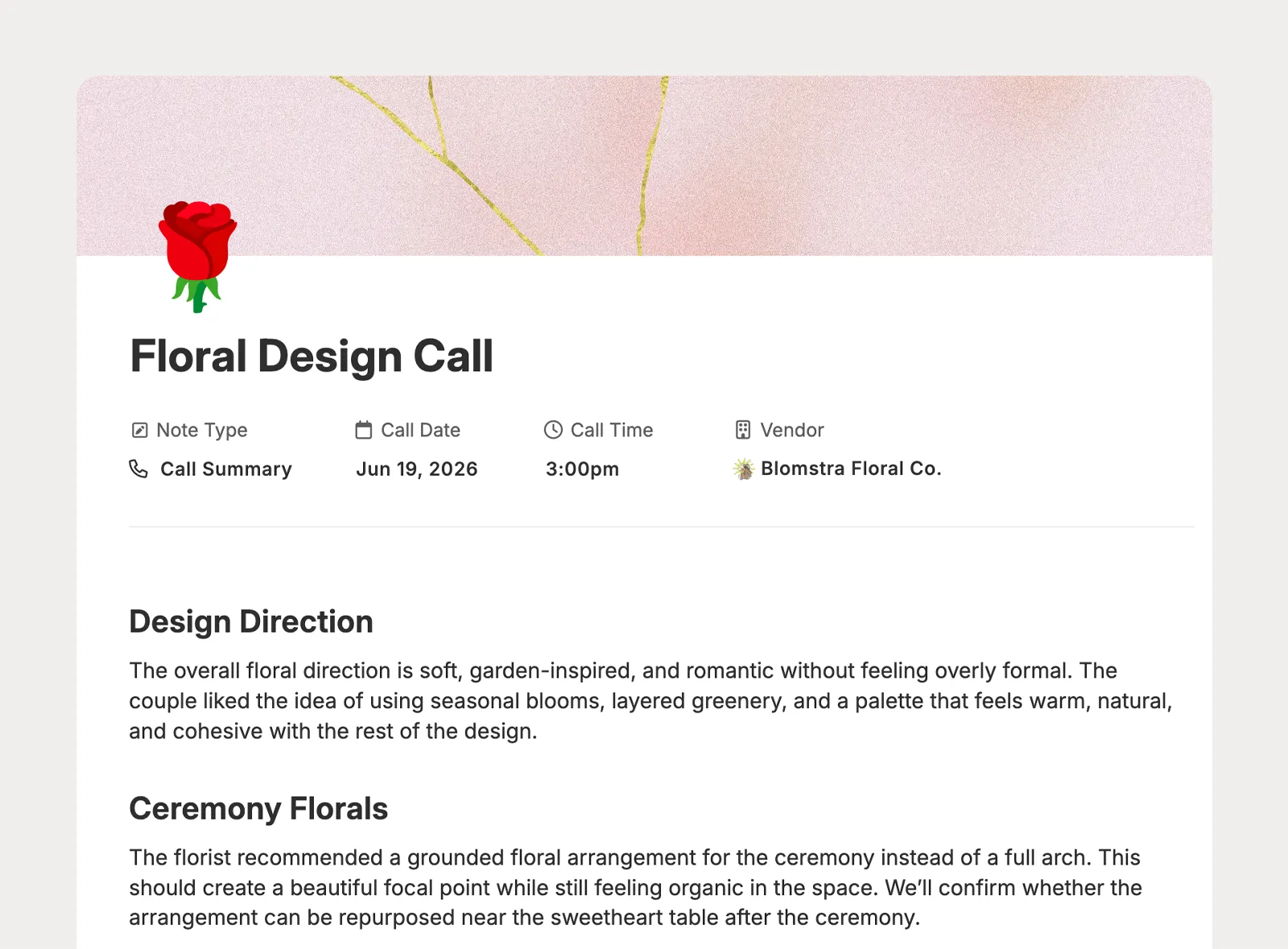
Summarize sales calls, client calls, vendor calls, and quick decisions with date and time context.
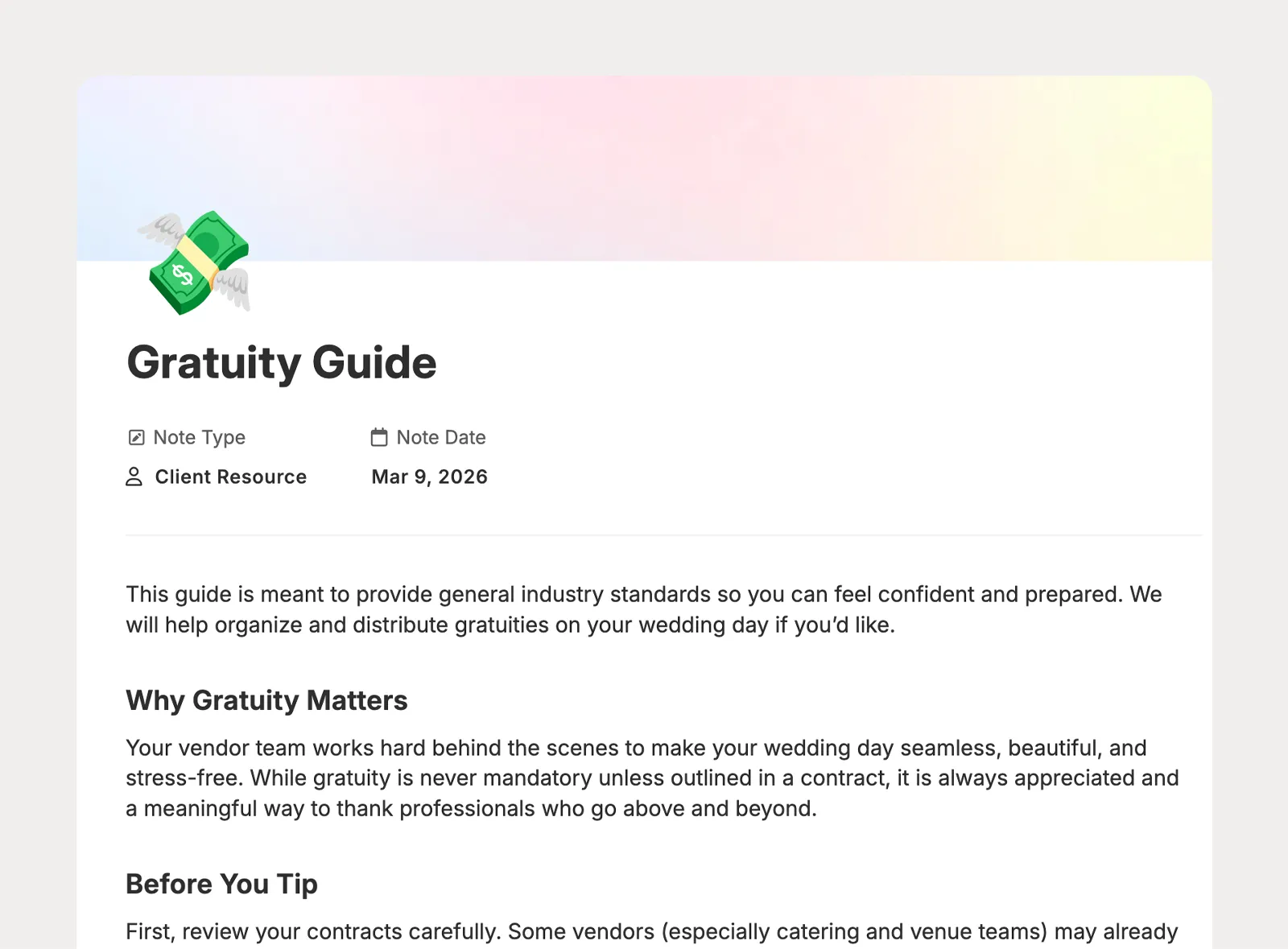
Share prep lists, planning instructions, venue notes, or decision guides in the client portal.
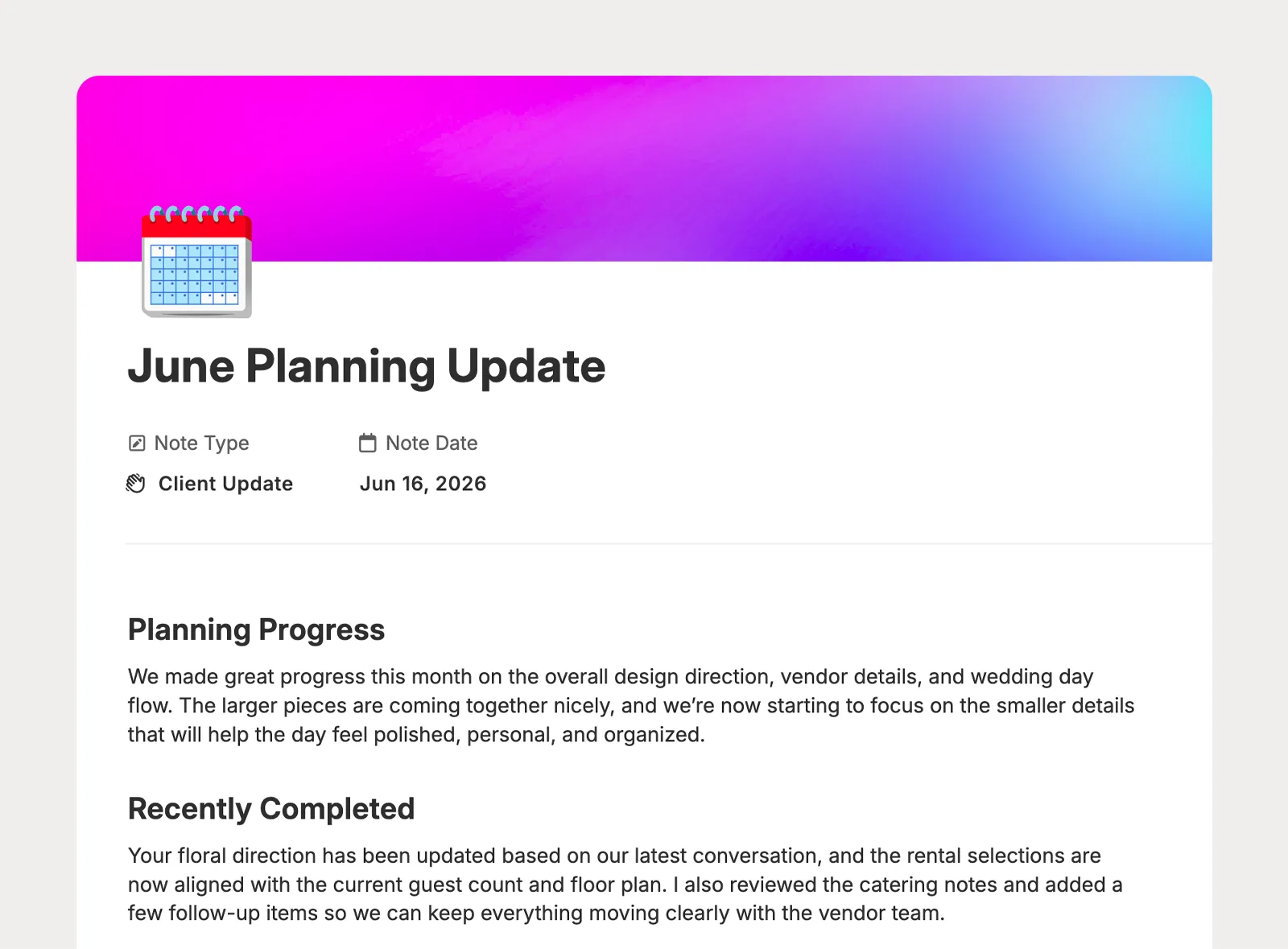
Keep clients informed about progress, next steps, and key planning details in the portal, with view-only or edit access.
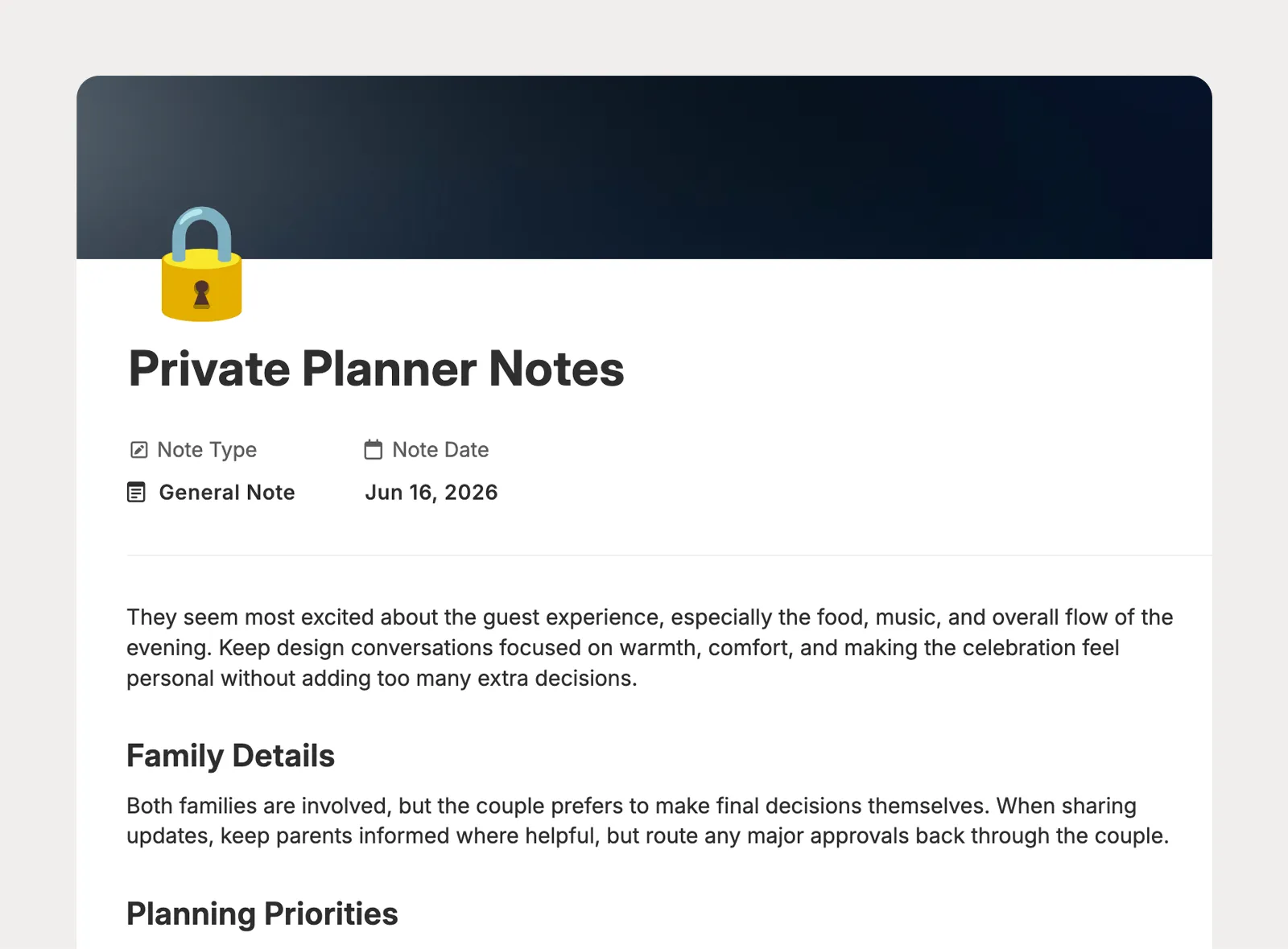
Capture flexible planning context like family dynamics, venue restrictions, design preferences, open questions, and internal reminders.
Standardize recurring notes, connect vendor details, and control who can see or edit each note.
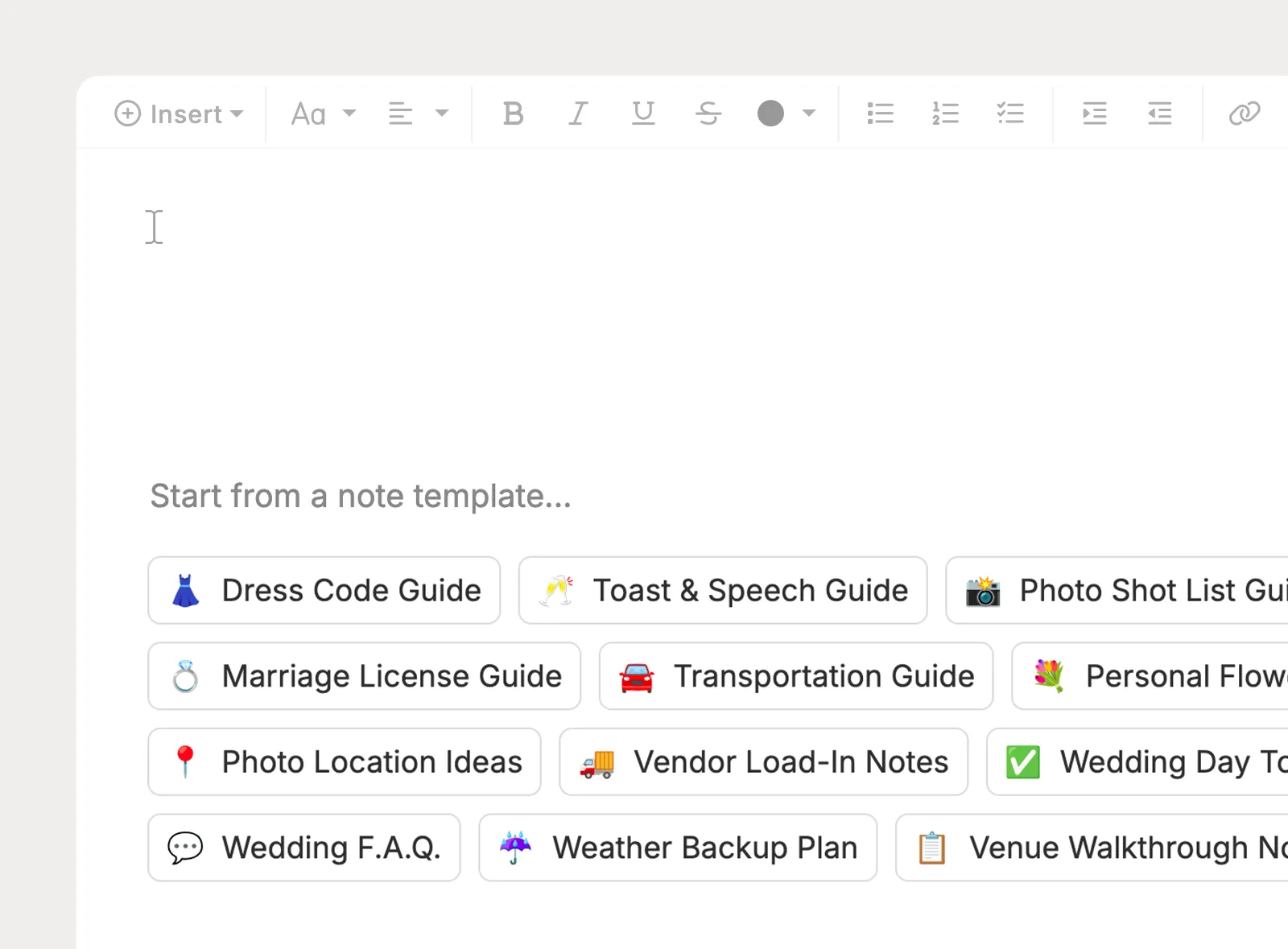
Create company-level templates with text, images, lists, and checklists, then reuse them across leads and projects.
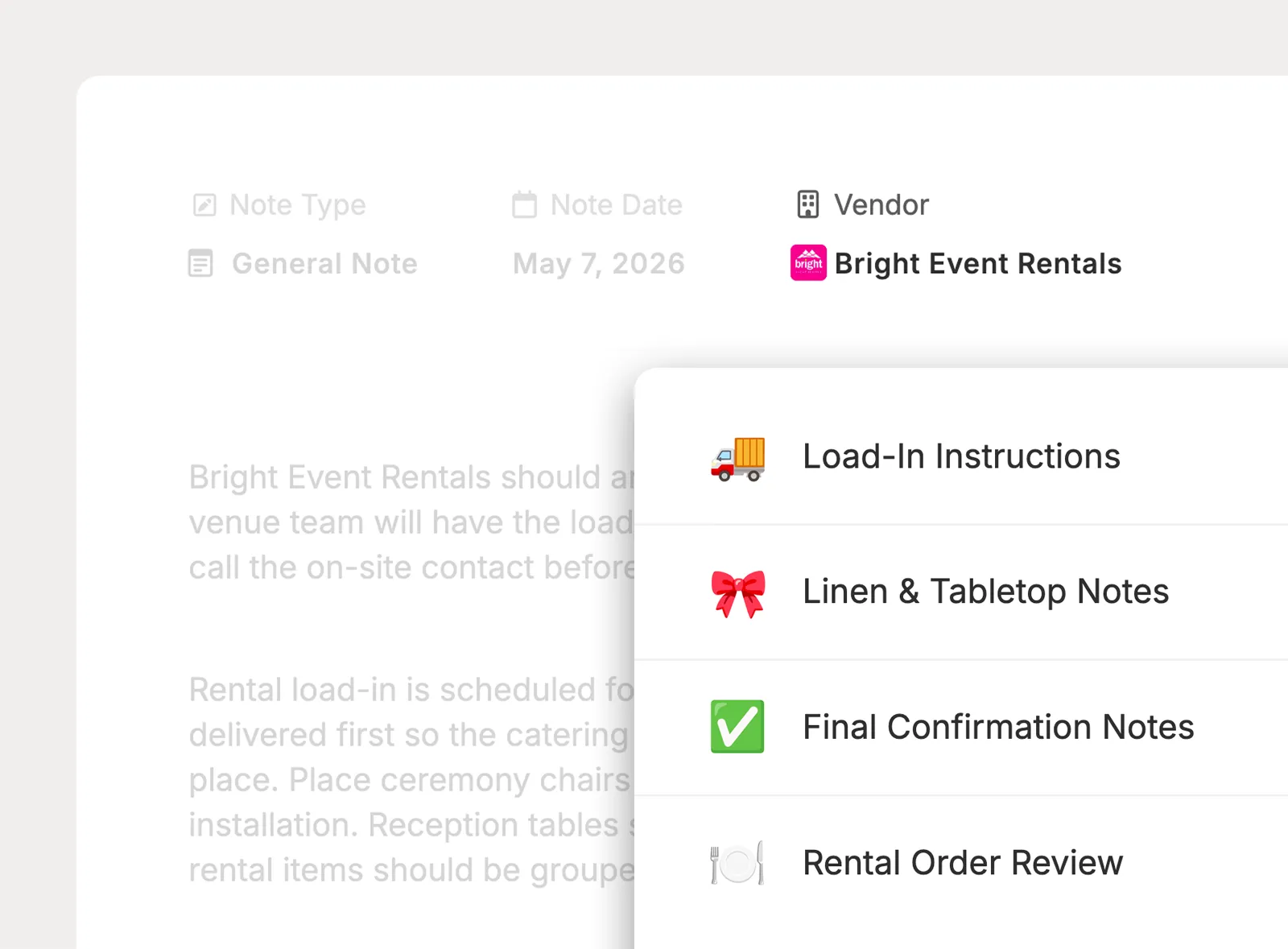
Attach a project note to one vendor, show that vendor in the notes list, and review vendor notes from the vendor profile.
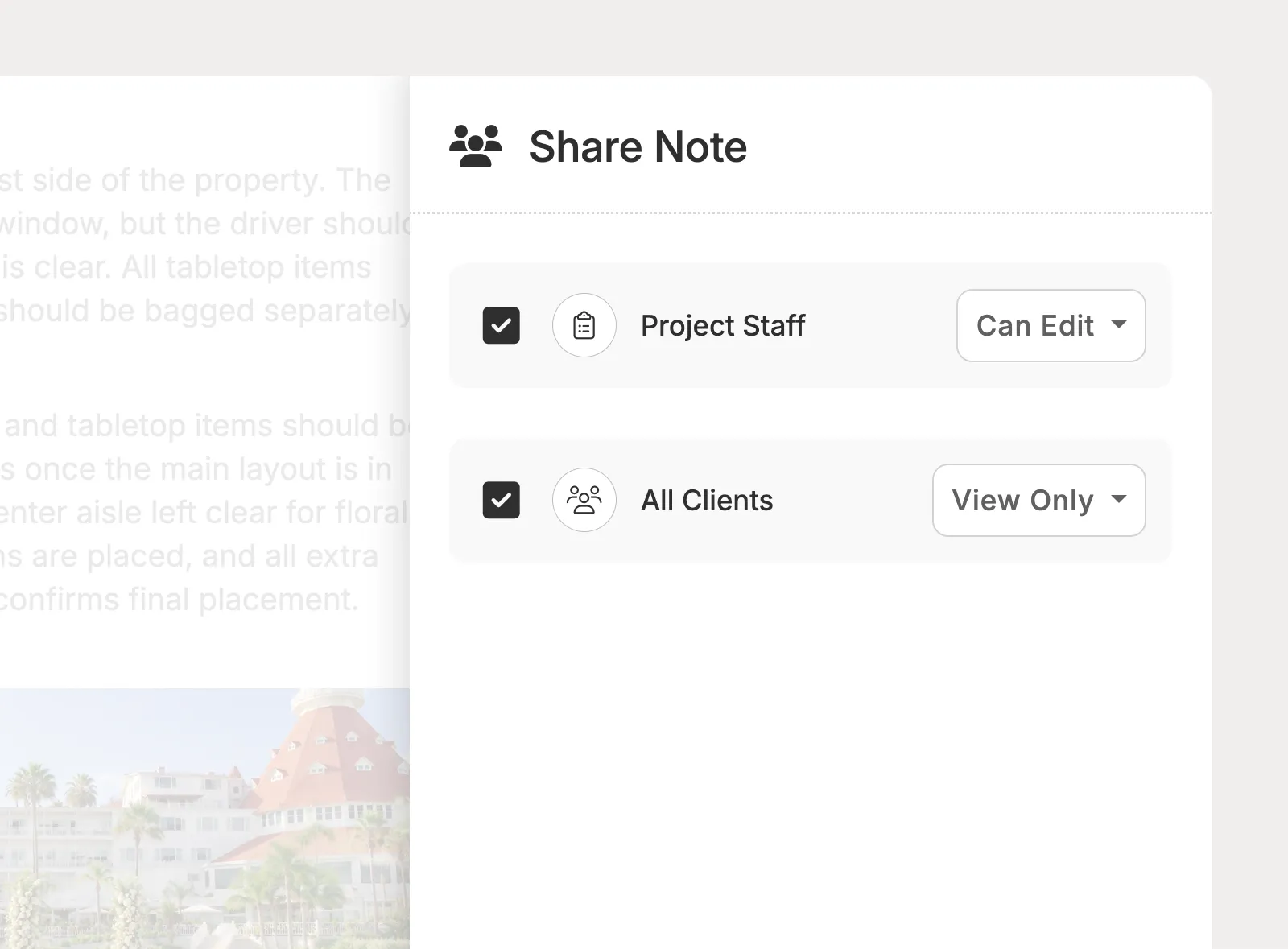
Keep notes private, share with team members, or make them available to clients in the portal with view-only or editable access.
I love having everything in one place, and it provides a fantastic experience for my clients.

Planpage has a clean design, it's easy to use, and the customer service has been outstanding.

Planpage enables our team to operate efficiently and give clients a more polished experience.