Present your packages, upgrades, and add-ons in a quote clients can review and approve. Without the back-and-forth.

Create quote documents for pricing that is not fixed yet. Show what is included, offer choices and add-ons, and let clients approve the final selections before the quote moves into the invoice workflow.
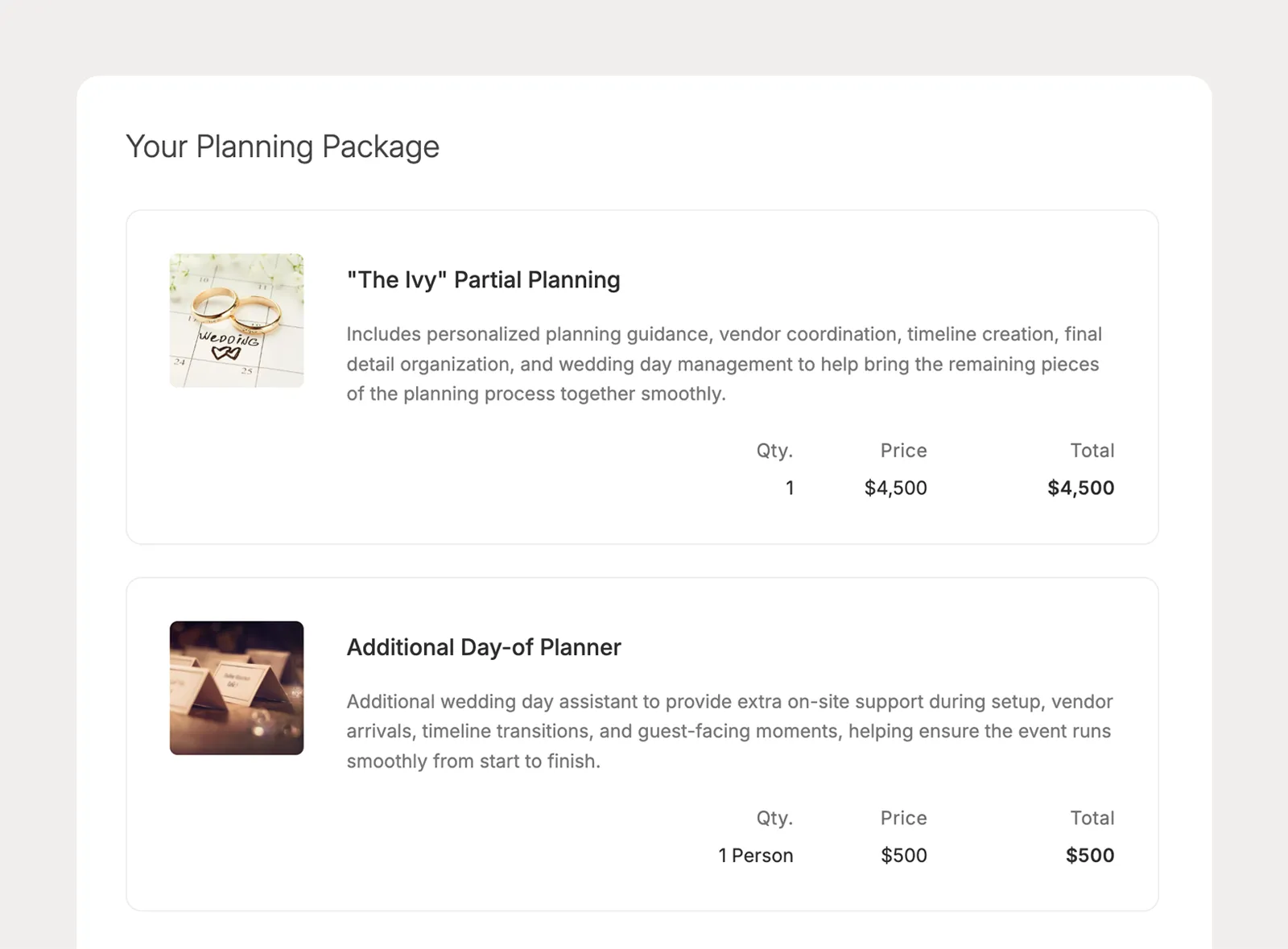
Build quote sections for the services already included in the price, so clients understand what the package covers before they choose any optional items.
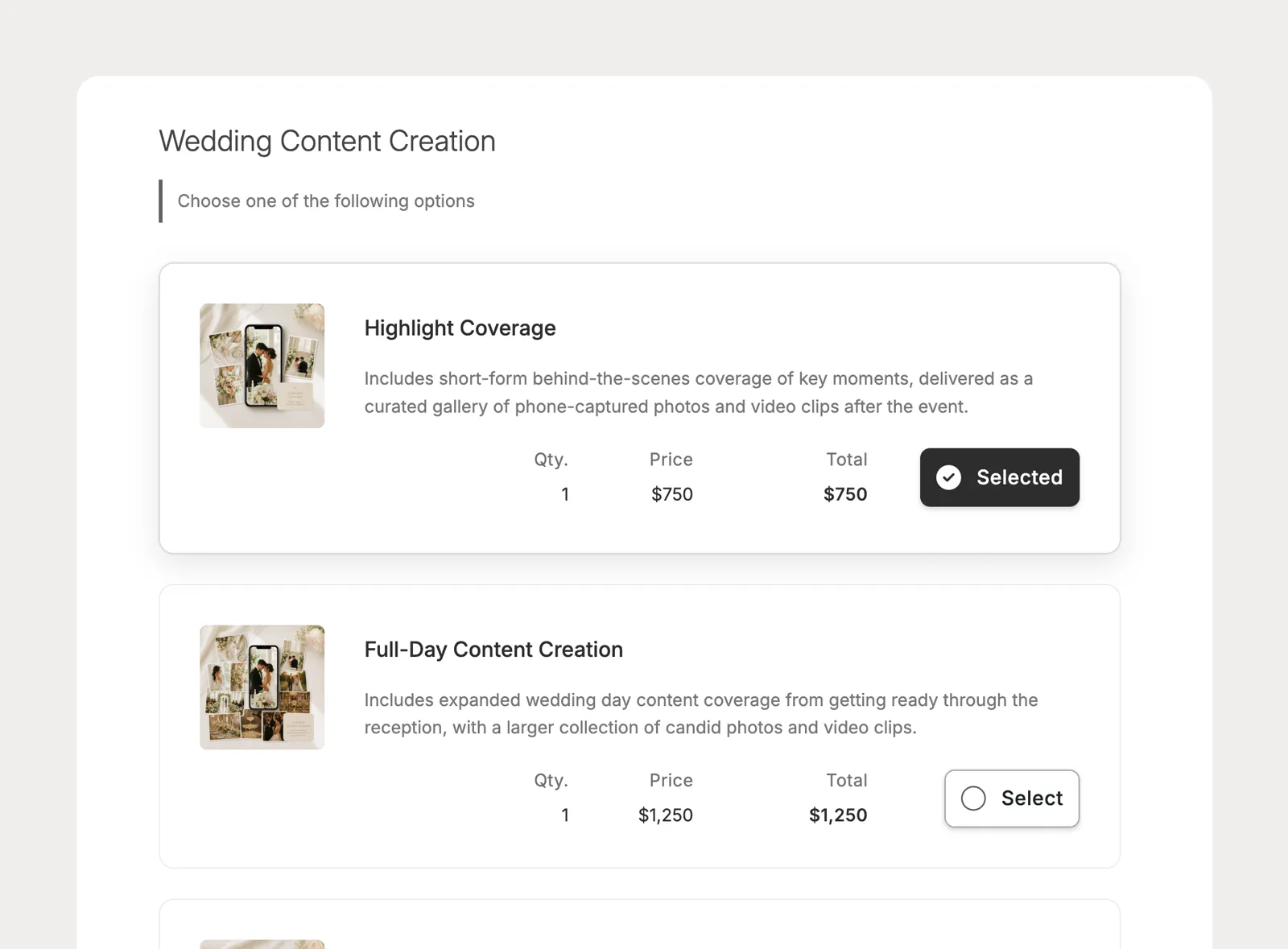
Create quote sections where clients choose one option from a set, making it easy to present package levels, service tiers, or mutually exclusive choices.
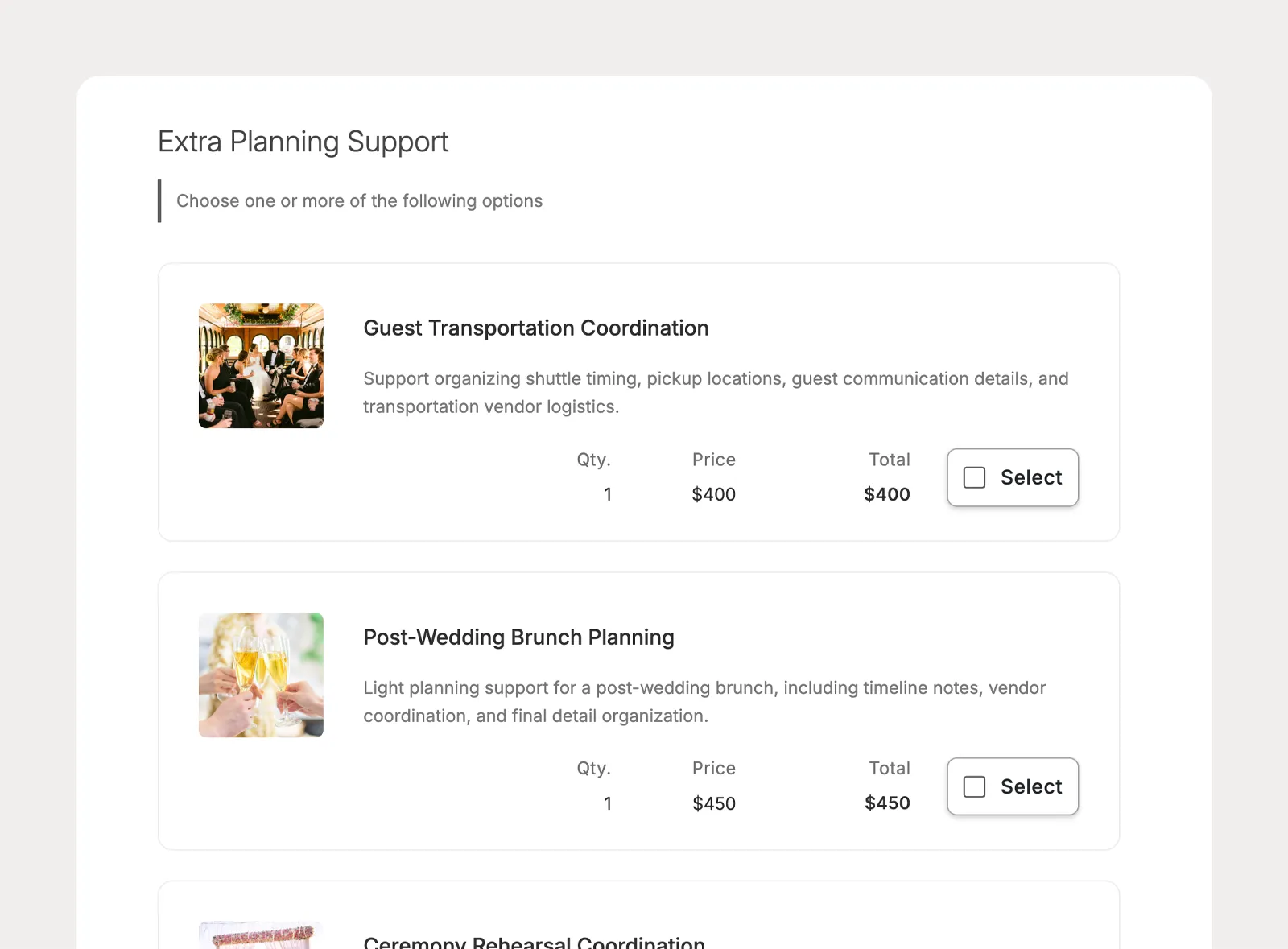
Let clients choose more than one item from a section when you want to offer add-ons, extra services, or flexible upgrades that change the quote total.
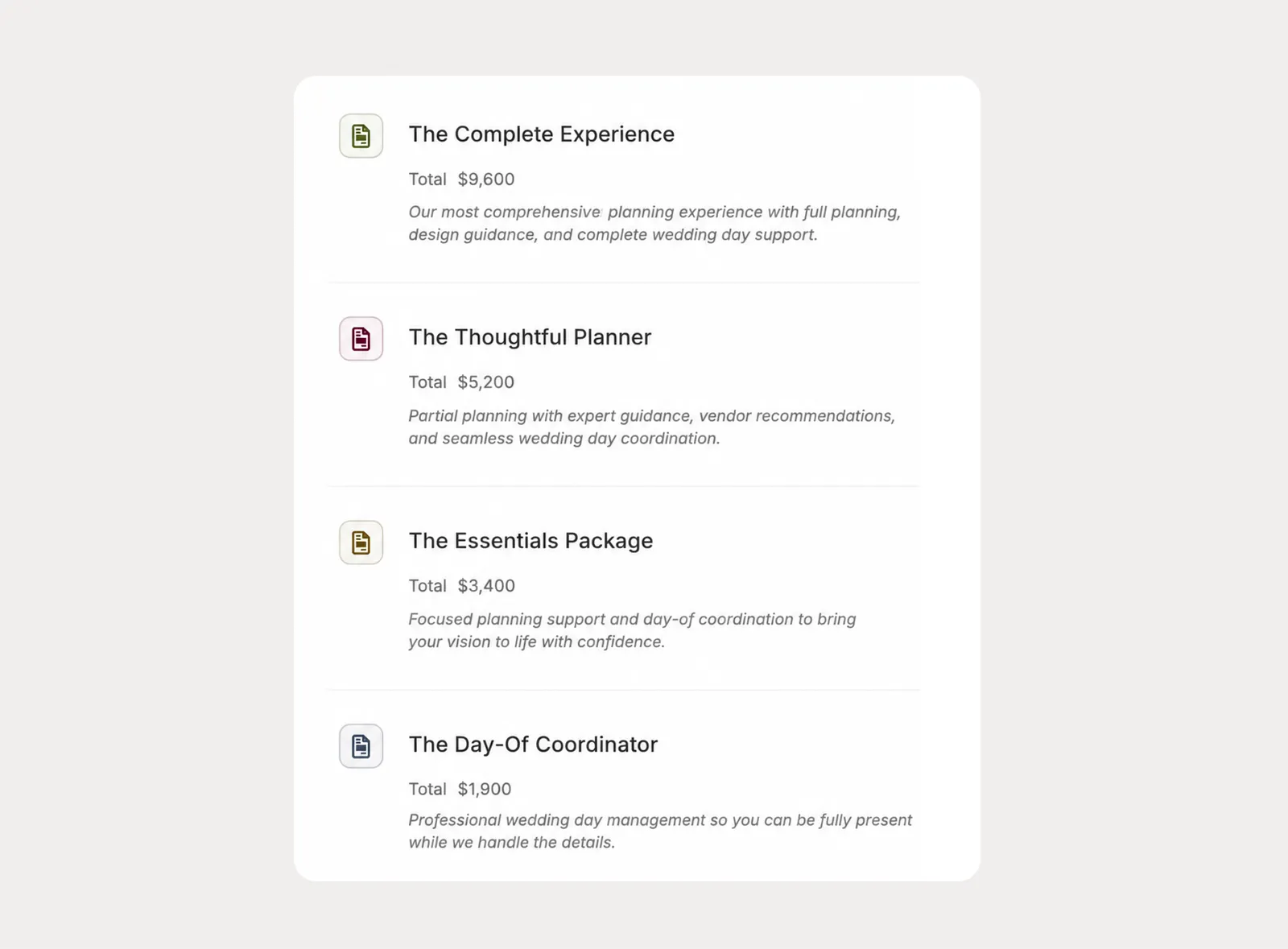
Create company-level quote templates for the pricing structures your team uses often, then apply and customize them for a specific lead, project, or proposal template.
Send quotes to clients without requiring portal access, control how long approval stays available, and keep the path from client selection to invoice clear.
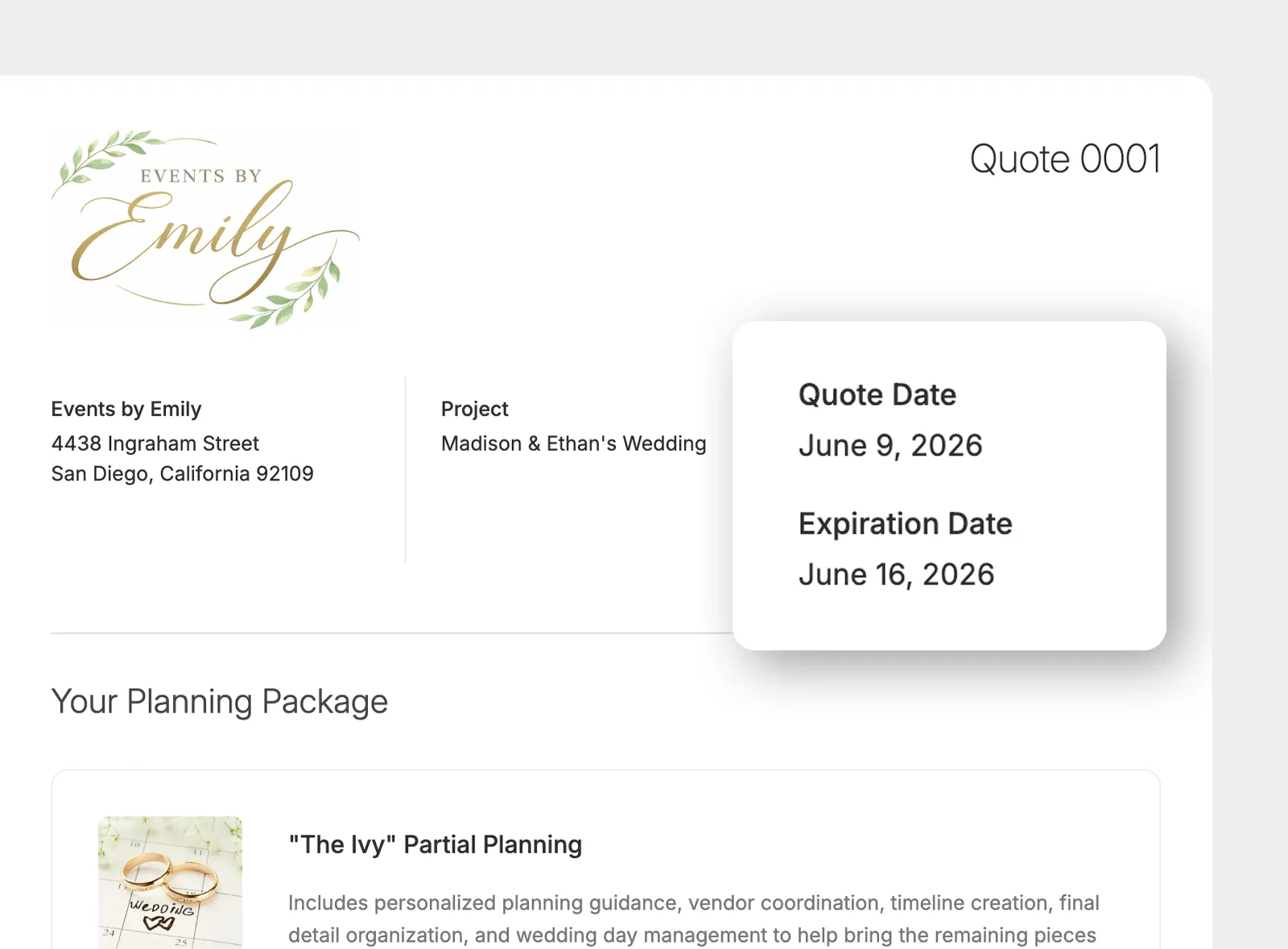
Add an expiration date when pricing, availability, or package options should only stay open for a limited time. After expiration, clients can no longer approve the quote, while planners can still adjust the date.
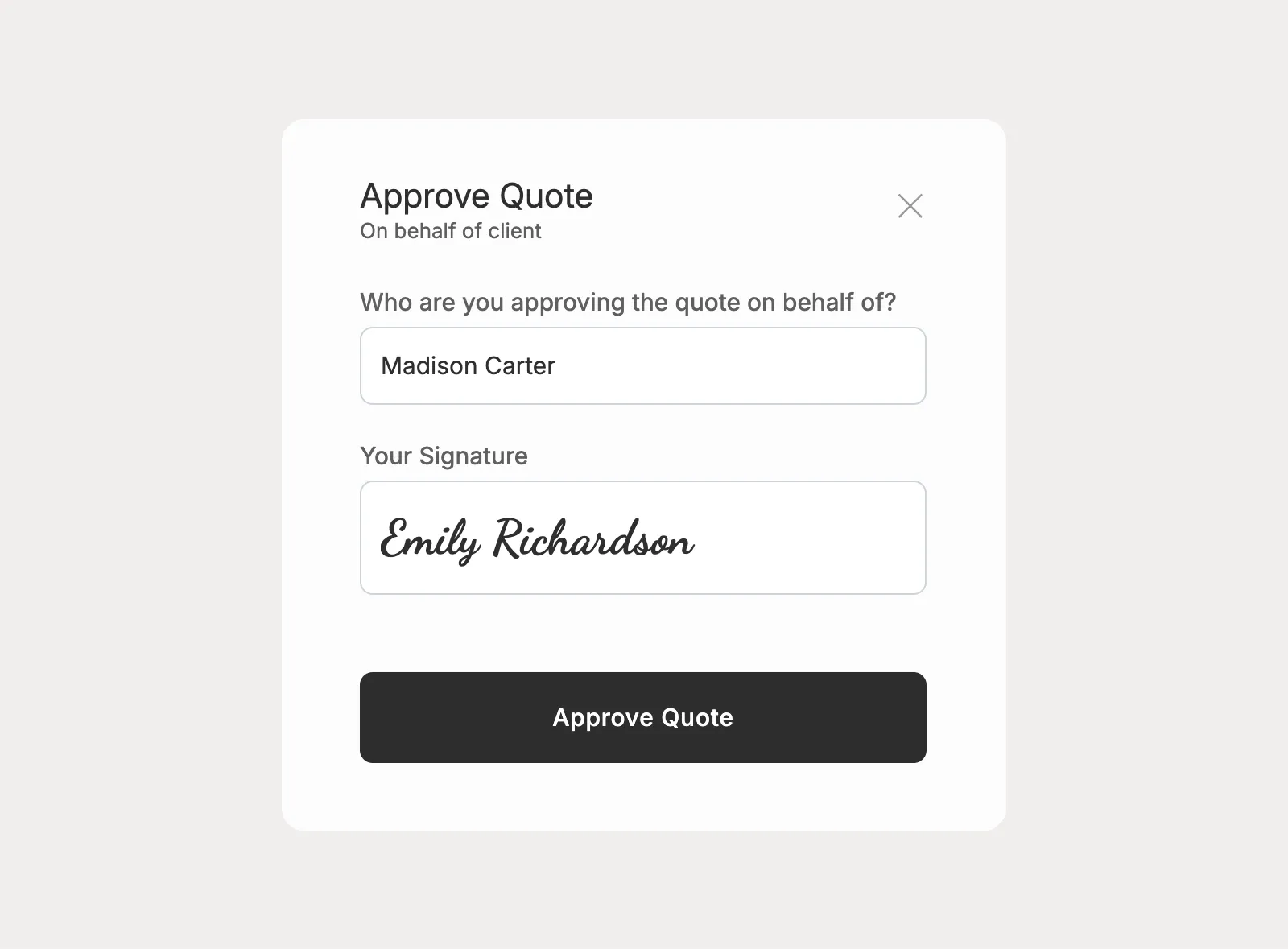
Clients can approve the quote selections, or planners can approve on a client's behalf when needed. Approved quotes can then move into the invoice workflow with the selected items carried forward.
I love having everything in one place, and it provides a fantastic experience for my clients.

There's so much value with Planpage, and the customer support is fantastic.

Planpage has a clean design, it's easy to use, and the customer service has been outstanding.